Children need to interact differently at every age
Children’s developing abilities and their expectations vary enormously with age. We split them into 4 groups: 3-5, 6-8, 9-12, and teenagers aged 13-17. The BBC, in fact, created personas for the CBBC site redesign (opens in new window) that lay out how children’s expectations, needs and abilities differ from one group to the next.
Once past the infant and baby stage, the under-5 needs to engage with the world through all five senses. Language takes up more and more space in their life as they start to describe and make sense of what’s around them.
Around 5 or 6, they begin to categorise, but also to make connections and count, and to imagine and picture situations or objects while playing make-believe.
Between 6 and 12, the primary-school years, a child’s cognitive abilities develop further, attention in particular, along with other executive and intellectual functions (opens in new window). They copy what they see and hear, and their parents have a strong hold over how they think.
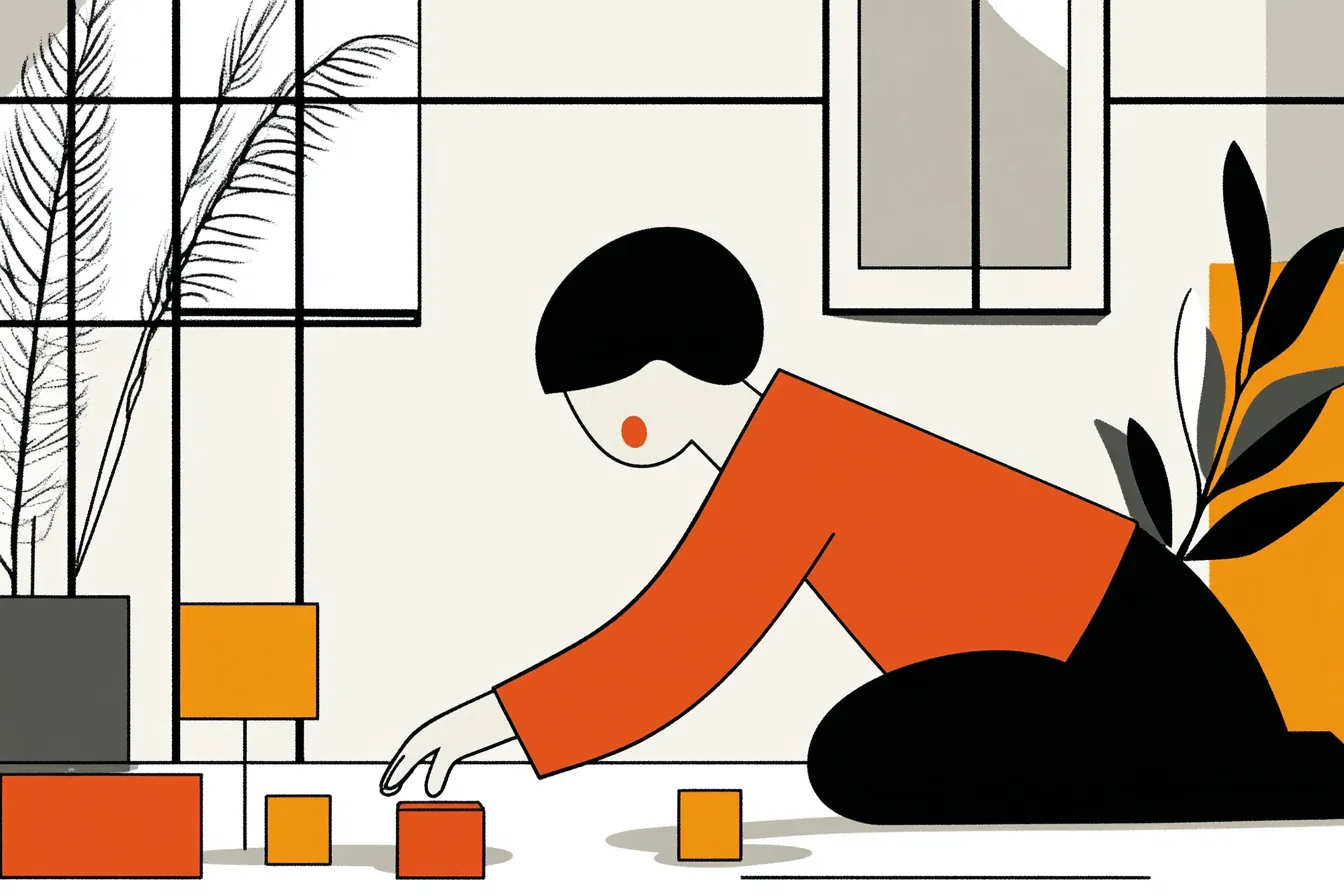
What about adolescence?
From 13 on, things shift: children start forming their own theories about politics, culture and the rest. It’s the age of grand ideals. This is usually when they develop interests of their own. Hypothetico-deductive thinking kicks in too (what if, then…). And they begin feeling their way through life by trial and error. Find out how to make digital education easier for teenagers and their parents.
That said, their brain isn’t quite done maturing, and the grey matter keeps changing. That goes a long way toward explaining the emotional and behavioural swings you still see in teenagers, which sometimes spill over into violent outbursts and impulsive behaviour.
So it’s essential to factor in what children can do if you want to understand how they behave and how they use things.
4 keys to a successful experience and interface
Some of the ways children behave shape what’s possible when you design an interface. These constraints need to be built into the experience and interface design from the start, to keep children satisfied and entertained. To improve your users’ experience, we’d recommend looking into our user tests to understand how they behave.
A simple experience
Children are very sensitive. They can lose patience, burst into tears, or even break something over a failure or a misunderstanding. You have to allow for that sensitivity if you want to offer a simple experience. Staying focused for long is hard for them. Their attention, visual attention especially, is something to plan around. The human brain is built to respond fast to whatever stimuli come its way, but it can’t respond to them all at once: it holds one main thing in memory and works through stimuli one after another. So don’t ask too much of your user’s brain; give them an intuitive interface.
A fun experience for children
Building something educational? Then be careful to balance learning with play. Fun is essential when teaching children, otherwise they get bored and lose interest. To pull that off, pay close attention to feedback. Whatever a child does should produce a change on screen, or a reaction, sometimes a noisy one… much to the parents’ despair.
Children’s appetite for fun knows no limits. So you can also offer a multi-device or multi-touch experience to play with friends, or even an augmented one that mixes in real objects, the way Marbotic (opens in new window) did, building apps that pair the digital experience with wooden objects.
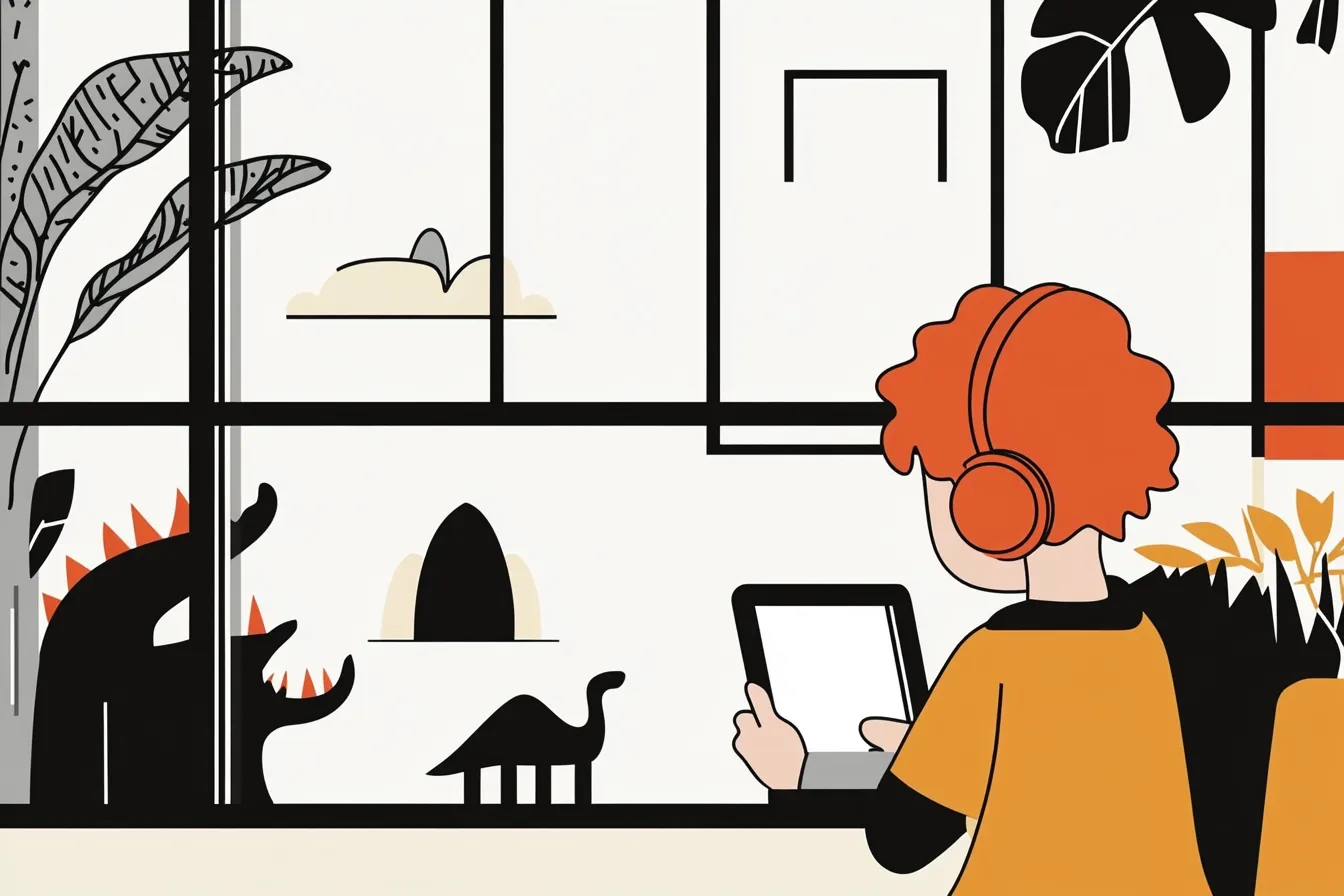
An appealing interface
Children respond to images more than to words. Skip the labels under your icons and go for images with strong affordance, ones that clearly stand for the function you’re using them for. The interface has to grab the child at first glance and spark their curiosity, and it has to keep doing so right through the experience. Unlike interfaces built for adults, ones meant for children should be colourful, with large text and images.
Navigation that fits
Children navigate interfaces differently from adults, touch screens above all. Their gestures are rough but instinctive: they fall back on the moves they already make every day (pointing, pinching, drawing, and so on). You have to watch how a child gestures to keep a touch interface as intuitive as possible. For more on designing ergonomic interfaces, see our page on ergonomics and UX research.
“Children more frequently perform gestures with more than one finger, using two or even five fingers, compared with adults.” from a University of Florida report on “Children’s and adults’ gestures on touch tables and walls in a science centre.”
On top of that, navigation that fits also means an experience that’s safe for the child. Children are curious; they’ll go everywhere it’s possible to go. So if the interface is meant for both children and parents, it’s important to lock down the parts that need it.
Wrapping up on interfaces for children
As new technologies grow, and virtual reality and augmented reality in particular take off, you start to wonder where the usability limits will lie for children, the youngest ones especially. Discover our approach to eco-design and ecological design for more sustainable interfaces. And you, what do you think? Have you ever helped design an interface aimed at children?