So what exactly is Webflow? 🤔
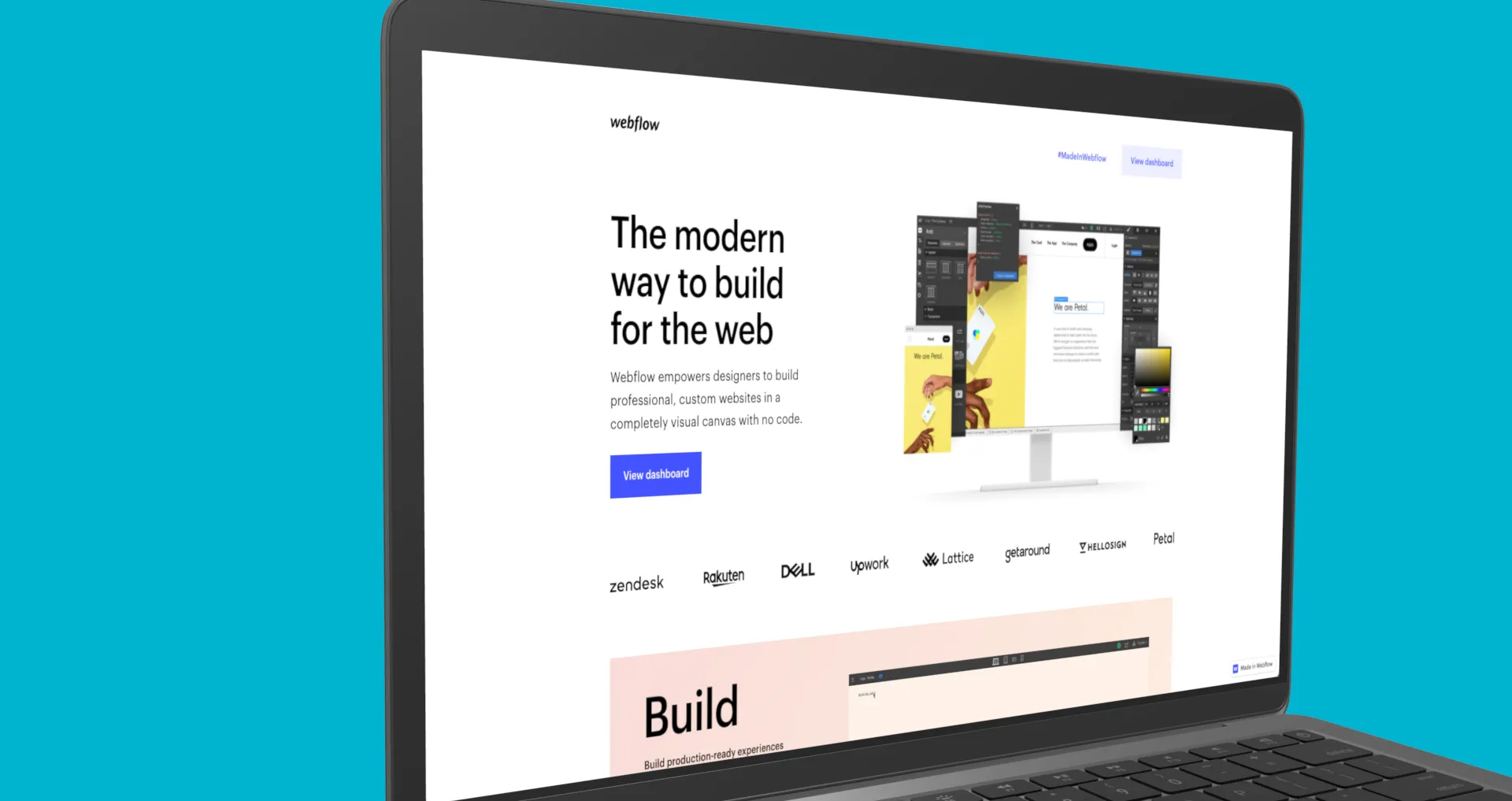
Launched in 2013, Webflow (opens in new window) is a “drag-and-drop” tool that lets you design websites without writing a line of code. The platform aims to be professional and to respect accessibility standards, W3C requirements, SEO standards, responsive standards and e-commerce standards. The real plus? You don’t have to be a web development expert to get to grips with the tool (although it can sometimes be useful, more on that below).
Unlike some similar platforms (Bubble (opens in new window), Weebly (opens in new window), Elementor (opens in new window), and so on), Webflow is aimed at digital professionals keen to reduce the time or cost tied to the development and integration of their websites.
Why try Webflow? 🖥️
We’d heard a lot about it around us, so we decided to take the plunge.
After several weeks of use, we listed the positives and negatives of the platform. Of course, these reflections are subjective and are tied to our internal needs and skills.
The positives 🔥
Responsive
Responsive is handled automatically and simply, which saves a lot of time. It’s still important to check the various breakpoints, as some elements may not properly adapt to the screen size.
💡 Tip: make sure to build your structure properly from the “Base breakpoint” phase, you’ll save a lot of time later during the responsive phases.
Personalisation
Webflow lets you build and personalise your site, even starting from a base provided by the platform. Depending on your needs, you can adapt a template to your brand guidelines, or start “from scratch” to put in place your own design.
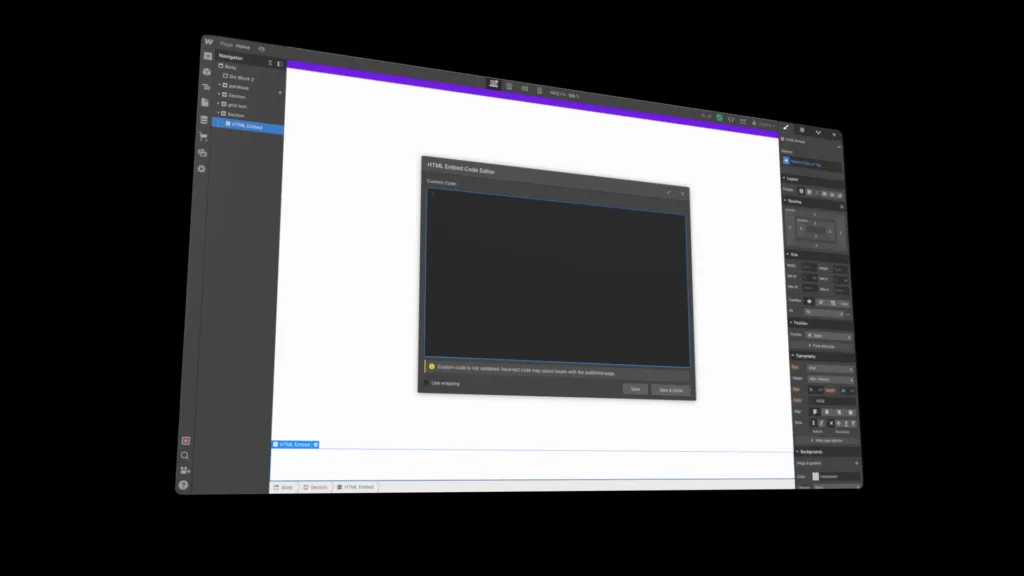
💡 Worth knowing: if you want to push personalisation further, it is perfectly possible to add lines of code. First, add the “embed” element, then paste your lines of code and group this component with the element you want to personalise.
SEO
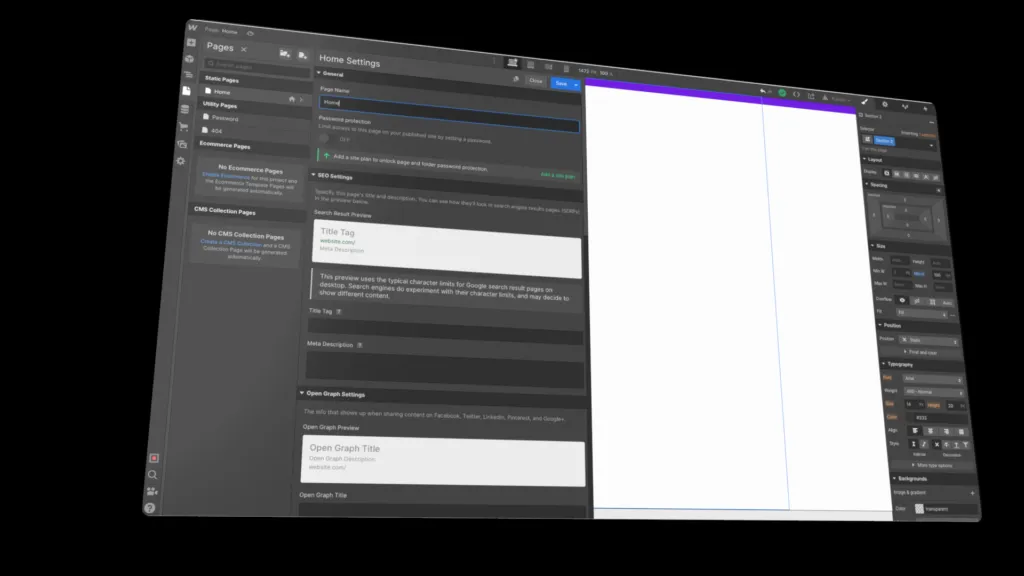
Several elements will let the site be properly indexed, while you can also use the usual SEO features.
🔎 A few examples: since the design is responsive, the site is automatically marked as “mobile friendly”; you can optimise meta titles and descriptions, manage 301 redirects, insert keywords into headings, and so on.
E-commerce
Of course, it is perfectly possible to sell physical and digital goods through your site. Setting up a CMS helps organise and classify products and can be easily enriched. Marketing tools are quickly integrated (Google Analytics, and so on).
Around 500 templates (opens in new window) are available. Most of them are very nicely designed and follow the 2021 trends. Be careful, the majority of these templates are paid.
💡 Worth knowing: Webflow also lets you personalise the receipts and notifications sent by email.
Resources
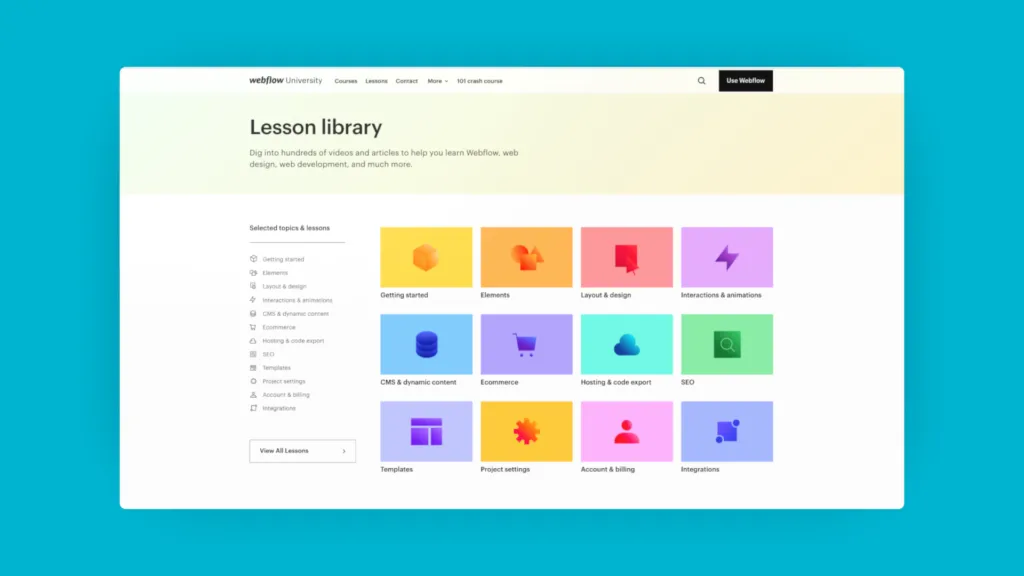
A lot of resources are available to help you discover the platform, learn and solve the problems you come across. You can refer to: Webflow University (opens in new window), their forum (opens in new window) where people are very responsive, as well as other YouTube (opens in new window) videos with examples that go beyond the basics.
Easy to get to grips with
If you are comfortable with design software and have some basics in front-end integration, you’ll have no trouble getting to grips with the tool.
Free offer
And with no time limit. That lets you try out and discover the platform to form your own opinion, before moving to a paid plan if needed.
👌 A real plus: no visible adverts on the site, even on the free version.
Publishing your site in one click
By clicking at the top right of the interface, you’ll see the publish icon. Choosing Webflow hosting means you don’t have to worry about your traffic demands or page load times, since the infrastructure is based on major cloud providers (Amazon, for example). A CDN and SSL certificate are directly built in, at no extra cost.
A free hosting option is available, but the URL will include the Webflow.io domain. For a custom extension (.fr, .org, and so on), you’ll need to switch to a paid version.
Animation and interaction
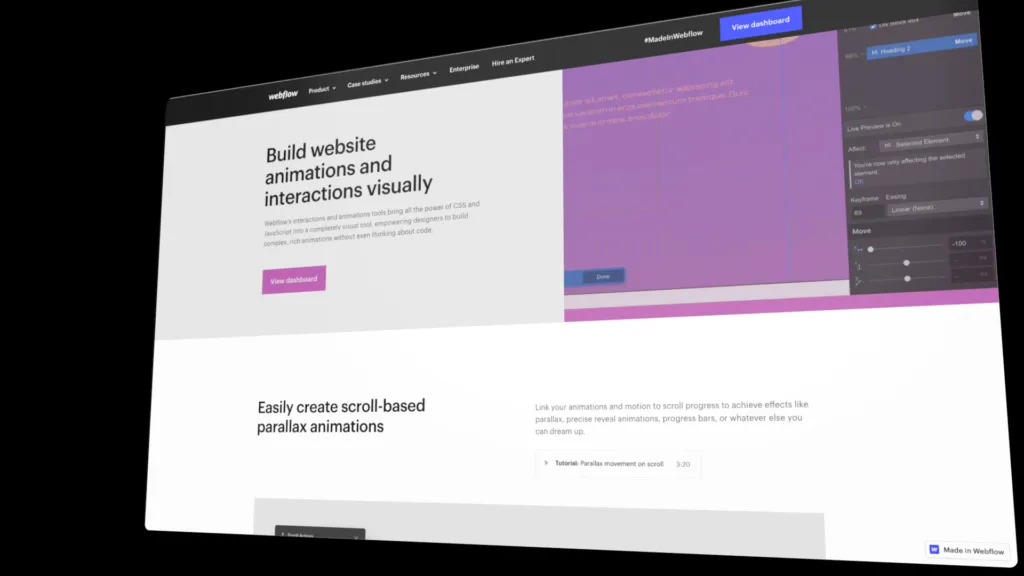
Here again, several options. Either you decide to bring in your own animations made with After Effects (opens in new window) or Lottie (opens in new window) by directly adding a block from the “add” section. You can also create your own micro-animations through the last tab on the far right. A few possible examples: a zoom effect on a title, an element moving along with the mouse cursor, playing with opacity, and so on.
The downsides 😒
Not really suited to beginners
While it is perfectly possible to learn through the tutorials, the platform is essentially aimed at professionals. Without knowledge of design software and front-end integration, it’s fairly tricky to fully take ownership of the interface and understand all the elements.
💡 Tip: even if you’re a digital professional, we strongly recommend watching the various tutorials to get familiar with the interface. The documentation is very rich and a training session beforehand helps you feel more comfortable, and above all teaches you the little methods that speed things up.
Interface compatibility
If you work on Firefox or Edge, you may run into blockers when opening the site building interface. You’ll be invited to connect from Chrome.
👉 For context, Chrome is used by 58% of French internet users in 2021.
E-commerce interface still incomplete
Today, the e-commerce part offered by Webflow is still missing features. For example, it is not yet possible to bring in discount codes, abandoned cart recovery or downloads of digital items.
💡 Tip: take the time to think through your offer if you want to launch an e-commerce site. Webflow is perfectly suited to a small-scale e-commerce site without too many advanced features.
Limited personalisation
As mentioned in the previous section, personalisation has its limits. If you want a less conventional design, you’ll very likely have to go through the “lines of code” route.
👉 Keep in mind that the learning curve still takes time. Don’t expect to build your site in just a few hours on your first login.
Only in Shakespeare’s language
The interface is entirely in English 🇬🇧
Note that support is only by email, and also in English.
In conclusion
To wrap up the various points raised, Webflow is a very advanced no-code website creation tool. The personalisation and the construction of a site are very complete, covering everything from SEO tags to accessibility notions. That said, in order to fully take advantage of all the features offered, keep in mind that the platform requires knowledge of design software and some basics in front-end integration.
Webflow still has some progress to make, notably on the e-commerce side as well as on the choice of languages offered (currently everything is only in English).