


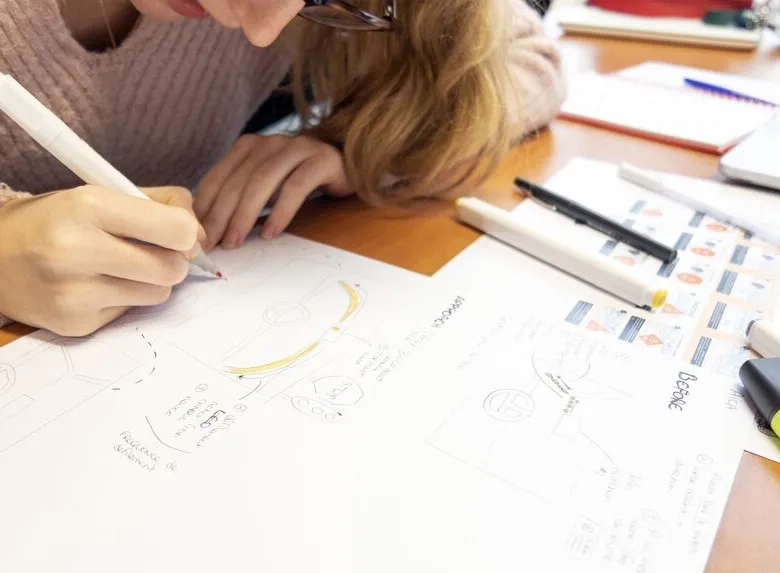


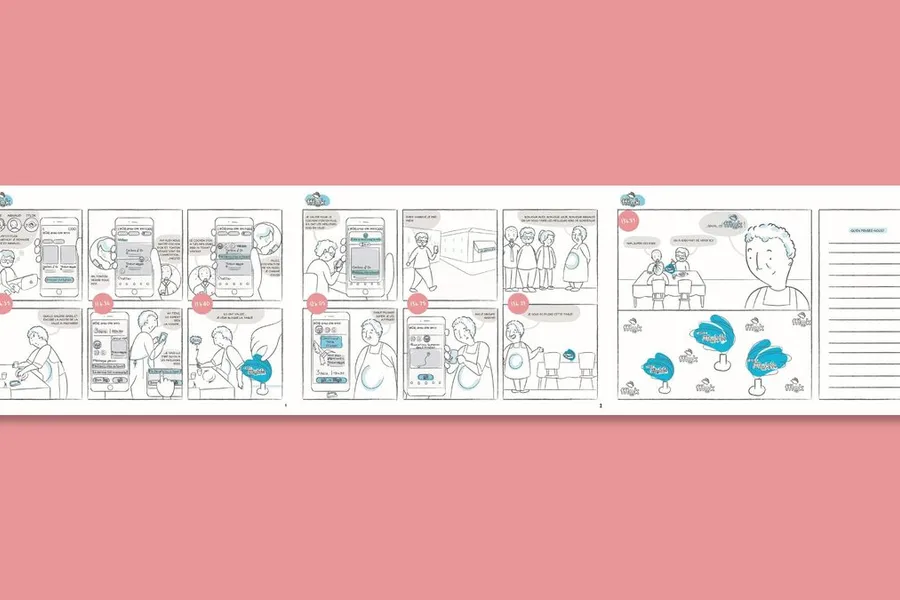
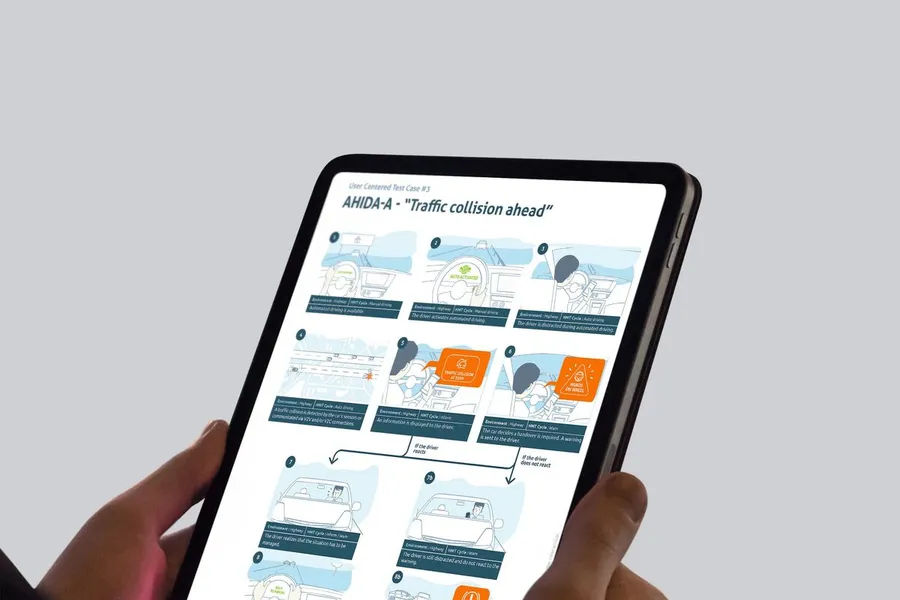
The storyboard, much like in film or animation, is a tool that UX designers use to help map the user experience of a product or service. It gives designers an overview and surfaces potential problems or areas for improvement. The storyboard can also be used to communicate the design to stakeholders and gather their feedback. Creating a storyboard is a crucial step in the UX design process, because it lets designers think through the user experience from start to finish and surface any potential issue. It also helps designers communicate their ideas to stakeholders and get feedback on the design. If you're working on a UX project, creating a storyboard is an essential piece of the UX design process.
01
The scenario
To start, you need to define the main scenario of the storyboard. That lets you focus on the narrative and the ideas you want to illustrate. Thinking about the text before starting to draw nudges you to focus on the important concepts rather than the visual rendering.
02
Journey steps and interactions
Next, you bring in the interactions and how they're sequenced, while accounting for how the user feels. The storyboard highlights the situation the user is in, what they feel at each step, the problem they face, and the response the product or service provides.
03
The frames (or the speech bubbles for comic-book fans)
It's only after this preparation that each step turns into an illustrated frame. You can leave a comment below each frame to give more context, or show the character's thinking with speech bubbles. From there, it's about moving on to the more "design" side by adding details, colours, textures and so on, to make the storyboard as immersive as possible.
Even though it is more pleasant and easier to get ideas across with a deft pencil stroke, "stick figures" and text annotations let anyone get started on creating a storyboard. Substance matters more than form.
A storyboard is there to describe, in a sequence, the standout moments you want to illustrate. It is therefore an excerpt of an experience. A storyboard is sometimes used to describe one particular stage of a journey map.
In ideation, to explore a service concept and put it to a team before designing anything. In specification, later on, to frame the sequence of a specific interaction before mockup work. The two uses share the same name but look nothing alike: the first stays deliberately rough; the second demands rigour about states and transitions.
Yes, and it is one of its lesser-known uses. Showing a sequence of frames to a user lets you gather reactions to a scenario before a prototype exists, which works well remotely. The feedback focuses on the situation being told rather than on the interface, avoiding premature comments about colours or buttons.
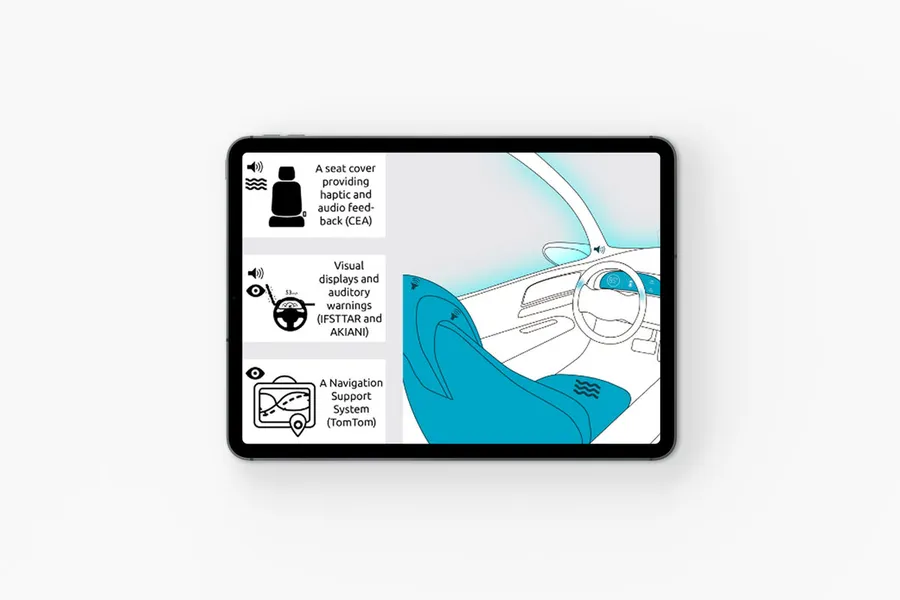


Drawing on collective intelligence, these workshops align stakeholders and surface solutions with the team and/or the end users.
Read more about Co-designA site map of a website or app reflects the hierarchical, logical way its pages and features are organised. Proposing a sound site map means choosing a categorisation that fits the mental model users already have.
Read more about Site mapThe user flow is a visual representation that models the paths a user can take when going through a site or an app.
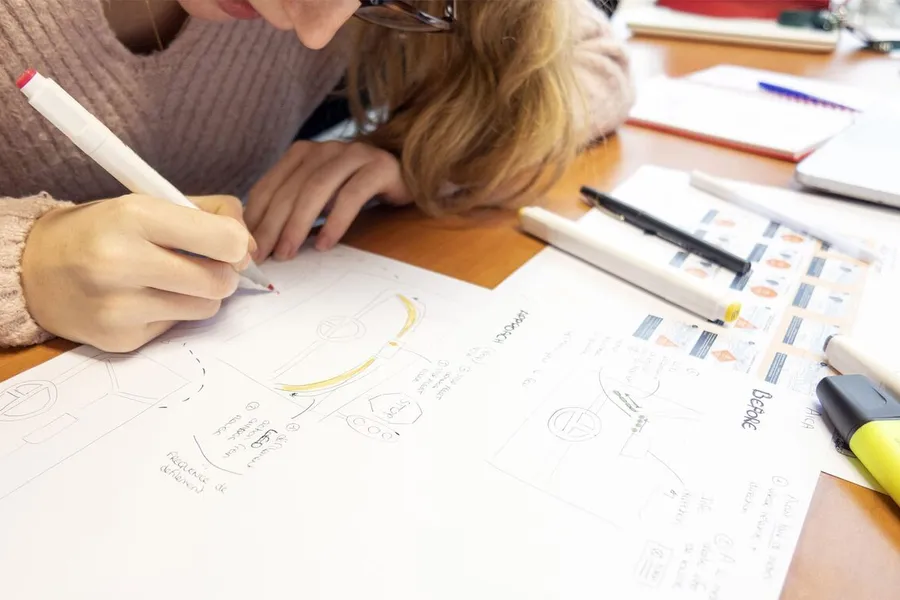
Read more about User flowSketching is a technique for creating interfaces as drawings, most often by hand. It is often used in co-design workshops.
Read more about SketchingA mockup with no graphic elements, describing the zones and essential components an interface should contain.
Read more about WireframeThe user journey breaks a process down into steps to surface user needs and expectations for a given goal.
Read more about User journeyUX mapping represents a concept or a problem in a simplified form, to make it easier to understand and take ownership of.
Read more about UX mappingThe experience map focuses on the visible part of the experience: what a user goes through with a service or product, before, during and after.
Read more about Experience mapEveryone talks about user experience, service design, ergonomics...
It's not always clear, and you'd like to find out, or sharpen what you already know.