


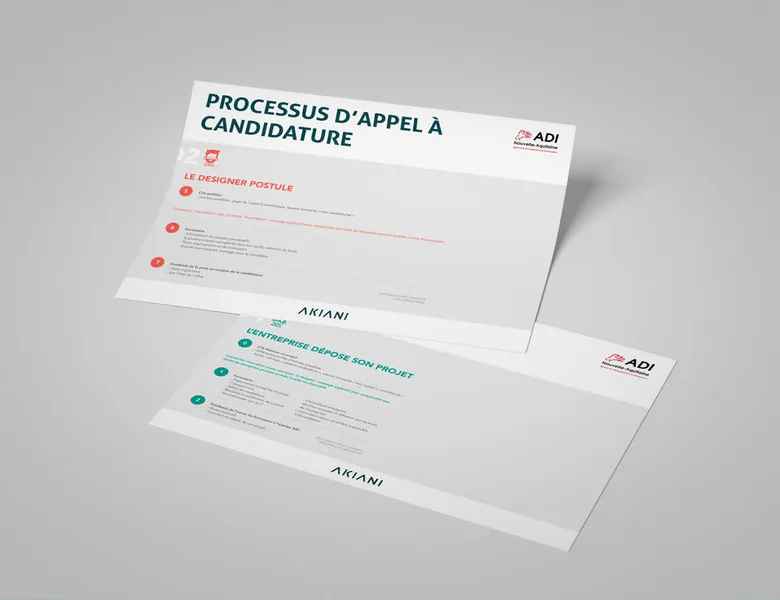


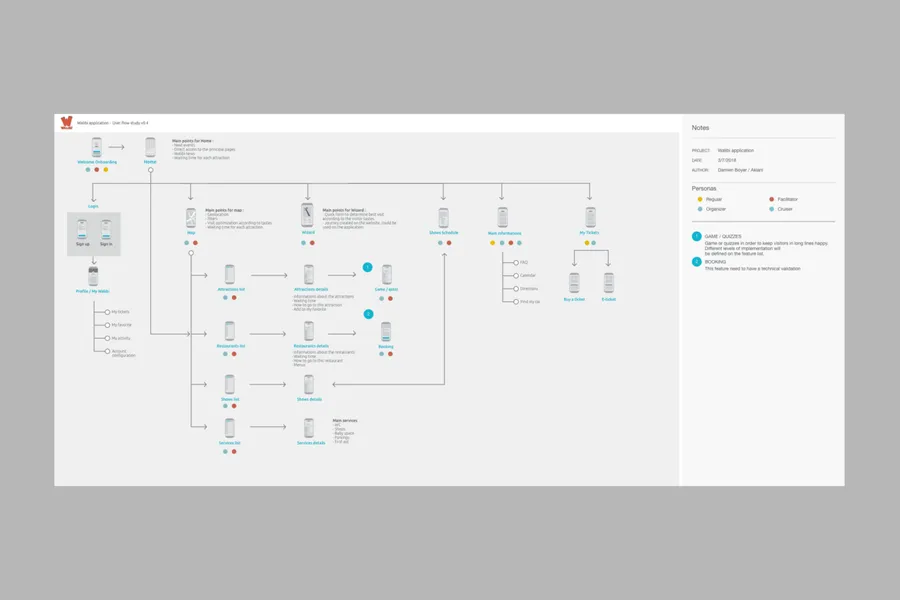
When going through a site or an app, a user can take different paths. The user flow is a visual representation that models the paths possible across the various screens and steps. It surfaces the specific navigation needs of different user profiles. The representation starts from an entry point (such as a site's home page, the tutorial part of a mobile app, and so on) all the way to the final action (a purchase, the creation of an account).
01
Knowing the goals and needs of the target users, and the possible blockers along the journey (interview data, user-testing data)
02
Building the user flow skeleton by mapping the journey (screenshots if an interface already exists, or wireframe mockups if newly created)
03
For each step of the journey, detailing what the user must do to complete the action and the options open to them
04
Testing and optimising based on the navigation scenarios identified
1/ We design the interfaces in greyscale (without visuals) to work on the placement of information (low-fidelity mockups): wireframes.
2/ We run user tests in the street using a prototype.
3/ An iteration workshop is held to gather your feedback.
4/ We consolidate the screens based on the feedback.
The user flow is a top-down view: it shows how screens follow one another and which decisions guide navigation. The wireframe is a front-on view: it shows what a given screen contains. Flows are designed before the wireframes, to check the navigation logic before going into the detail of the screens.
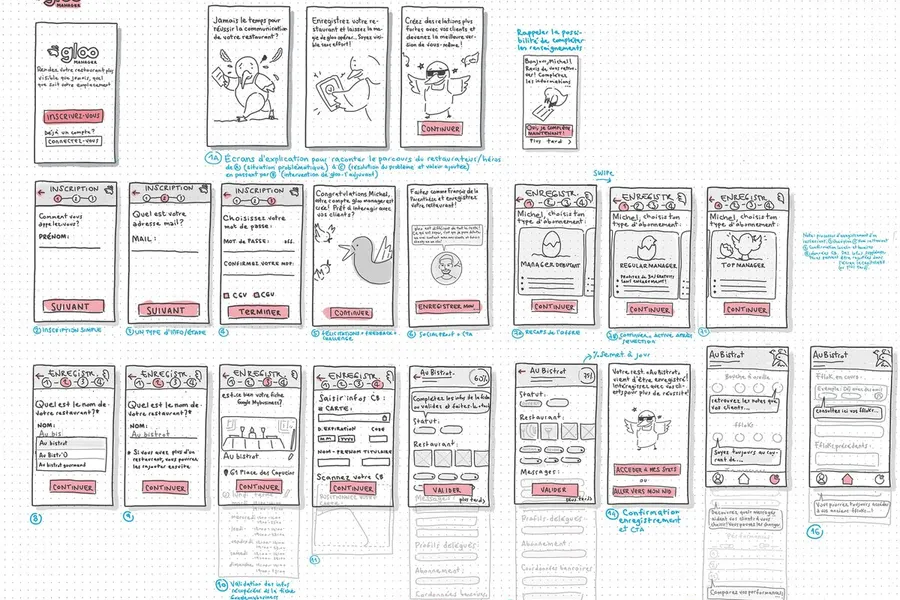
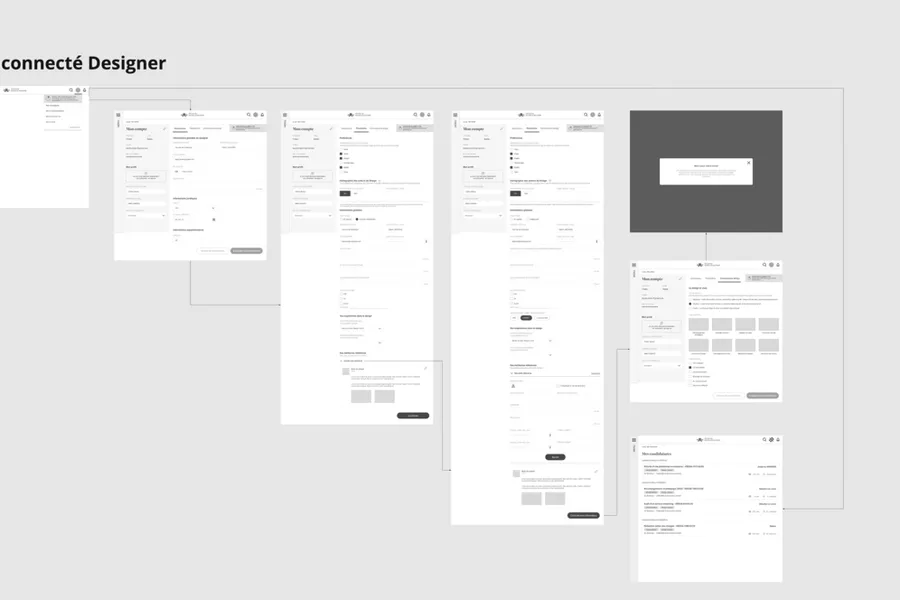
The user flow describes a journey at product level, with its branches and its alternative paths. The task flow follows a single, linear task, with no decision to make. The wire flow replaces the boxes of the diagram with the corresponding wireframes, which shows the screens at the same time as the way they are sequenced.
Before mockup work. The user flow works on the navigation logic, not the interface, and it is there precisely to spot missing paths before investing in the detailed design of the screens. It also lets you align the technical team on the structure of the product and make sure that edge cases are anticipated: error, empty state, logged-out user.
The first test is about the alignment of the teams. A flow that does not match the reality of the product does not deserve to be taken any further. The second is run with users: you show them the diagram and ask them how they would accomplish a given task. What matters then is the breakdown into steps, the order in which they follow one another and the clarity of the information offered at each screen.
Collaborative design tools and online whiteboards are suitable, most of them offering ready-made diagram shapes. The choice matters less than the readability of the result and the possibility of sharing it with the technical team. A flow drawn by hand on a board does its job if it is tidied up afterwards.
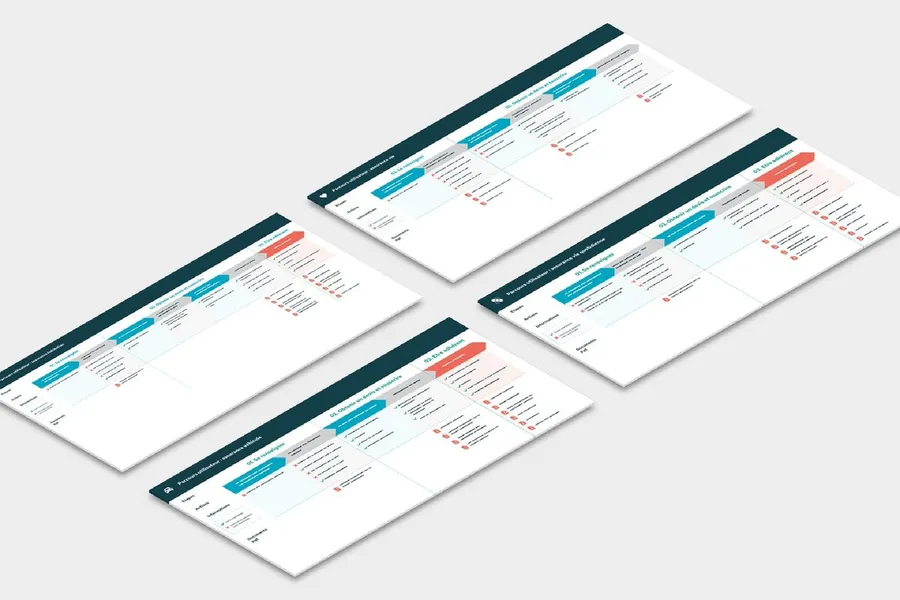


Based on collective intelligence, these workshops surface solutions with the project team and/or the end users.
Read more about Co-designA site map of a website or app reflects the hierarchical, logical way its pages and features are organised. Proposing a sound site map means choosing a categorisation that fits the mental model users already have.
Read more about Site mapBreaking a process down into steps to bring out user needs and expectations for a given goal.
Read more about User journeyA mockup with no graphic elements, describing the zones and essential components an interface should contain.
Read more about WireframeA storyboard illustrates a usage scenario in context. It is a UX tool for exploring a service idea or specifying the sequence of interactions.
Read more about StoryboardUX mapping represents a concept or a problem in a simplified form, to make it easier to understand and take ownership of.
Read more about UX mappingThe experience map focuses on the visible part of the experience: what a user goes through with a service or product, before, during and after.
Read more about Experience mapEveryone talks about user experience, service design, ergonomics...
It's not always clear, and you'd like to find out, or sharpen what you already know.