





A site map of a website or app reflects the hierarchical, logical way its pages and features are organised. Proposing a sound site map means choosing a categorisation that fits the mental model users already have. Defining the site map is a turning point in designing navigation that works for the user. Co-building it with the various business stakeholders provides an overall view of the content to organise.
01
List the content and organise it
The site map is the structure. Before organising the content, the first step is to draw up an exhaustive list of all the content and features your interface will hold.
02
Visualise the various user journeys
The site map formalises the paths users can take to reach the content they're after. It's a hierarchical, logical way of arranging pages and features.
03
Check that the information sits in the right place
A good site map categorises information in a way that fits the mental model users already have. It's worth testing it with users through methods like card sorting, to confirm the structure makes sense from their side.
04
Identify how many page templates you'll need
The site map shape will drive the type of pages the future platform will hold: news item, contact form, offer page, and so on. Doing this work upfront helps identify the various templates and where they sit in the platform. It also helps prioritise templates by site map level. For instance, the team may decide to design only the top-level pages first.
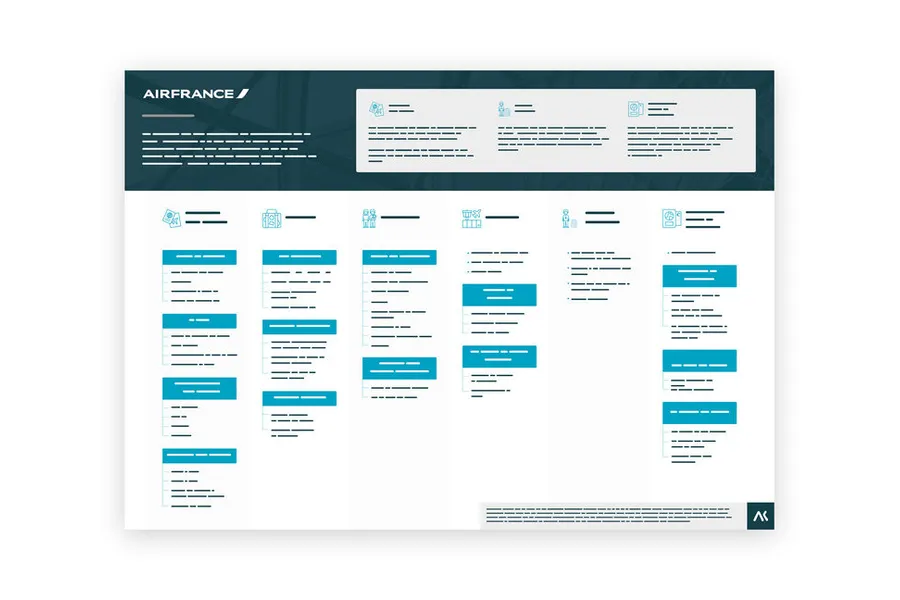
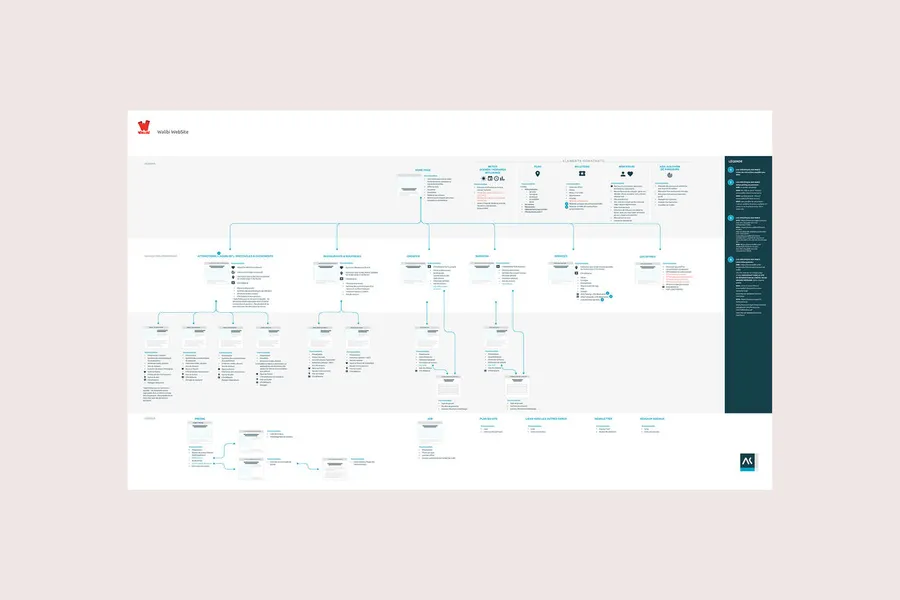
The same site map can be represented in several ways. The choice depends on the level of detail expected and on what the deliverable will be used for.
Card sorting is used to build: participants group the content themselves, which brings a categorisation to the surface. Tree testing is used to validate: you present a structure that has already been defined and ask people to find a specific item. One produces the material, the other checks that it works.
There is no universal answer: it depends on your context. In general, there are two to three levels in the main menu. Once you are inside a section, other contextual menus let you carry on navigating through the content. Depth matters as much as breadth when you work on a tree structure.
The tree structure is how the different content of a site is organised. It does not necessarily match the navigation offered in the menus. You can choose to include a page in a tree structure without it being referenced in a menu. The same tree structure can also translate into different navigations depending on the context of use, mobile or desktop.
When you map out the tree structure of a digital system, you generally arrange things so that it can evolve. The idea is to test whether a new section can be added simply. If you already have new features in mind, you need to think about fitting them in from the moment you create the tree structure.
Building a tree structure calls for real work on hierarchy and prioritisation, which means deciding between pieces of content that the business often considers all to be priorities. It also describes a structure, not usage. It does not say how users actually move around, which is what tree testing and analytics reveal once the service is live.
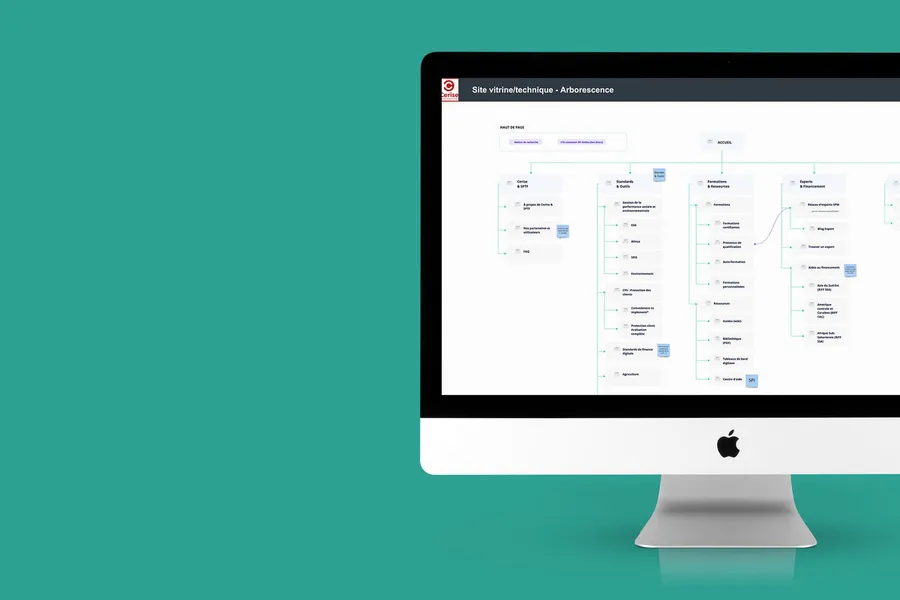
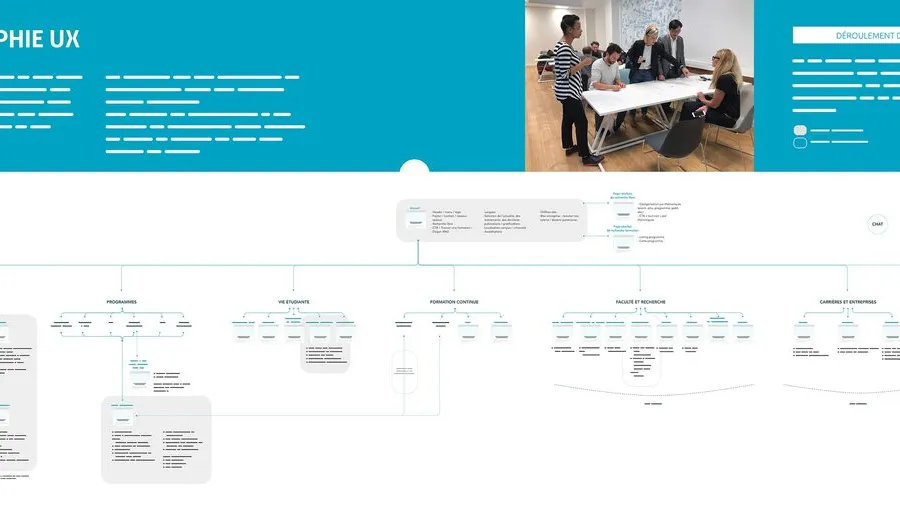
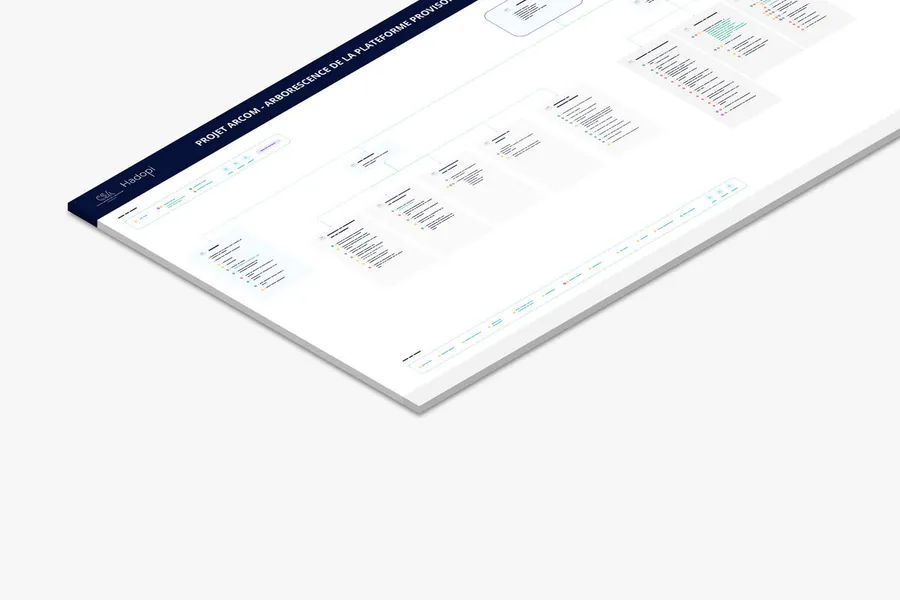
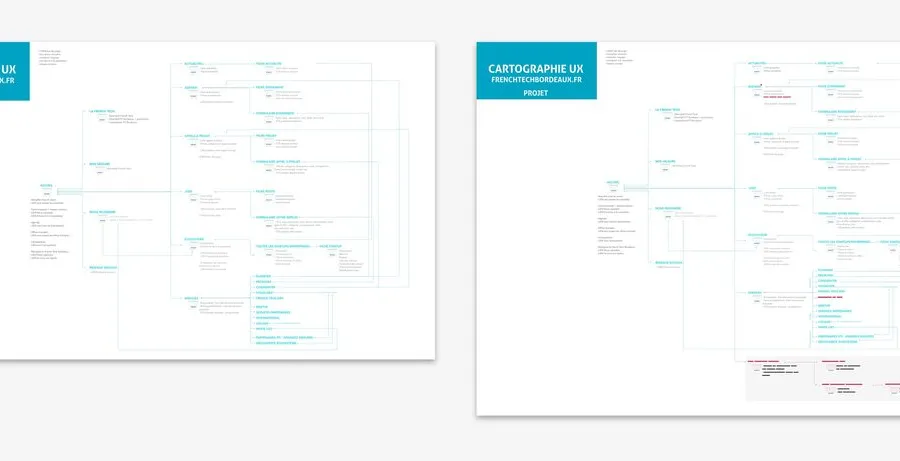




Drawing on collective intelligence, these workshops align stakeholders and surface solutions with the team and/or the end users.
Read more about Co-designUser testing has target users assess the usability of your product or service. Depending on the goals, several approaches exist.
Read more about User testingInformation architecture organises content and navigation so that users find what they're looking for. It guides interface design
Read more about Information architectureZoning is the visual representation of an interface through the placement of its simple content blocks, without detail: no text, no images.
Read more about ZoningA mockup with no graphic elements, describing the zones and essential components an interface should contain.
Read more about WireframeThe user flow is a visual representation that models the paths a user can take when going through a site or an app.
Read more about User flowThis sorting method lets users group cards into categories, in order to establish the site map architecture of a website or an application.
Read more about Card sortingEveryone talks about user experience, service design, ergonomics...
It's not always clear, and you'd like to find out, or sharpen what you already know.