


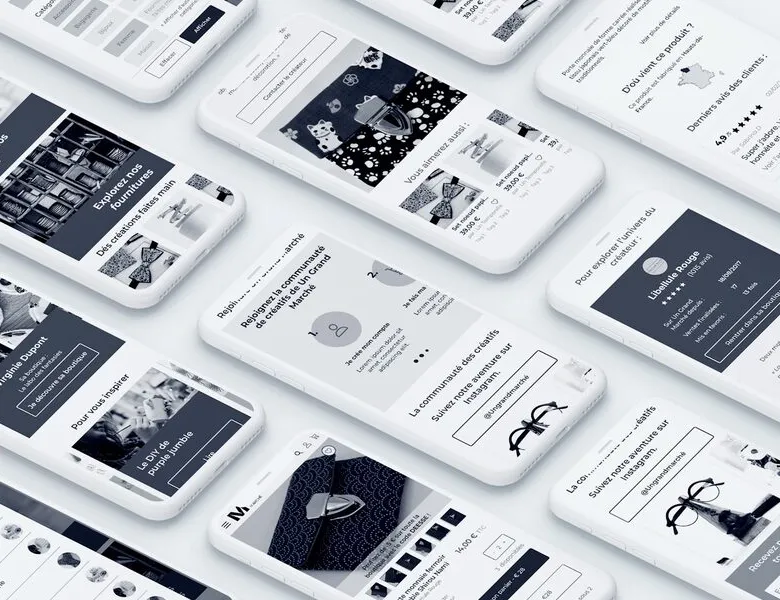


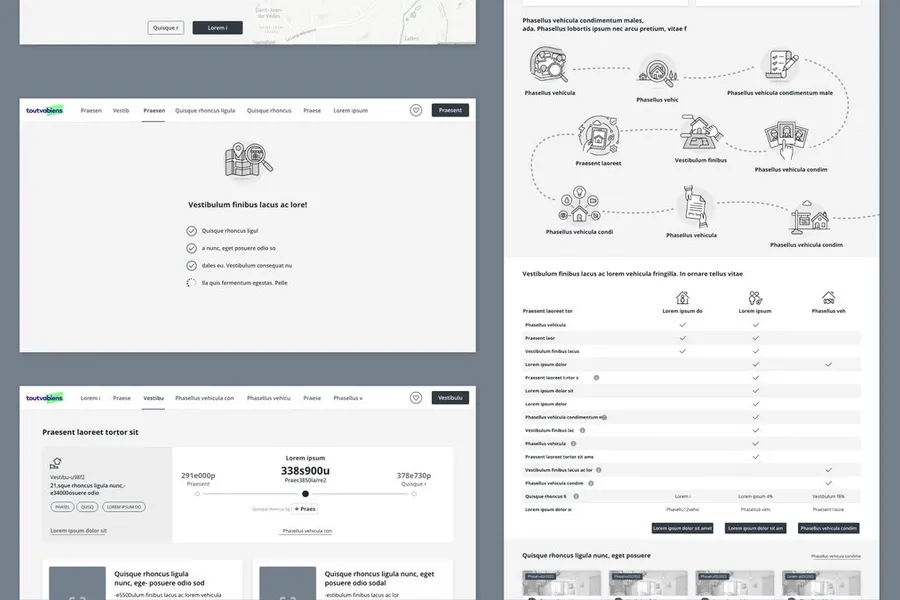
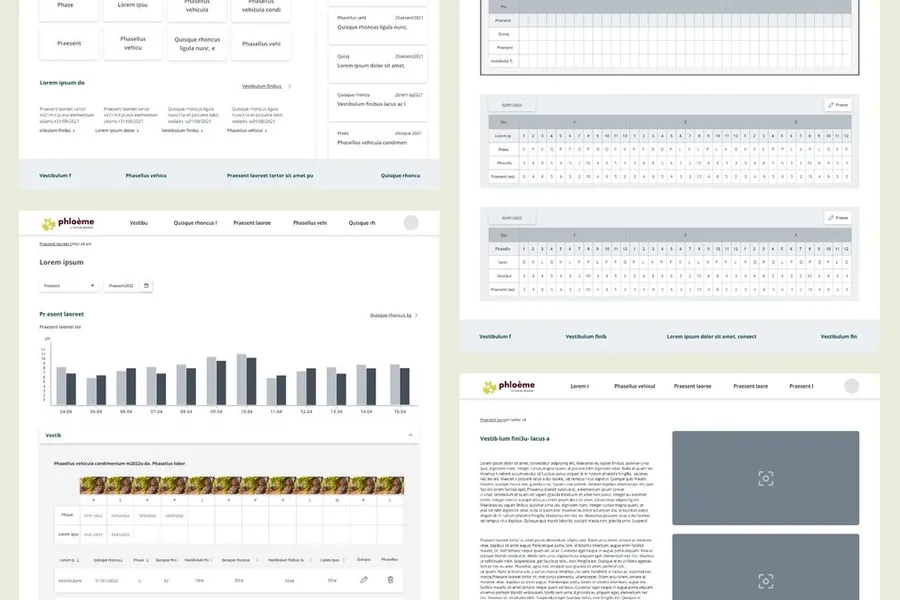
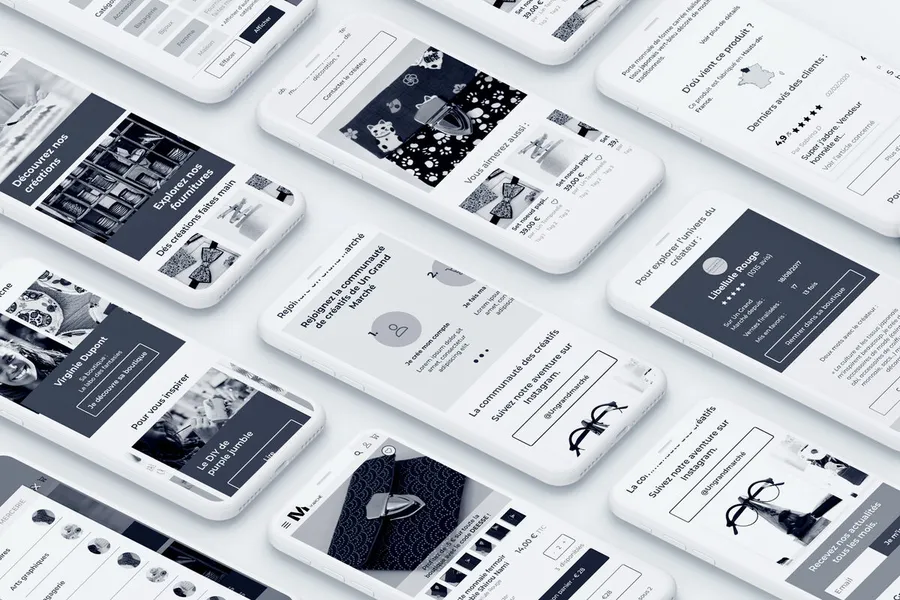
You do not choose the colour of the wallpaper before drawing an architect's plan. For an interface, that is exactly the role of the wireframe, also called a functional mockup. This step structures the screen to bring the right information to the user, in the right place and at the right time. You establish the framework without any graphic treatment to avoid distraction and focus only on mechanics and information. You draw a product's journeys quickly so they can be tested with users straight away. If users get stuck at one step, it is far easier to iterate on these low-fidelity mockups and fix the problem than to wait for the graphic design phase, or worse, the development phase.
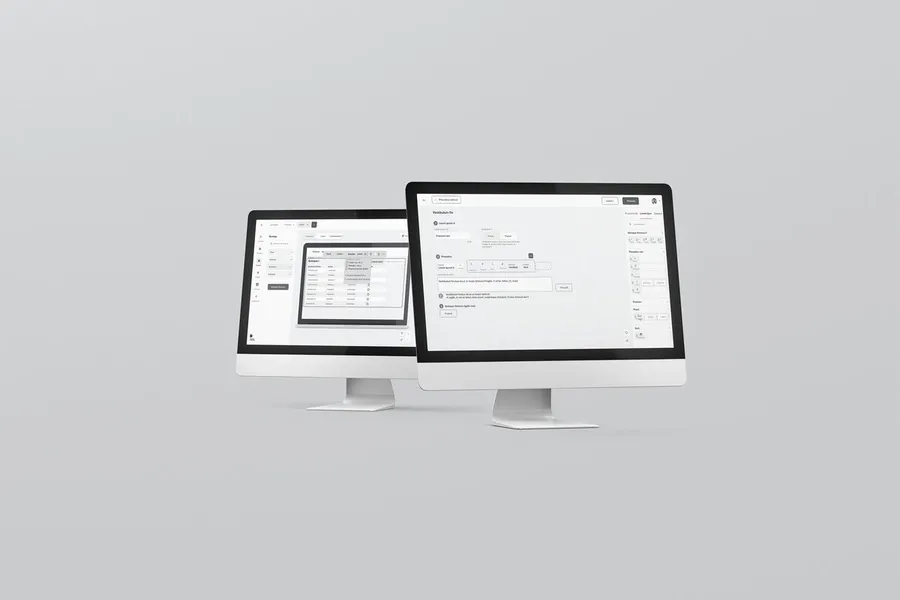
Several tools are available for designing mockups: Figma, the market leader, Sketch, Penpot, Adobe XD while it still exists, or Balsamiq. We use these tools to work faster, design together in the same file, deliver a clean structure and ease the handoff to UI designers and development teams. But an ideally designed interface depends on the expertise of the designer and the project team, not on the choice of tool.
Wireframes let you structure and improve the usability of an interface.
01
Prioritising information
Bringing the right information to the user, in the right place and at the right time, is why we design wireframes. We structure the templates in greyscale to prioritise content, streamline journeys and let users reach what they are looking for easily.
02
Supporting navigation
We organise content within each interface while keeping an eye on the overall journey between the different screens. Wireframes provide the distance needed to design coherent navigation and the different interactions between each screen.
03
Testing the mockups with users
To find out whether it really works, we build an interactive prototype from these wireframes and test it with users, observing how they manage specific scenarios. The advantage is that changing a screen's structure is very quick at this stage. We gather feedback from the field as early as possible so we can change course easily.
04
Giving clients an overview
Wireframes also let you iterate quickly with the project team and improve the interfaces before moving on to visual design. A real time-saver when changes to the screen structure are needed.
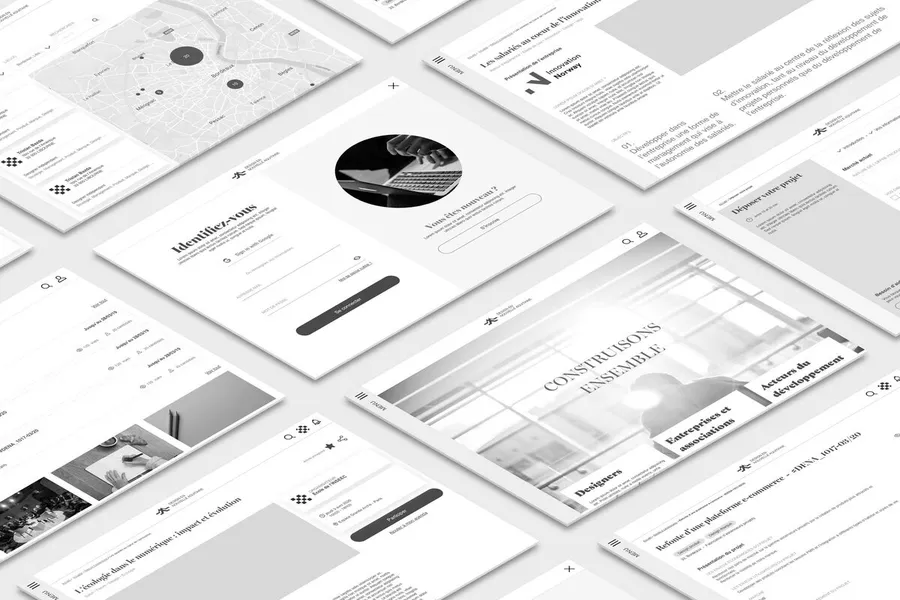
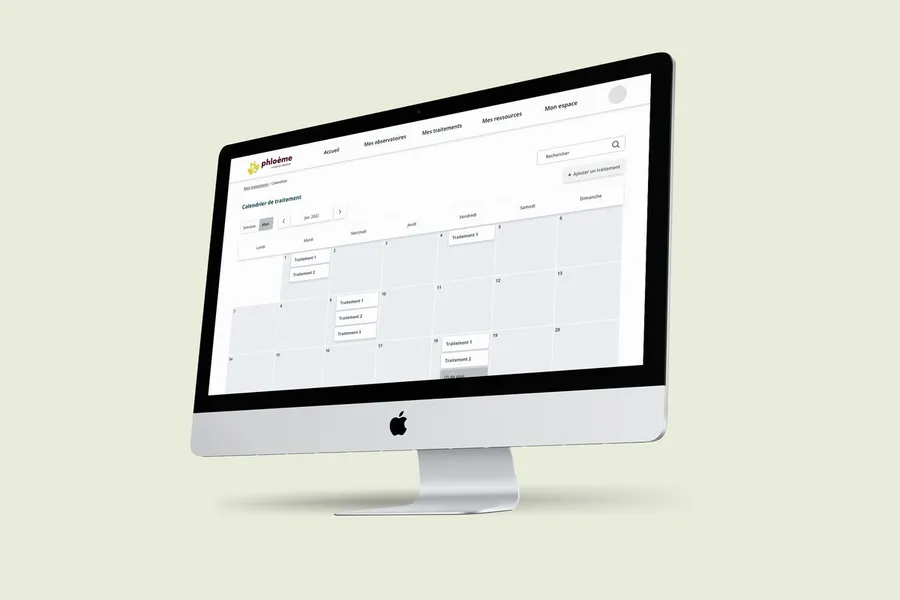
1/ We design the interfaces in greyscale (without visuals) to work on the placement of information (low-fidelity mockups): wireframes.
2/ We run user tests in the street using a prototype.
3/ An iteration workshop is held to gather your feedback.
4/ We consolidate the screens based on the feedback.
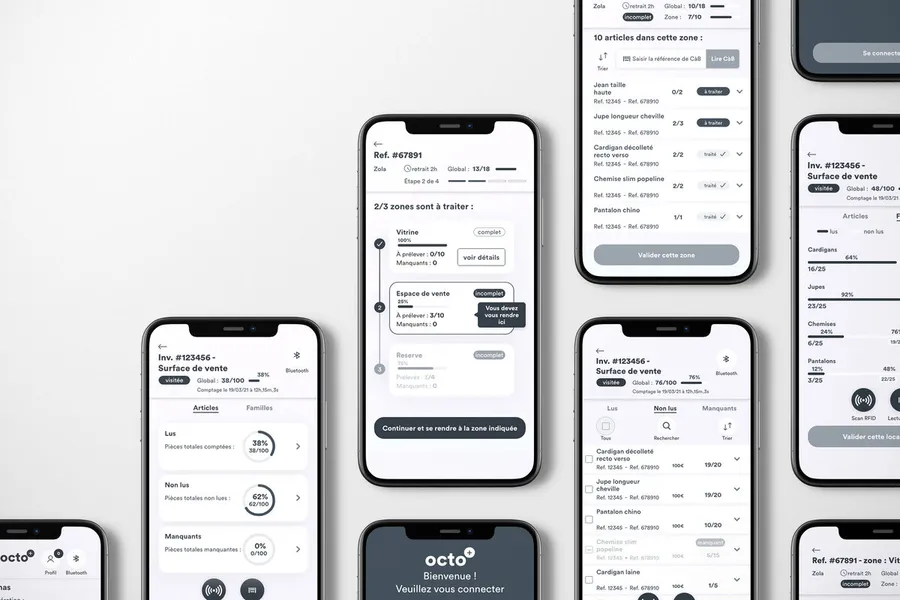
The level of fidelity evolves throughout the design process. When the design is still very schematic, with basic elements, it is called zoning (a given element in a given place). A wireframe generally corresponds to the clean version of this stage, with a precise architecture and details of the components, features and possible interactions between screens. High fidelity more often corresponds to the graphic mockup stage, which aims to produce the final interface with the client’s identity.
Ideally, all wireframes are produced by a UX designer who has full command of translating needs into interface architecture. In reality, the first drafts may be produced by a product manager, a project manager or even a developer. This provides a basis for discussion and formalises some initial ideas, but does not replace the expertise of a UX designer.
In some cases, yes. But this generally assumes that all the work of creating and keeping the design system up to date has been done properly. When working in rapid cycles and on simple cases, you can limit yourself to describing the journey and then turn it into mockups by reusing existing design system components. As soon as complexity increases, it is worth taking the time to lay out complex flows as wireframes, to fully validate the whole before producing the high-fidelity version, thereby saving time and money.
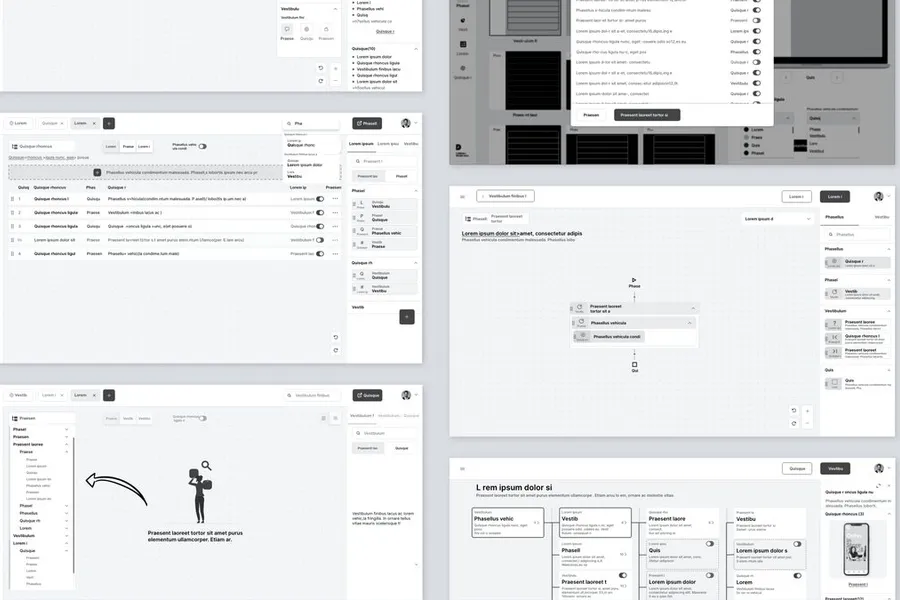


A visual representation of an interface showing where the different simple content blocks sit, without details such as text or images.
Read more about ZoningA website or application's site map represents the hierarchical and logical organisation of its pages and features.
Read more about Site mapInformation architecture organises content and navigation so users can find what they are looking for. It guides interface design.
Read more about Information architectureMore or less advanced animation of the screens to present a dynamic journey to users and gather feedback.
Read more about PrototypeDesigning the future screens by adding the graphic dimension to produce the final representation of the interface.
Read more about High-fidelity mockupsSketching is a technique for creating interfaces as drawings, most often by hand. It is often used in co-design workshops.
Read more about SketchingEveryone talks about user experience, service design, ergonomics...
It's not always clear, and you'd like to find out, or sharpen what you already know.