


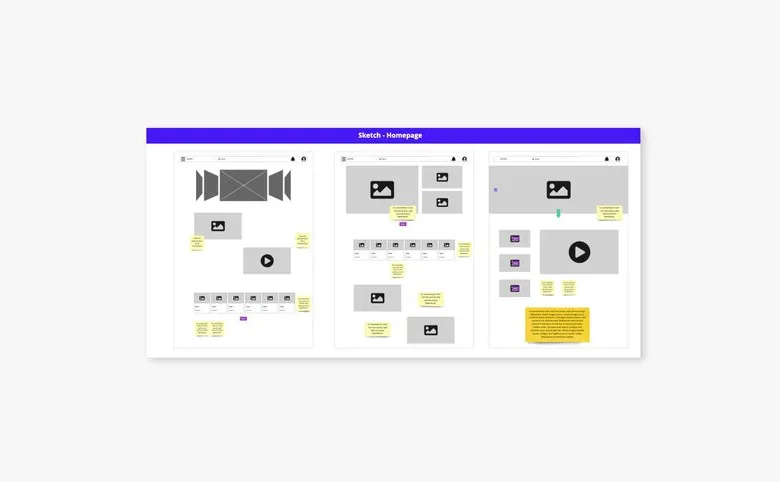


Zoning is about representing an interface as simple, detail-free blocks, to start setting out the placement of the different content areas at a high level. It's put together by the designer (UX designer).
01
Framing the design
Zoning fits when the site map or the overall product organisation is known. You need to define the various page templates to design before starting. To guide the design, you draw up the list of content to surface for each screen designed (this list can come from a feature list, if there is one).
02
Generating proposals
On the chosen format (paper sheets, pencil or marker, or a mockup tool), shape the zones or content blocks on each page, matching the content listed for that page. Designers usually start with zoning or sketching. Co-design sessions with clients or even users can be set up depending on the type of interface being designed.
03
Iterating and consolidating
The advantage of zoning is that it lets you picture the overall organisation of a page. That makes it possible to gather feedback to steer the design.
Zoning is coarser. It sets out the main areas and their relative position, without going into detail. The wireframe specifies the components, the labels and the text hierarchy. Zoning comes first, to validate the structure of a page before investing in the detail.
So as not to lock yourself too early into detailed decisions. Zoning lets you quickly compare several organisations of the same page, secondary content on the left or on the right, full width or in a column, and put them to stakeholders without producing complete wireframes. It is a light step that avoids having to redo several mockups because the basic structure was problematic.
Paper and pencil first. They are quicker, they can be thrown away without regret and they suit workshops as much as producing several directions in parallel. A digital whiteboard takes over as soon as the zoning has to be shared, annotated or kept. What matters is that the areas are clearly delimited and their content identifiable, a rectangle labelled « main navigation » is enough. There is no need to bring out a full mockup tool.
Zoning suits any interface, a touchscreen kiosk, a vehicle dashboard, a cockpit, a tablet, an application or a website. On mobile it is even particularly useful, since the space constraint forces you to decide earlier what appears without scrolling and what comes next. Templates in the various formats exist for running these exercises with users.
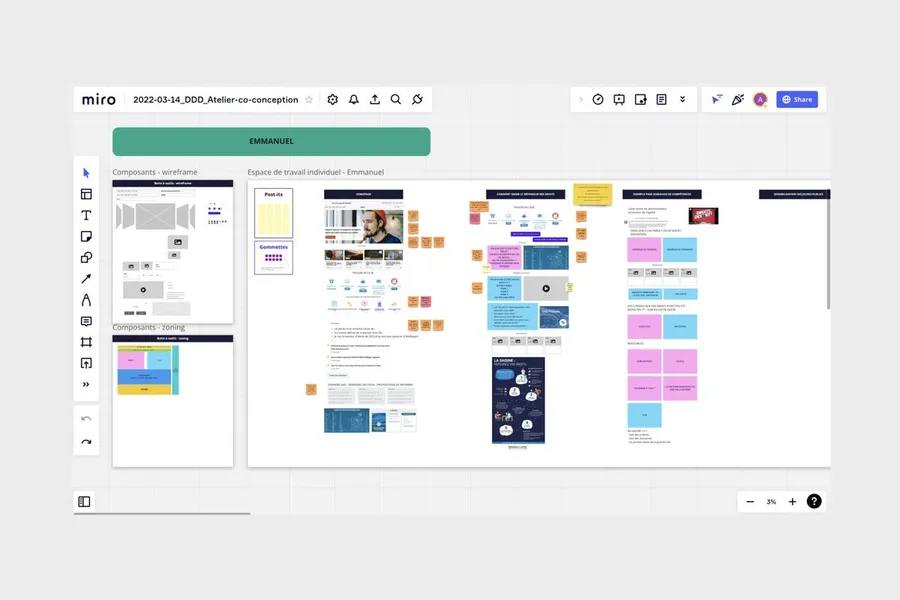




Sketching is a technique for creating interfaces as drawings, most often by hand. It is often used in co-design workshops.
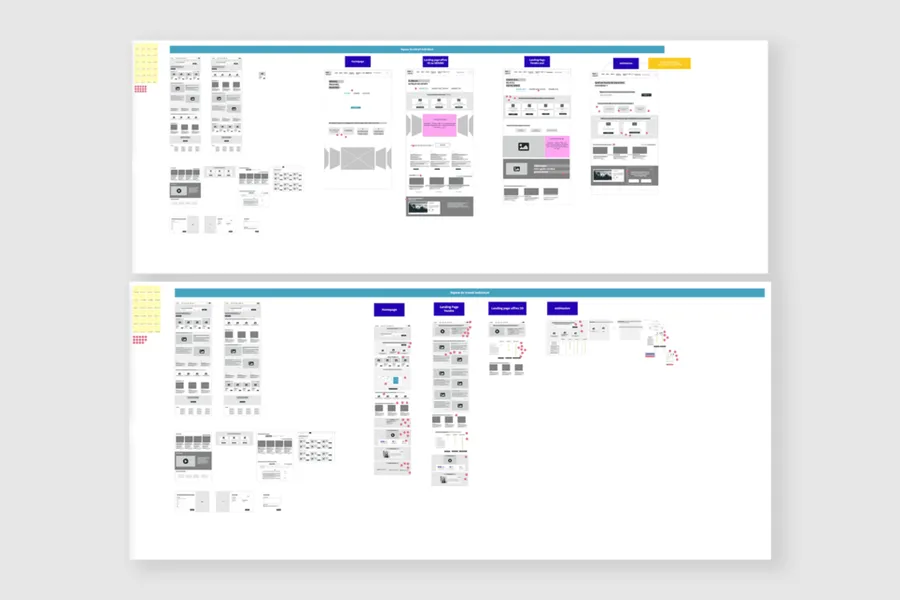
Read more about SketchingA mockup with no graphic elements, describing the zones and essential components an interface should contain.
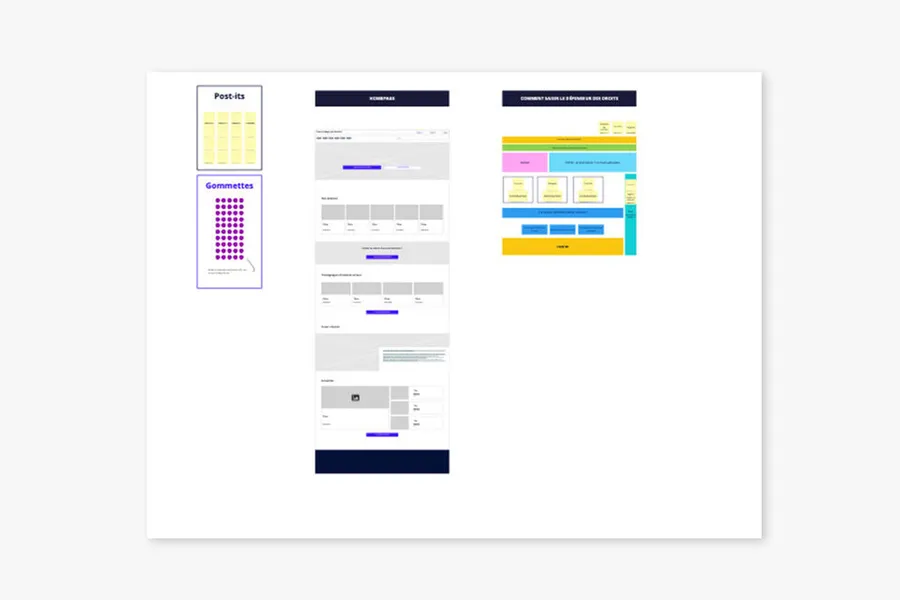
Read more about WireframeDrawing on collective intelligence, these workshops align stakeholders and surface solutions with the team and/or the end users.
Read more about Co-designA site map of a website or app reflects the hierarchical, logical way its pages and features are organised. Proposing a sound site map means choosing a categorisation that fits the mental model users already have.
Read more about Site mapInformation architecture organises content and navigation so that users find what they're looking for. It guides interface design
Read more about Information architectureThe layout grid structures the interface into columns, gutters and margins. It ensures visual consistency and eases responsive design.
Read more about Layout gridEveryone talks about user experience, service design, ergonomics...
It's not always clear, and you'd like to find out, or sharpen what you already know.