A context: accessibility
What is a situational disability?
Although it focuses on people with visual or hearing impairments, this study is above all about accessibility in the broad sense.
It’s worth recalling that accessibility is about a system’s ability to be used by all kinds of users in every context of use.
Indeed, accessibility is not only associated with people with disabilities. Any of us can find ourselves in a situation that disables us.
Take a concrete example (one you may have lived through): a parent carrying their child in their arms will find themselves in a disabling situation if they want to use their phone or carry luggage.
This is what we call a situational disability.
Accessibility aims to make systems usable by everyone, in every situation, whether temporary or permanent.
As a result, it’s not unusual to see improvement ideas aimed primarily at people with disabilities end up being useful for everyone.
Take the example of the screens on public transport that let you see the current stop (and the next one). If the ambient noise is too loud, if we’re wearing headphones, or if we’re on the phone, we don’t necessarily hear the audio announcement for the stop. We end up with a feature that helps every passenger, whether they have an impairment, face a situational disability in a given context, or neither.
Preparing your study with people with disabilities
Vocabulary
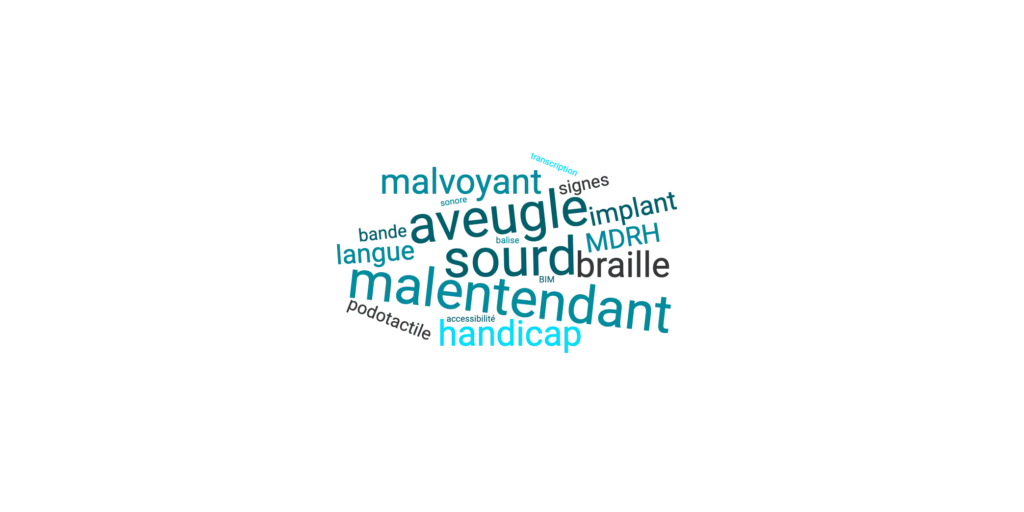
Should we use the term “deaf” for a person with a hearing impairment? What are the differences between a blind person and a person with low vision? These are relevant questions that call for talking to experts in these fields.
A first approach is to understand the subtle differences that can exist between a deaf person and a hard-of-hearing person, but also between a blind person and a person with low vision.
Differences that aren’t explained only by the impairment, but also by the habits, the perception and the uses these people may have.
Indeed, depending on the severity of their impairment, users won’t belong to the same communities, won’t have the same habits, the same references, nor the same relationship to their disability. So it’s hard to set out a generic vocabulary to address these populations as well as possible, since our wording has to take into account the specifics of every community.
Of all the feedback we were able to gather, the following example illustrates this point well: many hard-of-hearing people don’t like to be considered deaf, while some deaf people embrace it as part of their identity.
Adapting the tools and features
We’ve just seen that to make exchanges and data collection easier, you have to adapt your wording. You also need to adapt the tools to the audience involved.
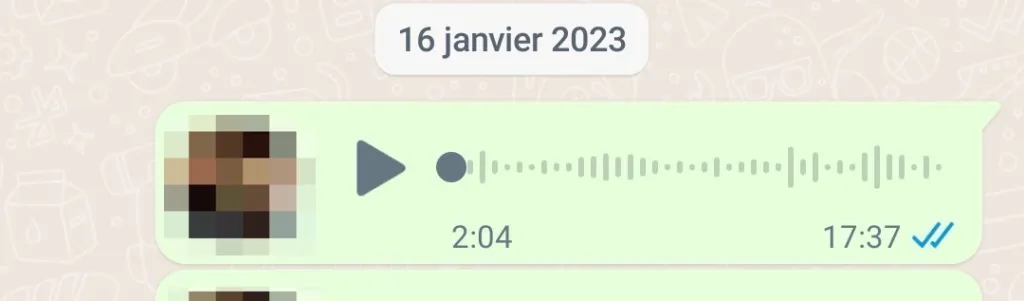
People with a visual impairment may struggle to send written messages. One solution can be to offer them the option of sending voice messages through an asynchronous messaging tool like WhatsApp.
The benefits? We offer the user a free tool, easy to set up, that they can use when they have time, to summarise their day for example.
The main constraint (otherwise it would be too easy)? It means transcribing these audio messages into text to include them in the datasets for analysis. A constraint that can however be solved by automating the transcription through a script or dedicated software.
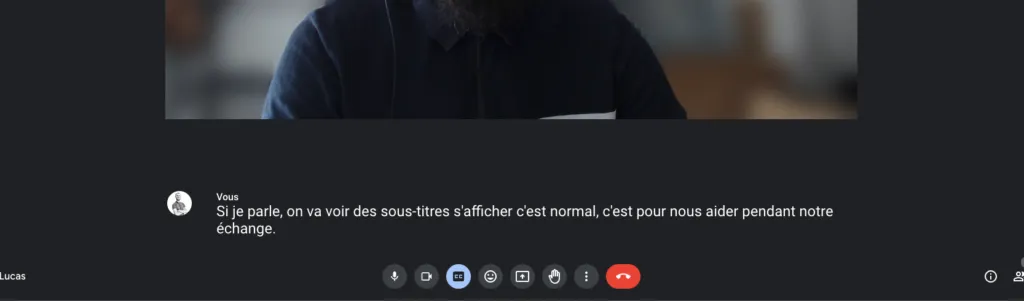
Another example, with users with a hearing impairment. To make interviews easier and to ensure that the people interviewed understand the questions easily, one solution is to subtitle the conversation in real time.
The choice of materials and tools used has to be thought through ahead of time, in order to anticipate as many of the constraints that may show up as possible. Don’t hesitate to picture yourself going through the study, putting yourself in the situation, taking these various impairments into account at every step of the user research.
Feasibility limits in choosing participants
As noted above, communities of people with a sensory disability can be very different.
To meet organisational and logistical constraints, it can be necessary to focus on certain profiles:
- Focus on populations with a specific impairment (in our case, users with visual or hearing impairments)
- Populations with enough digital maturity to use asynchronous communication tools (WhatsApp, video calls, Messenger, etc.)
- Or simply users who are able to communicate easily. There can be, for example, extreme cases of users who only speak French sign language (LSF), which can mean heavier logistics for the study.
This doesn’t allow for a study that is representative of all the different populations with disabilities. However, this deep immersion with a small sample of users that we follow over time lets us capture the reality of daily life through snapshots of everyday life.
It is still a great opportunity for project teams and decision-makers to become more aware of the reality lived by users.
Defining working categories for certain impairments
How do you build a sample of participants in a context this particular?
Indeed, while it is easy to define a distribution of ages, we quickly find ourselves up against something more complex for a distribution of disabilities.
There are already common labels such as “deafness”, but what does it really cover? Is there a shared framework classifying the various degrees of disability?
Hearing impairment
Although it isn’t representative of all the forms of hearing impairment, a classification exists based on decibels, with different degrees:
- Mild: the average tonal loss is between 21 and 40 dB. Speech is perceived at a normal voice level, but with more difficulty when soft or distant. Most familiar sounds are perceived.
- Moderate: First degree: the average tonal loss is between 41 and 55 dB. Second degree: the average tonal loss is between 56 and 70 dB. Speech is perceived if you raise your voice. The person understands better by watching the speaker’s face. A few familiar sounds are still perceived.
- Severe: First degree: the average tonal loss is between 71 and 80 dB. Second degree: the average tonal loss is between 81 and 90 dB. Speech is perceived at a loud volume close to the ear. Loud noises are perceived.
- Profound: First degree: the average tonal loss is between 91 and 100 dB. Second degree: the average tonal loss is between 101 and 110 dB. Third degree: the average tonal loss is between 111 and 119 dB. No perception of speech, and only very powerful sounds are perceived.
- Total: the average loss is 120 dB. No perception.
To best spread out the profiles in our sample, we based ourselves on the decibel scale above.
For the more curious, Atalan (opens in new window) offers ways to try out various forms of hearing impairment:
Visual impairment
What about people with a visual impairment? Well, there isn’t such a clear-cut classification.
Users talk about degeneration of vision, retinitis pigmentosa, or reduced field of vision. Loss of acuity results from sometimes completely different impairments, with different outcomes too.
Under these conditions, it can be useful to set out different degrees of visual impairment based on user feedback:
- Moderate low vision: corresponds to visual acuity below 3/10 and equal to or above 1/10, with a visual field of at least 20 degrees. Some people only see from one eye and can perceive shapes, colours and light.
- Severe low vision: corresponds to visual acuity below 1/10 and equal to or above 1/20. This can be explained by a visual field shrunk to 5 degrees, a loss of sight at night and blindness without correction. Some people can distinguish colours.
- Near-blindness: corresponds to visual acuity below 1/50 with retained perception of light, or a visual field below 5 degrees. The person only sees light; some perceive the shadows of buildings or bright colours, and become blind when it’s dark.
- Total blindness: defined by no perception, day or night.
(For your information, the human eye’s total visual field spans about 130-150 degrees horizontally and 100-130 degrees vertically.)
Again, if you’d like to experience the various impairments yourself (a non-exhaustive sample), we recommend the Atalan (opens in new window) site. They’ve set up a feature that lets you browse while selecting an impairment for a full immersion:
Surrounding yourself with the right people
The invaluable help of associations
You’ll have understood, preparing a study with people with disabilities requires building a lot of familiarity with the topic. We strongly recommend reaching out to associations that specialise in these areas and have an in-depth knowledge of the subject.
Speaking with specialist organisations helps us better understand the various forms of disability and their subtleties, set out consistent recruitment criteria and get support during the study.

The importance of a good panel recruiter
Building a good population sample requires working on these criteria, but also spending time looking for the right participants.
The panel recruiter focuses exclusively on recruitment, identifying potential constraints and refining the search for participants. Being able to delegate this phase to specialists can be particularly valuable in such a specific study context.
Building a relationship of trust with participants
In the context of a longitudinal study, with participants followed over several days or weeks, it is recommended to build a real relationship with them.
When users fill in their “diary” over time, you can follow up with them about incomplete answers or those that need more detail. Conversely, if the answers seem complete, positive feedback validates the work done and is always rewarding.
The goal is to manage to bring the less thorough participants to improve their answers, and to encourage the more diligent participants to keep going.
A small extra tip
Watch your delivery
The associations offer very good advice on how to address deaf and hard-of-hearing people:
- Sit or stand directly facing the person so someone with a hearing impairment can read your lips if needed
- Speak calmly, with pauses
- Above all, do not speak very loudly, it doesn’t help and makes lip-reading harder
- Favour a quiet environment for running your interview (hard-of-hearing people are very sensitive to background noise)
In the context of a video recording for your users, it is essential to respect these criteria so that the captions remain accurate and your questions are properly conveyed.
And one last small piece of advice: be patient when you communicate with your users with hearing or visual impairments.
In conclusion
Any user-centred study requires you to be rigorous and organised. This is even more true in the case of a study run with people with disabilities.
Think about identifying as many constraints as possible ahead of time, to make data collection easier:
- Frame the context in which the study will run
- Build familiarity with the various disabilities you’re going to come across: contact associations, read studies on the topic, and so on
- Identify the most suitable tools and materials
- Use a panel recruiter who has already worked with these types of users
- Adapt your wording and your stance to make the exchanges smooth and pleasant
Finally, while this advice is entirely subjective and rests only on our own experience, we are deeply convinced that it can be useful to bring these good practices into any kind of study project.