


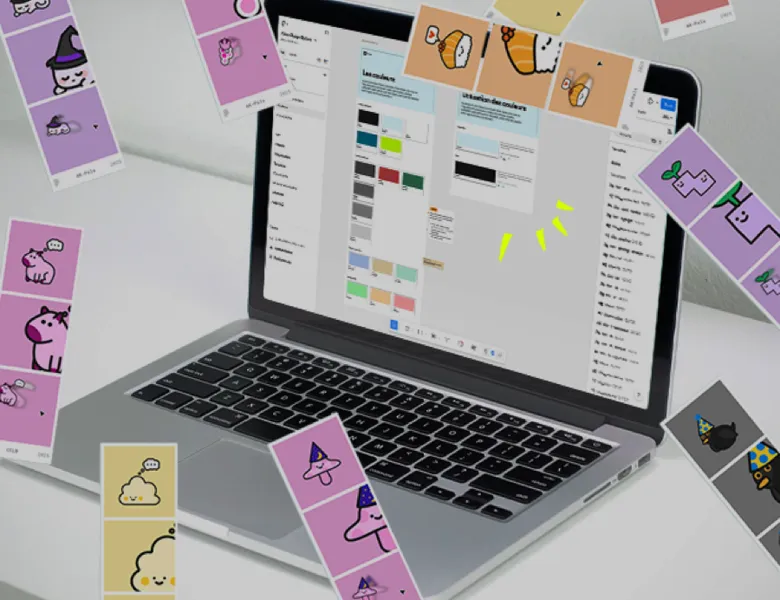


Figma is the leading collaborative design tool for UX/UI teams. It's an ecosystem of SaaS software built for collaborative work, where several members of the same team can work simultaneously on the same Figma file. Designers can mock up, prototype and document. Project managers can comment. And developers can retrieve the elements and the measurements of the design. In short, Figma lets you share interfaces in an online environment accessible to everyone.
Figma's strength also lies in its prototyping feature, which lets you create interactions and run user tests as close as possible to the final development.
Figma is a powerful tool, central to the industry. Its lead in the field is considerable and makes it an essential tool in our line of work. We are aware of the risk that this dependence on a proprietary tool imposes. Figma offers file hosting in Europe, in Frankfurt with backups in Dublin, but this option is reserved for its highest-tier plans and does not cover all data. As an American company, Figma remains subject to the CLOUD Act, which can require it to disclose data regardless of where it is stored. We haven’t yet found a European alternative comparable to Figma, but we keep digging into the question.
In recent years, Figma has evolved beyond being a simple design tool. New applications have appeared alongside Figma Design to cover different parts of the Design Thinking method:
Several plans coexist. There is a free plan, limited in the number of files and collaborators, enough to discover the tool or for occasional use. Beyond that, paid plans unlock more features and collaboration at the scale of a team or an organisation. Since the terms and the prices change regularly, it is better to check the current offer on Figma's website.
Figma Design is used to design components, interfaces and prototypes. FigJam is a collaborative online whiteboard, designed for workshops, brainstorming and idea mapping. One produces the mock-up, the other helps you think it through beforehand, as a team.
Figma links the mock-up to what the developer needs to integrate it. Thanks to Dev Mode, the space dedicated to developers, every element of a mock-up exposes its specifications: dimensions, colours, typography, values that can be used directly in CSS. The developer retrieves the useful information without the designer having to document it by hand.
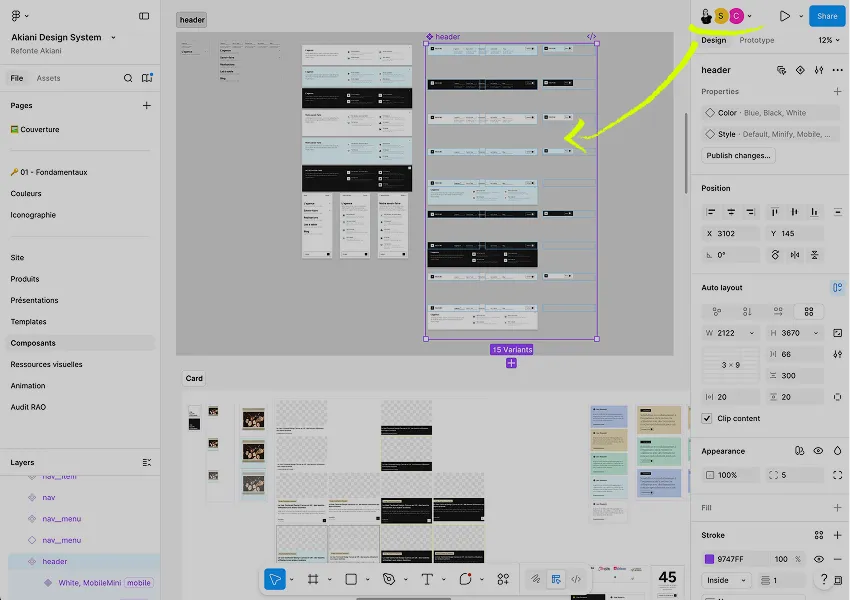
Yes, it is even one of its major uses. Figma makes it possible to build, document and distribute libraries of reusable components, shared across several files and several teams, with update tracking.
It is a point to watch for organisations subject to sovereignty requirements, particularly in the public sector. Figma offers file hosting in Europe, in Frankfurt with backups in Dublin, but this option is reserved for its highest-tier plans and does not cover all data. Above all, as an American company, Figma remains subject to the CLOUD Act. There is no European alternative on a comparable scale yet, even if open source solutions are making progress.


More or less advanced animation of the screens to present a dynamic journey to users and gather feedback.
Read more about PrototypeA mockup with no graphic elements, describing the zones and essential components an interface should contain.
Read more about WireframeA design system is a component library and the governance that comes with it. What sets it apart from a design kit, and when it becomes necessary.
Read more about Design systemThe design kit, or UI kit, brings together a product's components in a design file: buttons, forms, cards, navigation, icons.
Read more about Design KitInteraction design defines what a user can do and how a product responds to actions: flows, states, transitions, feedback.
Read more about Interaction designUI design shapes the visual layer of a product: layout, colours, typography, components. It turns the experience into tangible elements.
Read more about Interface designHigh-fidelity mockups give the future screens their final form, to hand over to the project teams for integration.
Read more about High-fidelity mockupsEveryone talks about user experience, service design, ergonomics...
It's not always clear, and you'd like to find out, or sharpen what you already know.