


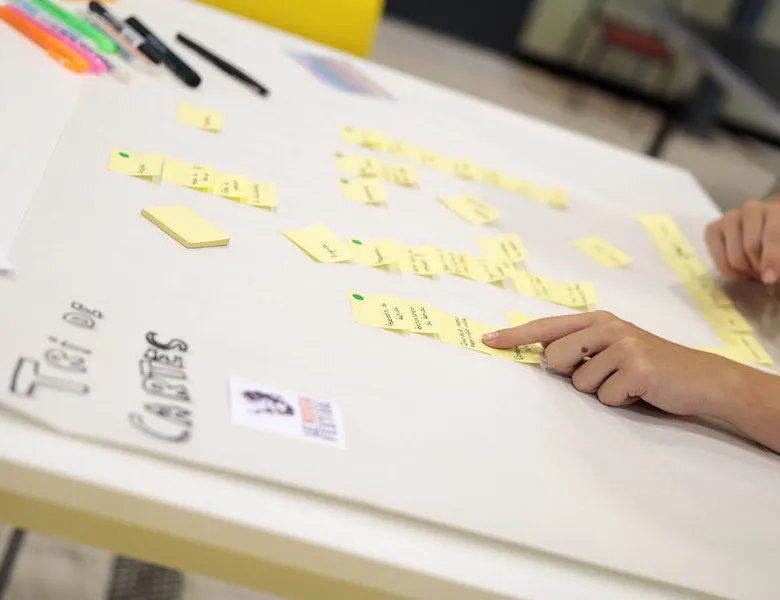


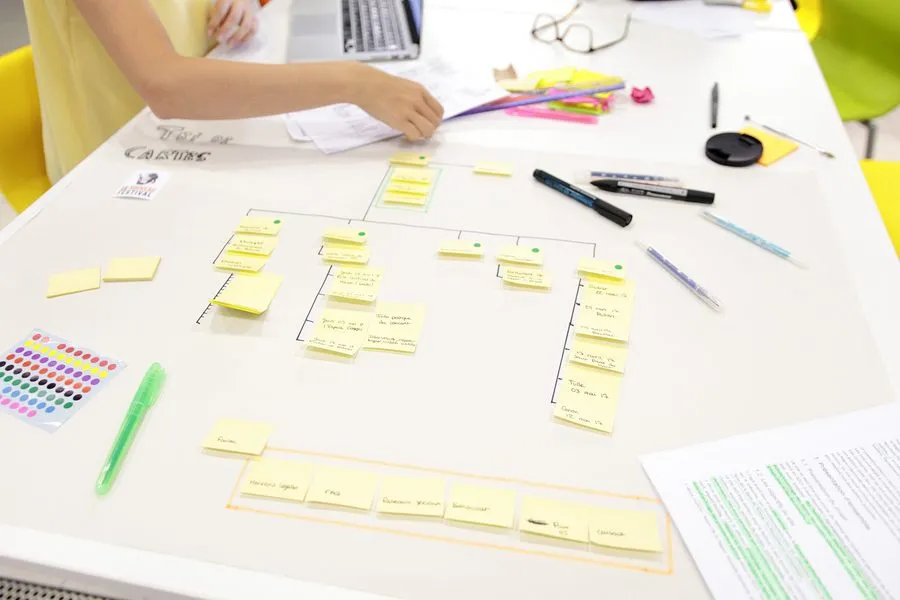
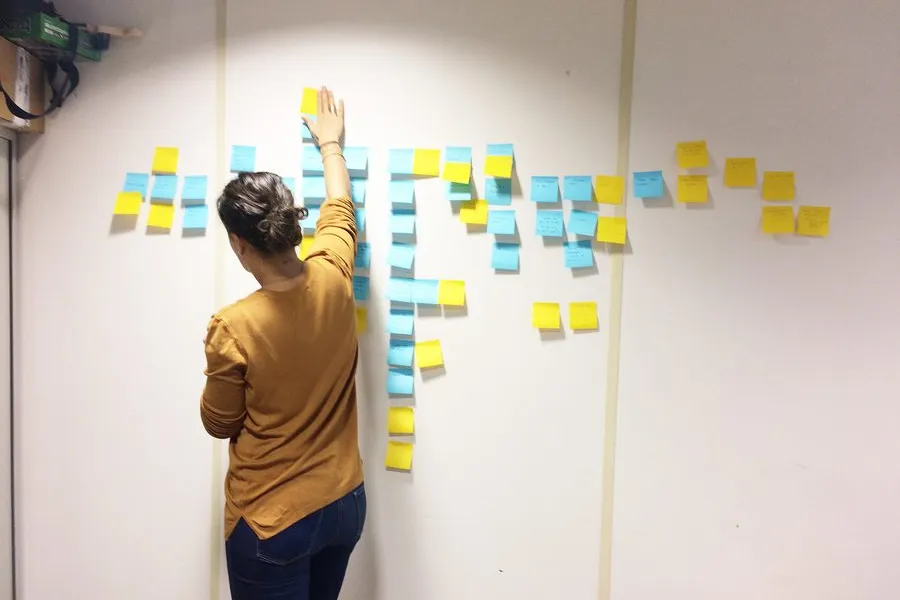
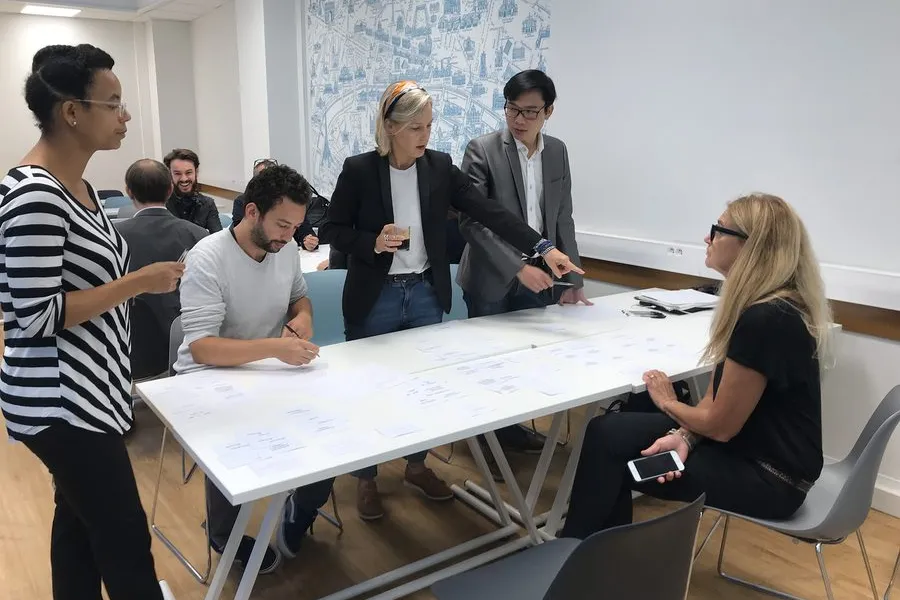
Card sorting, or card sort, is a very effective method for user-centred design. The principle is to question target users to better understand how they picture the organisation of content on a site or an application. The materials are very simple: pre-filled cards representing features, and a series of instructions given to the users. They are asked to group these cards into categories or labels. Depending on the case, the user can suggest new categories.
The strength of card sorting is that it lets you compare users' mental model with the one being proposed for a system.
Card sorting has the advantage of being a very adaptable method. You can set up a session very easily and get first results quickly. You can also choose to push the exercise further, until you gather a lot of information about the whole set of choices users make.
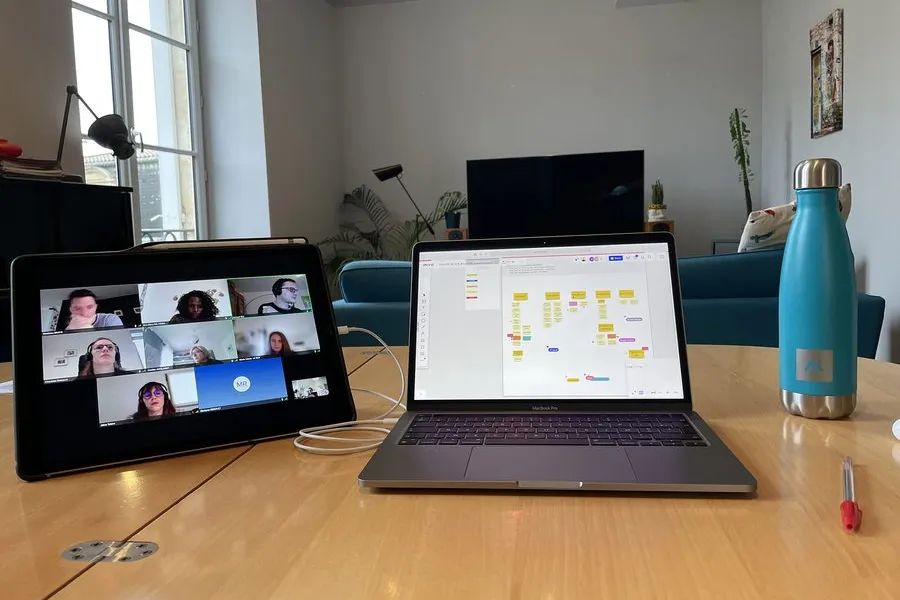
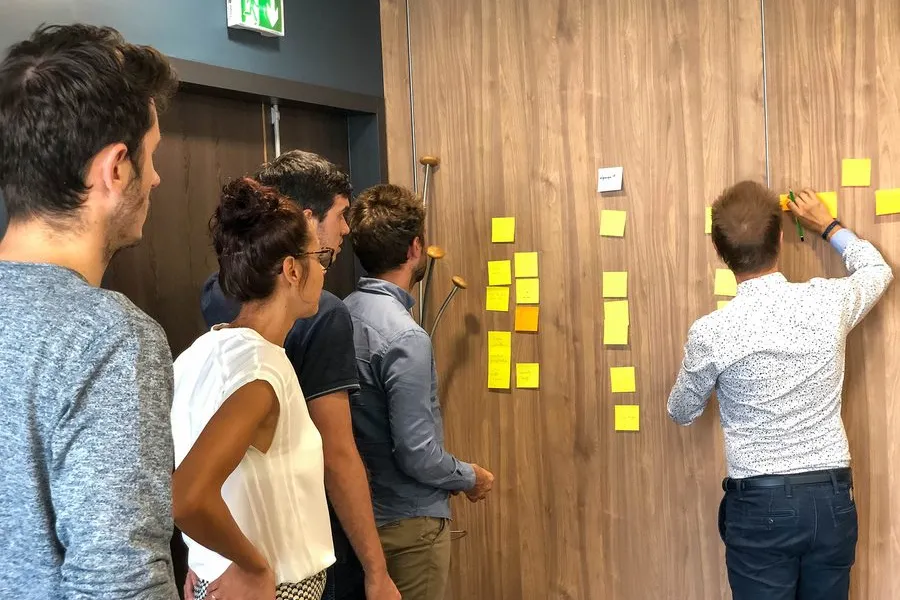
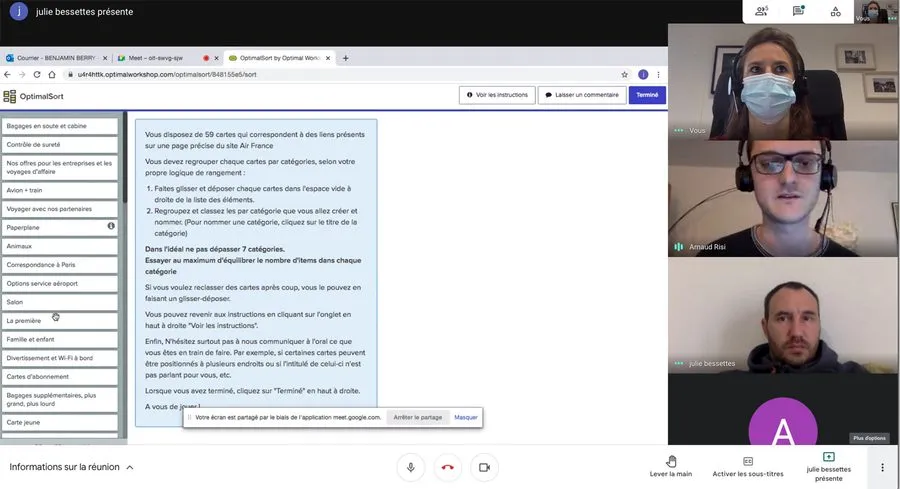
Card sorting has the advantage of adapting to any format. You can do it with small paper cards or in a digital format. There are specialised tools that let you set up the test variants and collect the data online. These tools capture a lot of data during the tests and offer a range of numerical indicators and visualisation of the results which save valuable time. You can also use a digital whiteboard to run a 'basic' card sort with sticky notes moved around on screen.
It depends, among other things, on the goal of the test and on its format. In general, you aim for a minimum of a dozen participants for a card sort. If you only have access to a small group of five participants, that works too. The more participants you have, the more scope you have for statistics during the analysis. If, for example, you want to compare two groups with each other, you double the minimum.
The principle is always the same. You are looking to measure how far participants' answers line up in a card sort. The analysis can be more or less elaborate depending on the collection method you choose for a card sort and on what you want to measure. Specialised tools offer indicators (e.g. success rate, the percentage of times an item is associated with a category) and visualisations (e.g. dendrogram, similarity matrix). If the test is moderated, you can add all the interesting qualitative material on top.
To give a simple answer, anything is possible. You can start a project with an open card sort to define a draft site map. You can also compare the users' classification with a first version of the site map by using a closed or semi-open card sort. Tree testing rounds out the toolkit by asking users to find a given item within a site map.


The user interview goes after what questionnaires don't capture. 5 types of interviews, how to choose, and the trap of social desirability.
Read more about User interviewInformation architecture organises content and navigation so that users find what they're looking for. It guides interface design
Read more about Information architectureA site map of a website or app reflects the hierarchical, logical way its pages and features are organised. Proposing a sound site map means choosing a categorisation that fits the mental model users already have.
Read more about Site mapField observation watches users in their real context, with a structured observation grid.
Read more about Field observationEveryone talks about user experience, service design, ergonomics...
It's not always clear, and you'd like to find out, or sharpen what you already know.