


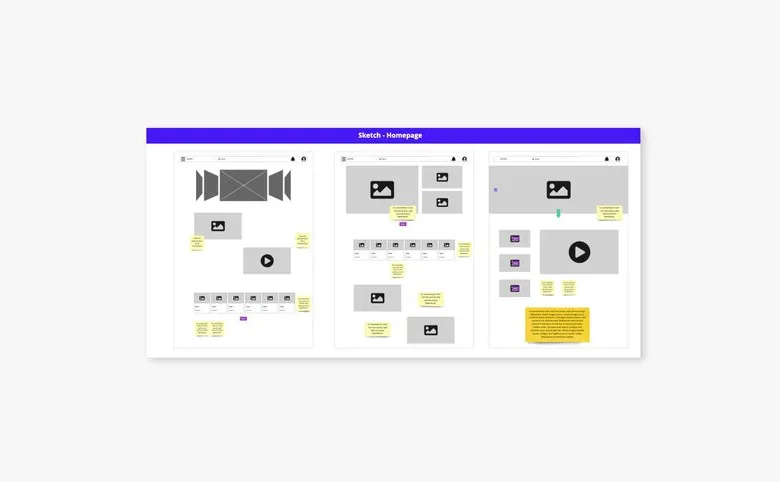


Zoning is about representing an interface as simple, detail-free blocks, to start setting out the placement of the different content areas at a high level. It's put together by the designer (UX designer).
01
Framing the design
Zoning fits when the site map or the overall product organisation is known. You need to define the various page templates to design before starting. To guide the design, you draw up the list of content to surface for each screen designed (this list can come from a feature list, if there is one).
02
Generating proposals
On the chosen format (paper sheets, pencil or marker, or a mockup tool), shape the zones or content blocks on each page, matching the content listed for that page. Designers usually start with zoning or sketching. Co-design sessions with clients or even users can be set up depending on the type of interface being designed.
03
Iterating and consolidating
The advantage of zoning is that it lets you picture the overall organisation of a page. That makes it possible to gather feedback to steer the design.
Zoning is a design step that consists of representing a page or a screen as simple blocks (without graphic detail) to define the placement and hierarchy of the main content areas: header, navigation, main content, secondary content, footer. It is an intermediate step between information architecture (which contents exist) and the wireframe (how these contents are represented in detail).
Zoning is more macro: it defines the main areas and their relative positioning, without going into the detail of the components. The wireframe is more precise: it represents the specific components, the labels, the text hierarchy levels and the detailed layout of the elements. You do the zoning before the wireframe to validate the overall structure of a page before investing in the details.
So as not to lock yourself too early into detailed decisions. Zoning lets you quickly test different organisations of a page (sidebar on the left or on the right, main content full-width or next to secondary content) and validate them with stakeholders without having to produce complete wireframes. It is a light step that avoids redoing several mockups because the basic structure was problematic.
Pen and paper for quick zonings in a workshop. Figma, FigJam or Balsamiq for shareable digital zonings. Zoning does not need to be tidy: what matters is that the areas are clearly delimited and their content identifiable (a rectangle with « main navigation » inside is enough). The tool must make quick changes easy, not produce a polished document.
Yes, and it is particularly useful for deciding what appears above the fold on mobile (the area visible without scrolling) and what is accessible by scrolling. On mobile, the space constraint forces sharper editorial choices than on desktop: zoning helps prioritise the critical contents before getting lost in the layout details.
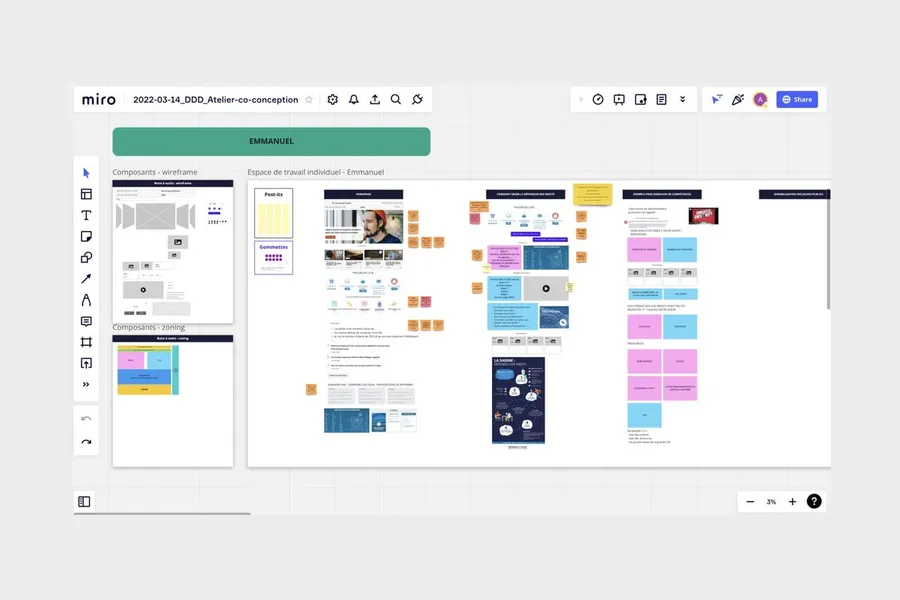


Paper sketches refer to creating user interfaces as drawings, most often by hand.
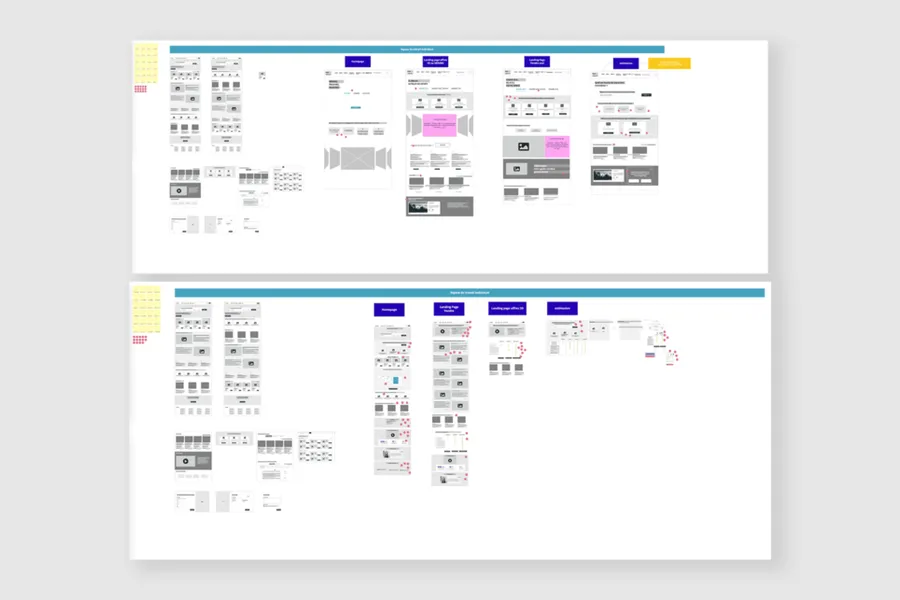
Read more about Paper sketchesA wireframe is a mockup describing the zones and essential components an interface should contain.
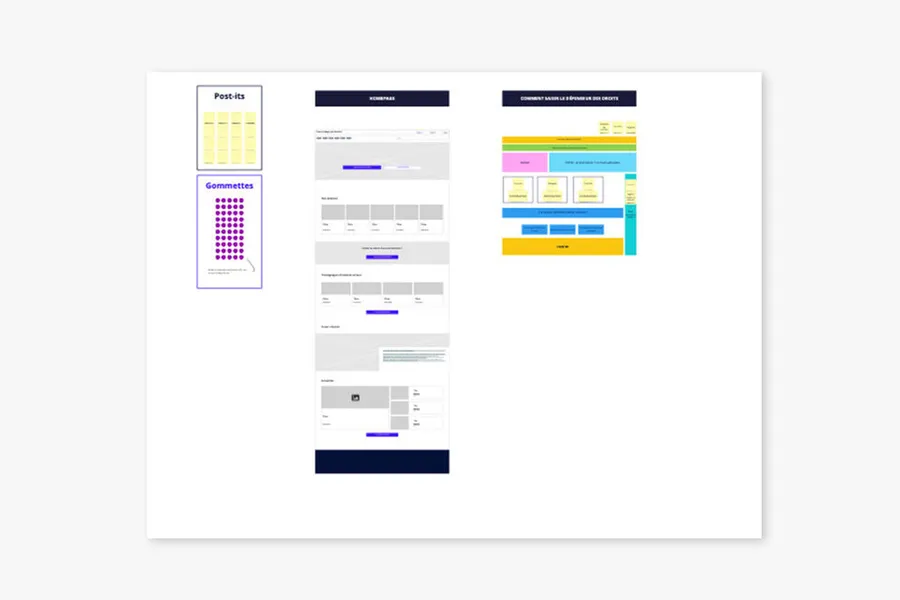
Read more about WireframesA co-design workshop draws on collective intelligence. These sessions help surface solutions with the project team and/or the end users.
Read more about Co-design workshopEveryone talks about user experience, service design, ergonomics...
It's not always clear, and you'd like to find out, or sharpen what you already know.