


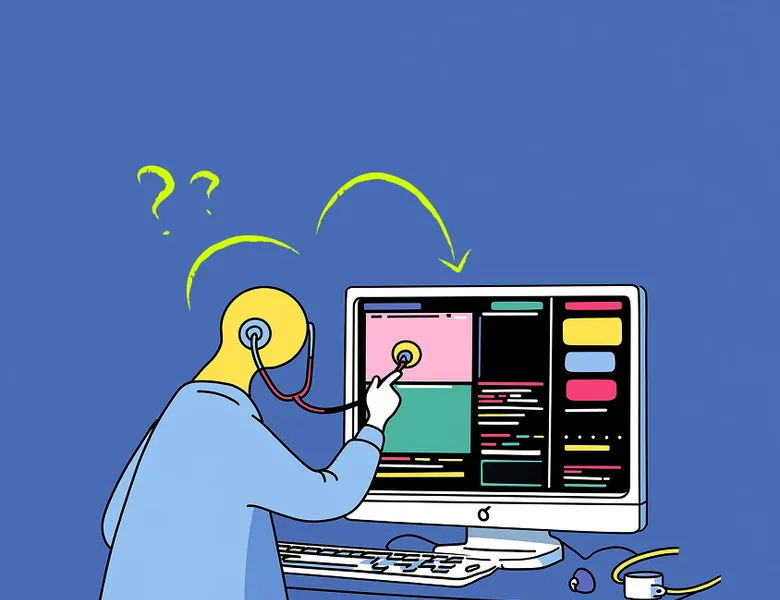


The UX audit (or ergonomics audit) is a method for expert-led assessment of an interface. It applies to any kind of interface: a website audit, a mobile app audit, a business tool audit and so on.
Using ergonomic criteria, the interface audit consists in systematically analysing the existing platform to identify both strengths and areas for improvement.
The UX audit complements user feedback, it doesn't replace it. Running a UX audit provides an exhaustive, systematic view of usability issues.
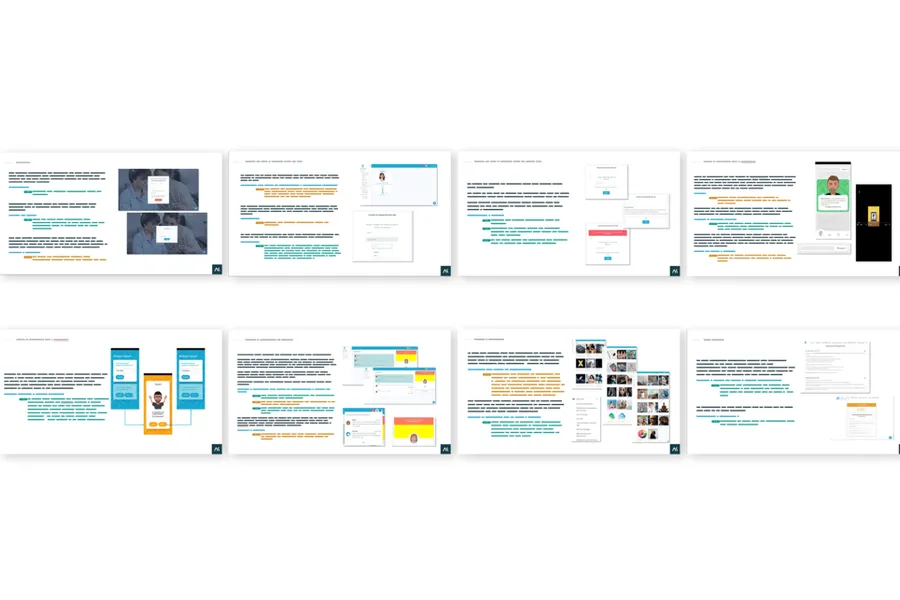
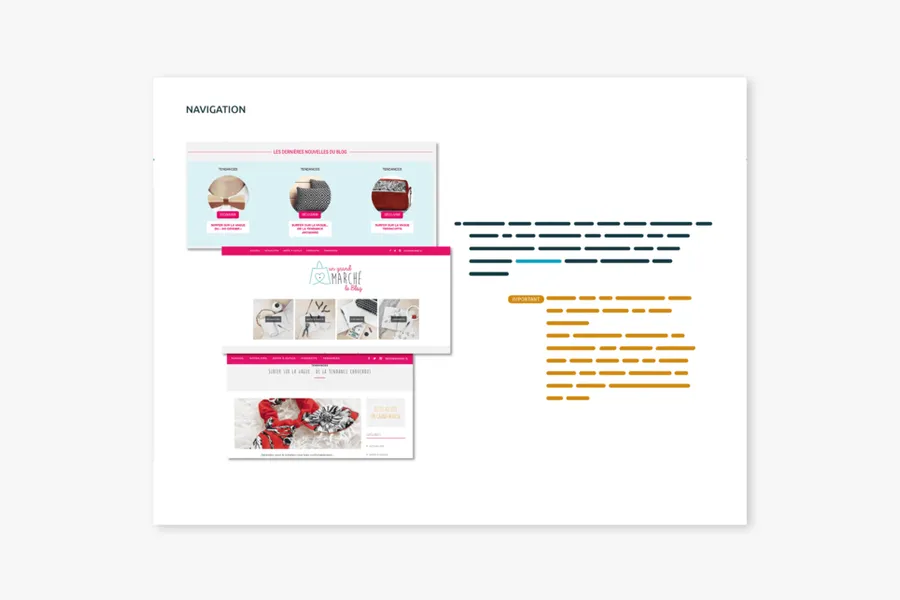
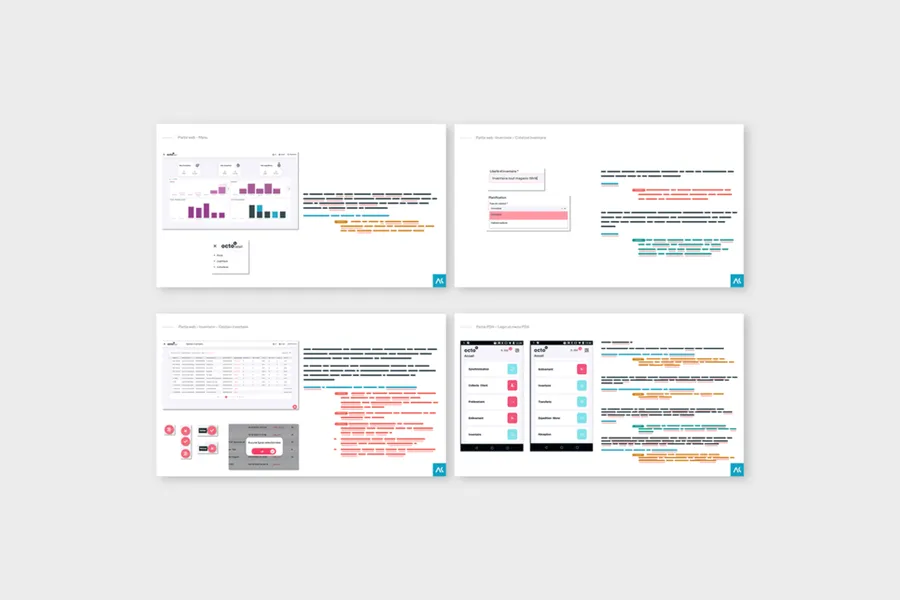
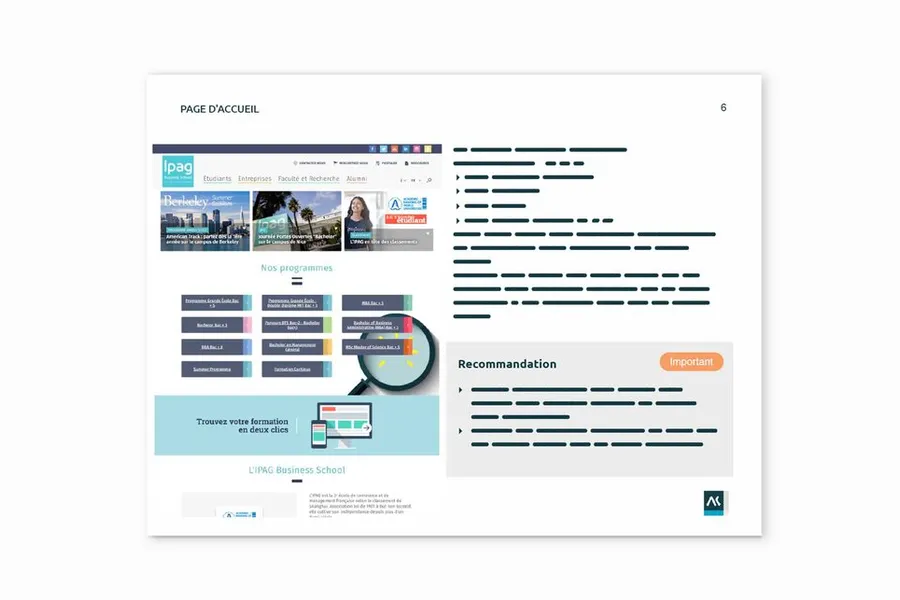
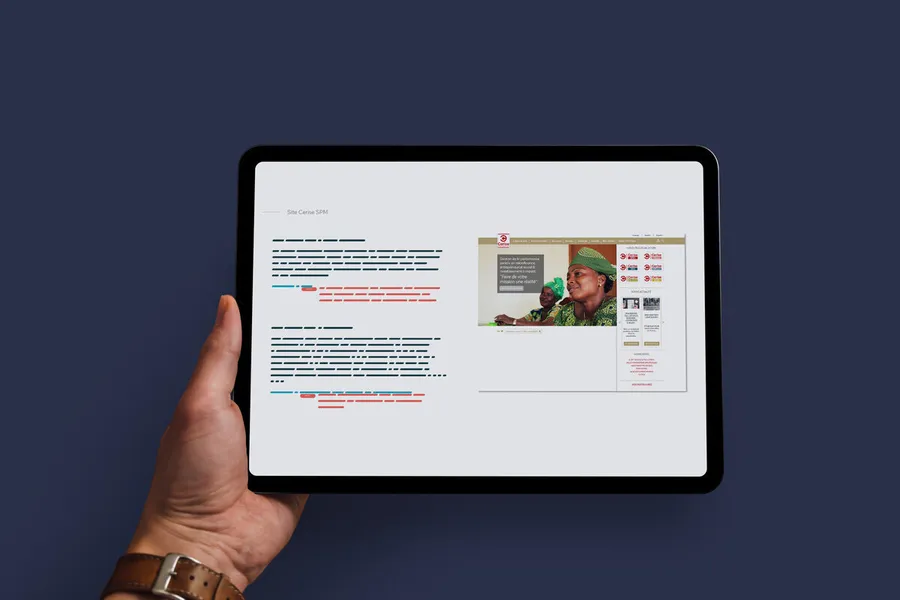
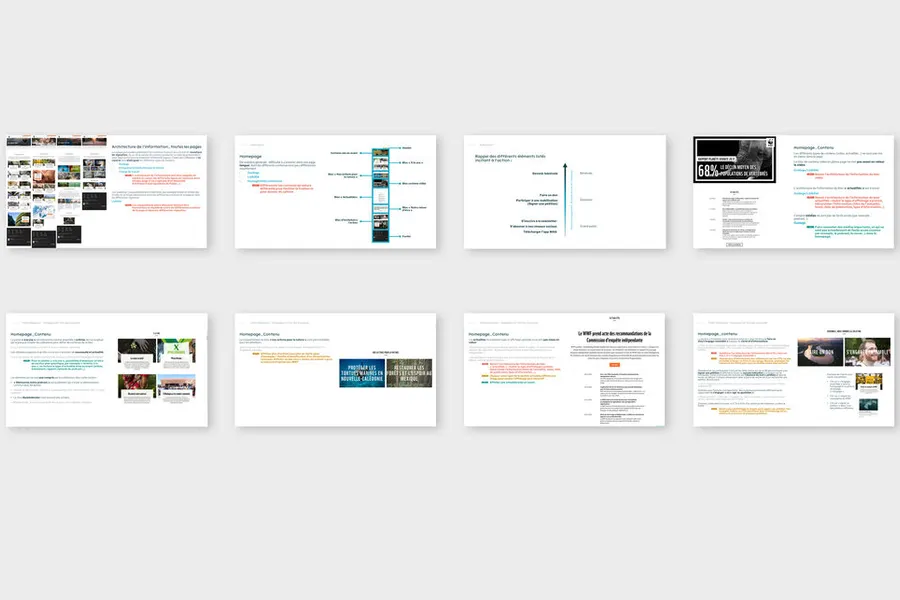
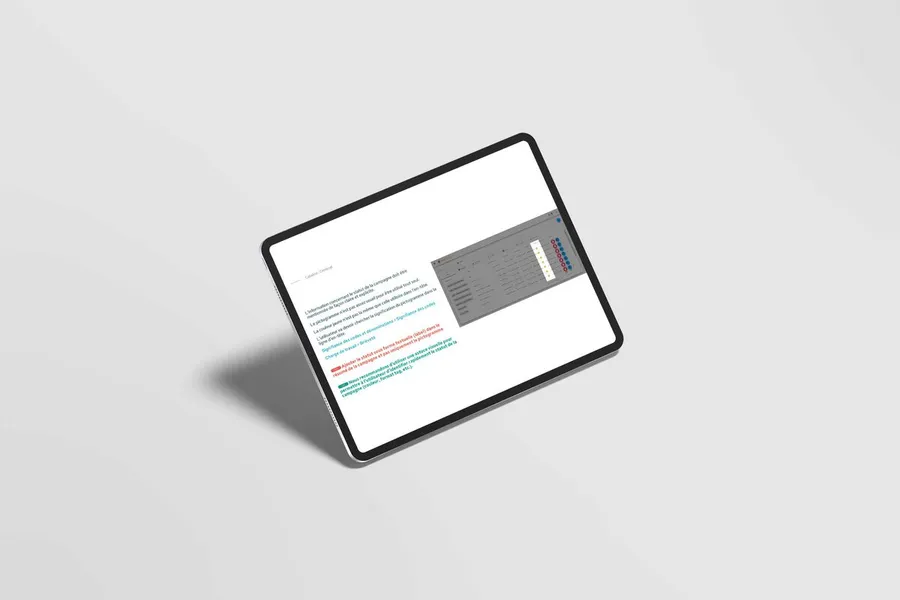
The audit results in a report of prioritised recommendations. This audit report lets the client make the corrections needed to optimise the browsing experience on the site, the app or the business tool. It often comes with a working document for the teams, such as a summary table used to track the implementation of the audit's recommendations.
Over the years we have put together our own in-house criteria grid. It aggregates the main standards of interface ergonomics and usability:
01
Nielsen's heuristics
02
Bastien and Scapin's criteria
03
Opquast web quality rules and good practices
04
The criteria from digital accessibility frameworks (RGAA, WCAG)
05
The eco-design framework (RGESN)
06
Other criteria drawn from practice and from studies with your users!
After the audit debrief, a summary document is shared with the project teams. The findings are prioritised and illustrated with good practices. Ideally, our specialists then facilitate one or several co-design workshops to improve the journey and the ergonomics on the back of those findings. The expert audit is often paired with user testing, to weigh the impact of the various findings on the actual experience.
An ergonomic audit is an expert evaluation of an interface carried out without involving users. One or more experts analyse the interface against established criteria (Nielsen's heuristics, Bastien and Scapin's criteria, WCAG rules) to identify usability problems, breaks in consistency and obstacles to navigation. It produces a list of recommendations ranked by severity level.
The ergonomic audit is carried out by experts without involving real users. It is quick to set up and inexpensive, but it remains an expert projection of what users might feel. The user test, on the other hand, directly confronts real users with the interface on real tasks. The two methods are complementary: the audit identifies obvious problems, the test reveals unexpected uses.
The two most widely used frameworks in France are Nielsen's heuristics (10 general principles) and Bastien and Scapin's criteria (18 more granular criteria). You can also rely on WCAG rules for accessibility, Opquast criteria for web quality, or sector-specific frameworks depending on the type of interface evaluated. The choice depends on the context and the objectives of the audit.
It depends on the size of the interface and the level of detail expected. For a medium-sized web application, an audit by a single expert generally takes between 2 and 5 days. If several experts evaluate independently (which improves coverage), a consolidation phase must be added. The deliverable includes a report with the problems identified, their severity and correction recommendations.
The audit is particularly relevant on an existing product you want to improve, before launching a redesign, or to quickly frame the problems of an interface without a budget for lengthy user tests. It is also useful to prepare a user test: you can focus the test scenarios on the areas identified as problematic during the audit.


User testing means having target users assess the usability of your product or service. Depending on the goals, several approaches are possible.
Read more about User testingA co-design workshop draws on collective intelligence. These sessions help surface solutions with the project team and/or the end users.
Read more about Co-design workshopA benchmark explores current trends in usage, features and design: the good ideas, and the ones to avoid.
Read more about BenchmarkEveryone talks about user experience, service design, ergonomics...
It's not always clear, and you'd like to find out, or sharpen what you already know.