


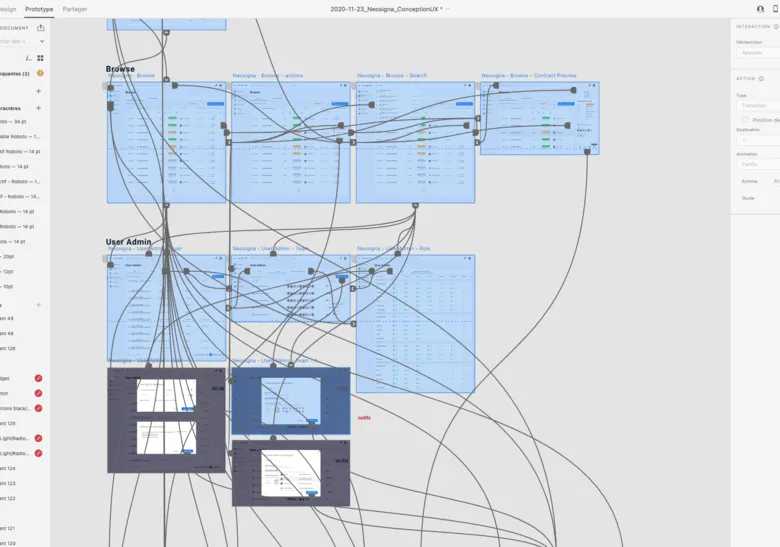


The prototype brings the mockups to life: it simulates the interactions all along the journey so they can be tested with users. Despite the progress of prototyping software, it remains a simulation, less advanced than what development will make possible. To work around those constraints, the prototype usually follows a test protocol to make sure the links work during the user tests.
In short, no complex algorithm, just simple links between components and pages, and sometimes a bit of clever animation to give the mockups more life. Using prototypes is the ideal way to present the journey dynamically to users and gather feedback!
01
Load the mockups or wireframes
To start, you need to gather the various screens from which you want to build a dynamic journey. Depending on the level of detail you're after, you can use paper sketches, wireframes (most often) or high-fidelity mockups.
02
Create the links between pages
The approach involves drawing clickable zones on a screen, each assigned a transition to another page. This logic lets you build a sequence of screens step by step, depending on where you click. You usually limit yourself to wiring the main links to quickly reach a result that matches a defined scenario.
03
Test the prototype
Prototypes are securely accessible online. Here too you can gather comments from the project team or the developers. Once you've set the links and the transitions you want from the clickable zones, you can check that your prototype works.
Depending on the project, we adapt the prototype formats and their level of fidelity. Storyboard, usage scenario, device sheets, functional layout of spaces, role-play, paper interface prototype are all examples of formats we offer.
Design tools (such as Figma) let you add simple transitions between your screens in a few clicks.
Simply select a component (or an area) of your interface and apply an animation to it. To test a journey, use actions such as “on click”, then choose “navigate to” and select the next screen to display.
Other types of interaction are possible, such as making an interface element “sticky”, meaning it stays put while scrolling. Or delaying the display of an element to simulate a notification appearing, for example. The playground is vast!
You can create a prototype for desktop as well as mobile. The essential point is to think the journey through as a whole, so you do not end up stuck in the middle of it with no way out.
A prototype is a preliminary representation of a product or an interface, designed to test hypotheses before developing the final solution. It can be as simple as a drawing on paper or as elaborate as a high-fidelity interactive mockup in Figma. Its role is to make an idea tangible so that it can be evaluated, discussed and improved at low cost.
A low-fidelity prototype (paper, simple wireframe) represents the structure and logic of an interface without the visual details. It is quick to produce, easy to modify and does not generate visual bias in testers. A high-fidelity prototype reproduces the appearance and behaviour of the final interface. It is useful for testing precise interactions, validating visual choices or presenting a concept to stakeholders. Low fidelity suits the first iterations; high fidelity suits the advanced validation phases.
As early as possible. A paper prototype can be built and tested in a few hours. The aim is to reduce uncertainty before investing in development. The basic rule: prototype before you feel ready. Problems found on a paper prototype cost a few minutes to fix; the same problems found after development can cost several weeks.
For low fidelity: pen and paper, Balsamiq, or even sticky notes. For high fidelity: Figma (the current market standard), Adobe XD or Sketch. For complex interactions (animations, advanced transitions): ProtoPie, Principle or Framer. The choice of tool depends on the visual fidelity needed and the type of interactions to test, not on the personal preferences of the team.
You prepare realistic task scenarios, you observe users interacting with the prototype while noting their behaviours, hesitations and verbalisations. For Figma prototypes, you can share a link and observe remotely via tools like Lookback or Maze. The key is to resist the urge to step in when the user is stuck: blockages are precisely the most valuable data. You debrief after each session to understand the reasons for the behaviours observed.
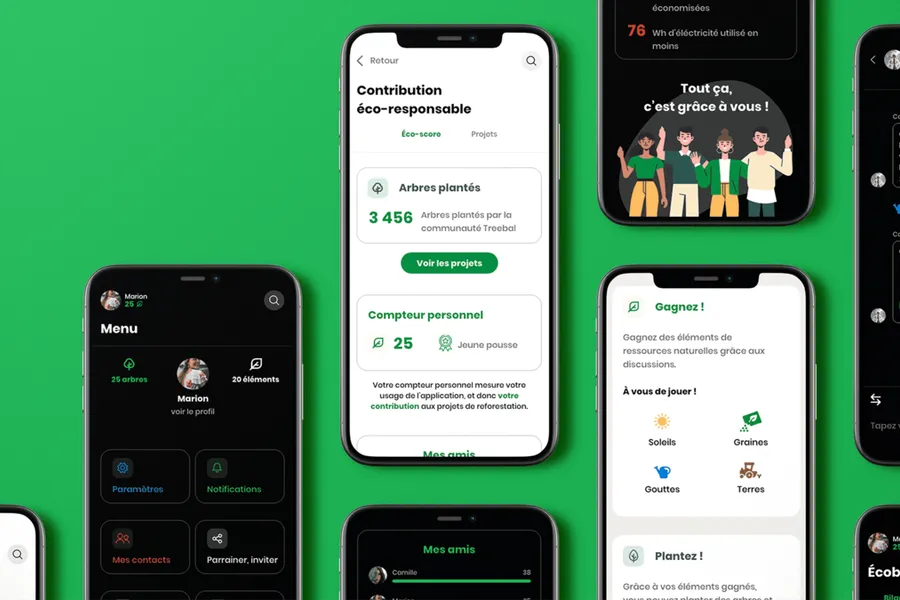
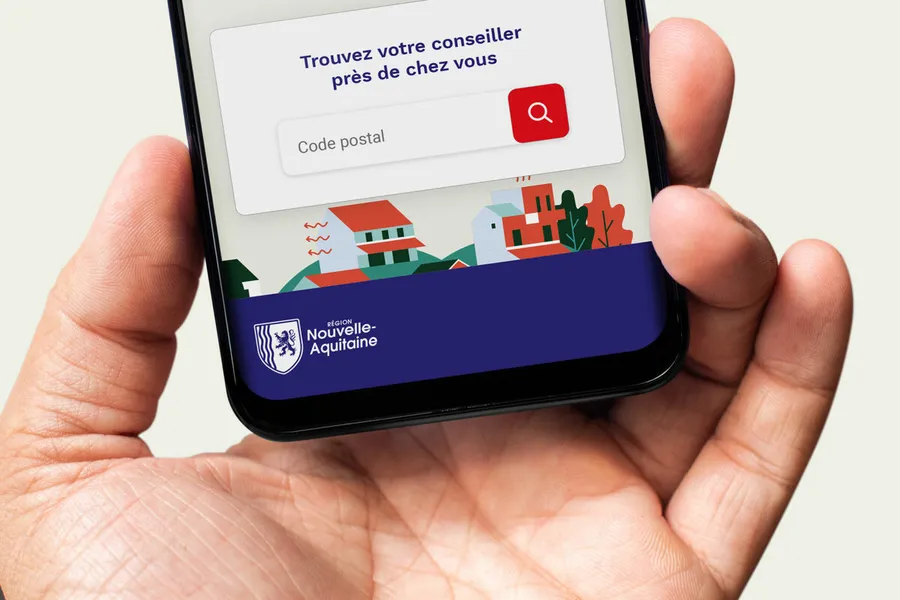
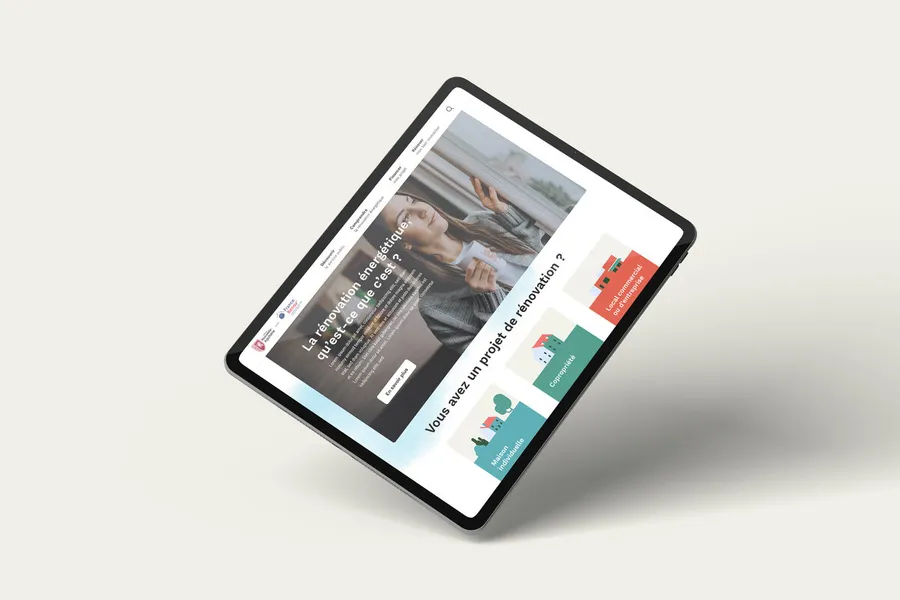


User testing means having target users assess the usability of your product or service. Depending on the goals, several approaches are possible.
Read more about User testingGuerrilla testing means meeting users in public places to gather spontaneous feedback.
Read more about Guerrilla testingEveryone talks about user experience, service design, ergonomics...
It's not always clear, and you'd like to find out, or sharpen what you already know.