Human-computer interaction

Concept

Interacting with a machine

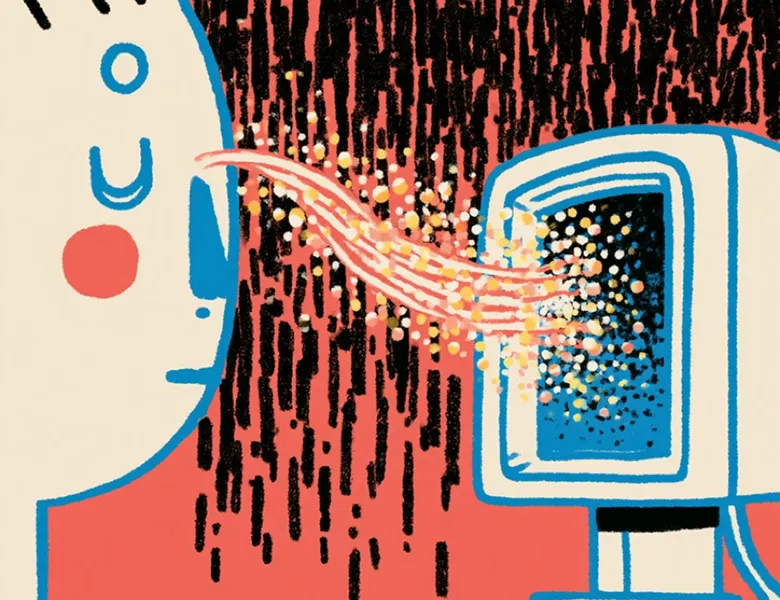
The term “human-computer interaction (HCI)” is used to refer to the interfaces that let a user communicate with a machine, a program or a computer system.

From the keyboard to the touchscreen, by way of voice and haptic feedback (vibrations), HCI is the visible part where the human and the machine communicate.

What is it for?

  • designing the points of interaction between a user and a machine
  • thinking through the interaction between the user and the machine in various forms (touch, visual, audio…)

What's the need?

  • designing interfaces to easily operate complex systems
  • framing interface projects while taking into account every type of interaction (touch, audio…)
  • applying Nielsen's heuristic “visibility of system status”

The visual evolution of the Human-Machine Interface

01

Skeuomorphism

it means giving an object, a shape, an appearance that refers to the appearance it had in the past. Think of Apple (the old “stamp” icon for email, the sound of the camera shutter…). Skeuomorphism made the affordance of human-machine interfaces easier by copying the real world.

02

Flat Design

from 2013, human-machine interfaces adopt a modern, pared-down style. This minimalist design removes 3D effects, simplifies shapes and makes adaptation to responsive design easier.

03

Material Design

overlapping with Flat Design, since it appears in 2014, material design emphasises bold colours, depth and distance effects, notably for interactions. As well as being suited to responsive design, it also lets interaction design take its full place and therefore improves the user experience.

Frequently asked questions

Interaction design

Interaction design defines what a user can do and how a product responds to actions: flows, states, transitions, feedback.

Read more about Interaction design

Interface design

UI design shapes the visual layer of a product: layout, colours, typography, components. It turns the experience into tangible, interactive elements.

Read more about Interface design

Experience design

Experience design (UX design) shapes the overall experience beyond the interface. It focuses on what the user encounters: journeys, emotions, contexts

Read more about Experience design

Ergonomics

Ergonomics adapts tools to human capabilities. Born in factories, it now applies to interfaces through cognitive ergonomics and UX design.

Read more about Ergonomics

Cognitive ergonomics

Cognitive ergonomics turns the way the brain works into design principles. Perception, memory, mental load: the foundations of UX design.

Read more about Cognitive ergonomics

Affordance

Affordance is the ability of an interface element to suggest its use. Donald Norman popularised the concept: in digital design, only perceived affordance counts.

Read more about Affordance

Curious to learn more about us?

Everyone talks about user experience, service design, ergonomics...
It's not always clear, and you'd like to find out, or sharpen what you already know.

Let's talk