
🎯 1. Set clear goals and expectations for your team, explain the why and the what
A team working remotely needs a strong objective and a shared understanding. Without common ground, focus will be missing. A shared objective and expectations are the most precious tools to clear up any ambiguity and to get team members to think about shared objectives (not just their own personal ones).
Don’t assume your colleagues understand the situation as a whole.
You need to be able to explain both the “what” and the “why”, so that everyone understands individual and team objectives, and can align them with the company’s objectives. A shared understanding means all team members are aware of the team’s capabilities and goals. But also of the expertise each person brings, and of how they will interact in order to reach the goals set.
In a remote team, everyone works in their own context. But a shared context is important to understand one another.
🗓️ 2. Define clear roles, raise the bar: give people the power to work autonomously
Once you’ve defined clear objectives and strategic results, each team member must have a good understanding of their own role and responsibilities. This matters in order to delegate tasks properly, with concrete responsibilities.
Teams are more effective when work isn’t organised around individual tasks but when everyone focuses on reaching shared results. Everyone in the team takes on more responsibility, and this gets us out of the micro-management of individual tasks.
Each team member must be able to work independently, self-directed and self-organised. All the more so in a remote work environment, where contact is kept to a minimum due to physical distance. To make this work, you should always communicate the desired outcome and the success criteria. To take on a task, the team member needs a clear understanding of what is expected. You also have to know which person is best placed to carry out a task. Who has the skills needed to do the job? How could this task help a team member grow?
Teams must have the power to plan their own work, solve problems and make relevant decisions. Only then can everyone work more productively and give their best.
🚀 3. Identify decisive measures and make how performance is measured transparent
Third step of remote working: identify the focus time for deep work, and the overlap time to discuss problems, ideas and to share knowledge. You need to clearly set out the documentation processes you will need. The less overlap time and the more asynchronous the work, the higher the internal documentation and coordination efforts can be when handing over projects, milestones and results.
People are more productive when they can work asynchronously and focus on their work without being distracted. That is why you need to find a good balance between asynchronous and synchronous communication, which reduces internal workflow costs and increases productivity.
💬 4. Communicate with clear intent, both verbally and in writing
Good communication is made up of the 5 Cs:
- Clarity of your message
- Concise and precise
- Concrete on figures and facts
- Consistent on the main themes and objectives
- Courteous and respectful
Virtual collaboration is largely about asynchronous communication. Written communication is therefore the basis for exchanging information between people, but expressing emotions and a clear intent is much harder. It often happens that the expectations contained in a message are interpreted wrongly or negatively, that information is not or is poorly conveyed, and that conflicts arise.
So learn to express your intentions and emotions in ways that always secure engagement in the team.
You may know the media richness theory. Use “lean” media (email, for example) for low-complexity situations, and “rich” media (videoconferencing, or even the phone) for complex situations such as conflicts. Build the right mix of media into your communication strategy.
🧰 5. Bring in and use collaboration tools properly
Don’t just bring tools in. Teams will hardly accept them, or won’t use them properly. Start by analysing your processes and workflows, then decide which tools will support them and what benefits the teams and clients will get from them. Work with your team to set guidelines on which tools will be used in each collaboration scenario.
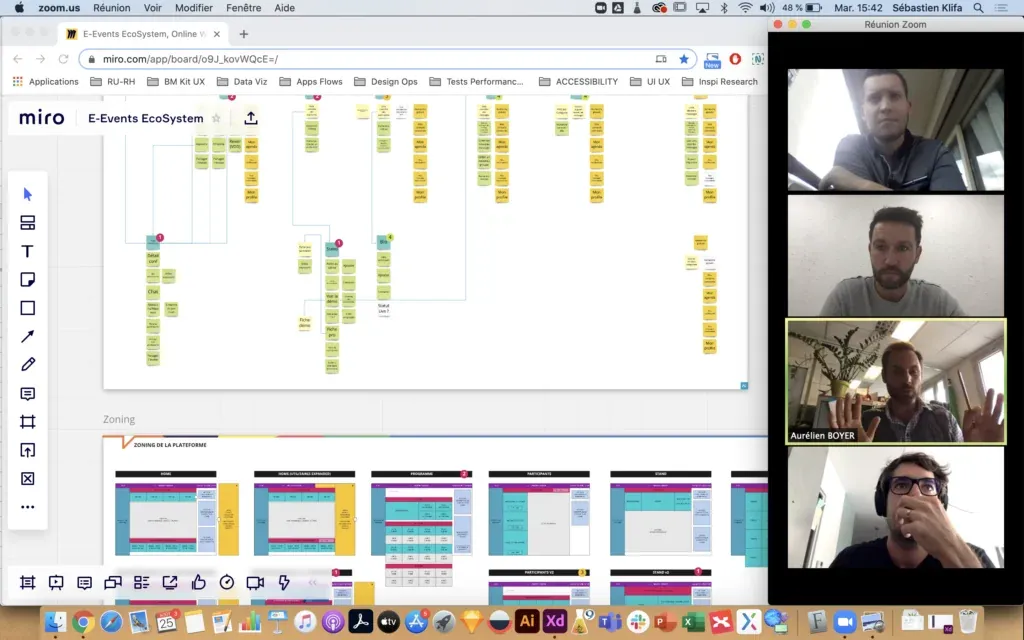
Always provide training and support, even if the tools are intuitive. Not everyone is tech-savvy. Sadly, many companies forget this.
Teams often think that the more tools they have, the more productive they are. But it isn’t about tools, it’s always about processes and workflows, and improving them with the right tools, not with more tools.
🏆 6. Recognise good performance and express appreciation
Employees should always know what rewards are based on, and that these are tied to the task they have to carry out. Follow the formula: effort → performance → reward. So it’s essential to set clear objectives and to understand what has to be achieved.
In most organisations, recognition and financial rewards go hand in hand. This approach misses an important point: people are more motivated by intrinsic factors such as appreciation than by extrinsic ones.
Find opportunities to recognise good work and to praise employees in their day-to-day work. Don’t always wait for a task to be finished.

☕ 7. Build a strong team spirit and set up trust
Trust is the key to the best performance. You can put excellent processes and operations in place, but without trust, teams will lack motivation and commitment.
First, people need to feel that they are, and remain, connected. That takes more effort from leaders. As a leader, put the “management by proximity” concept into the current context by organising weekly check-ins and regular 1-to-1s. Take the time to call and connect with every team member.
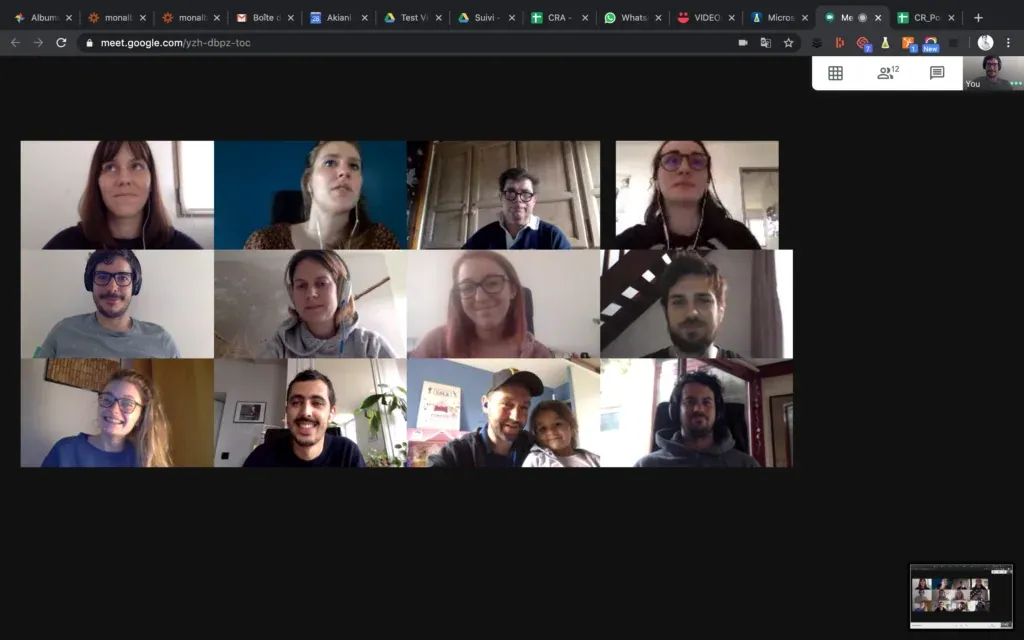
Allow informal communication alongside the exchange of operational information. People only build trust-based working relationships and feel motivated to share their knowledge when they get to know one another personally, develop sympathy for others and find common ground. Teams must have enough time and space for informal communication (a coffee over video call, for example) and be encouraged to find opportunities for informal communication.
Wrap-up on remote working
You now know everything about how to improve your distributed operations. Teams need very concrete definitions: who they are, what they have to do, what each person is responsible for, and what support they will have to do it. As a result, you need proper framing to raise the performance of your decentralised environment.
Teams working remotely need very concrete definitions of who they are, what they have to do, what each person’s responsibilities are, and what support they will benefit from. To get the best possible performance, proper framing is needed for this new virtual working environment.
In this article, we have shown you why and what you can do to improve teams’ processes, the communication between them, and to raise performance.
Which tools do we use for remote working at Akiani?
Google Meet (opens in new window)
For our morning “Daily” (with tea, coffee or Chocapic), our “AK coffee” (to refuel mid-day), our weekly check-in on current and upcoming projects, and our “weekly project” to dig a bit deeper into ongoing projects, in order to give the rest of the team a visual overview (without judgement).
Like many companies today, we use Slack for our day-to-day communication, where you’ll find various channels going from “bonjour-bonsoir” to “design watch”, through “covid setup” and even “sport” (very useful during lockdown).
For most of our co-design workshops with our clients (workshops) or our trainees, we have chosen Miro as our remote collaborative design platform.
💡 If you (and your team) are interested in attending a professional course in UX Research, UX Design or Neuroergonomics (remote or in person)
See our training programme here ->>
Lookback (opens in new window)
Whether for health-related reasons or simply due to location, Lookback lets us run remote user tests, interact live, record and save the test videos online.
To make collaboration and the handover of components between designers and developers easier, we import all the visual interfaces into project-dedicated spaces. For more information on Zeplin, check out our latest article.
To bring together our various internal processes, methods, planning, task management and documentation.
A final word
We use many other tools (depending on our clients’ constraints, for example), which will probably call for a new article very soon. 🤫
Don’t hesitate to share your experience of your remote working processes, your tools, or to ask us your questions. In the meantime, we wish you all good luck.