


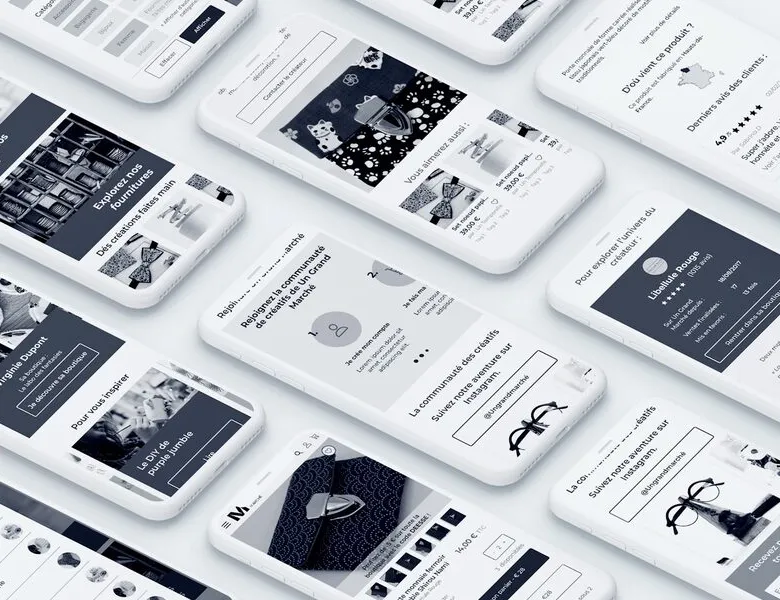


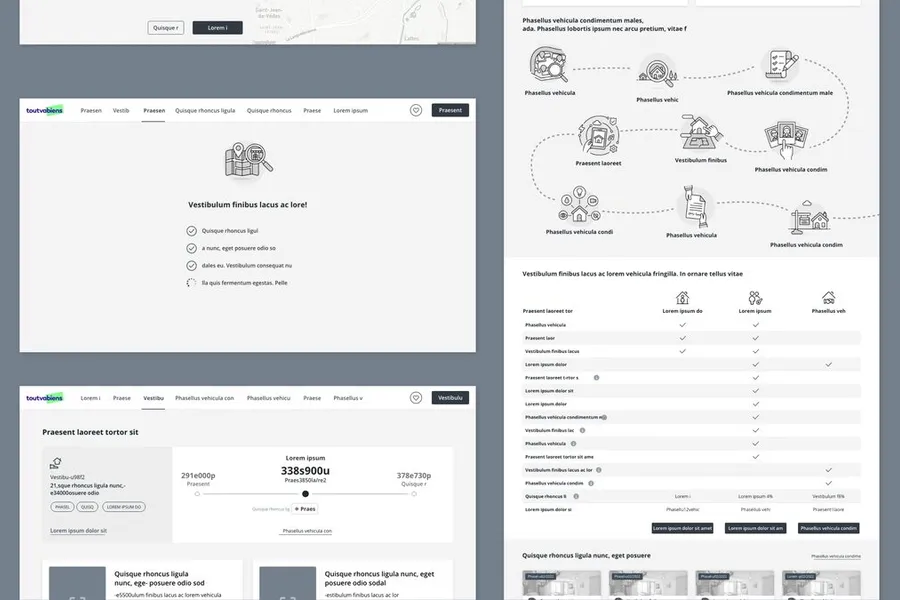
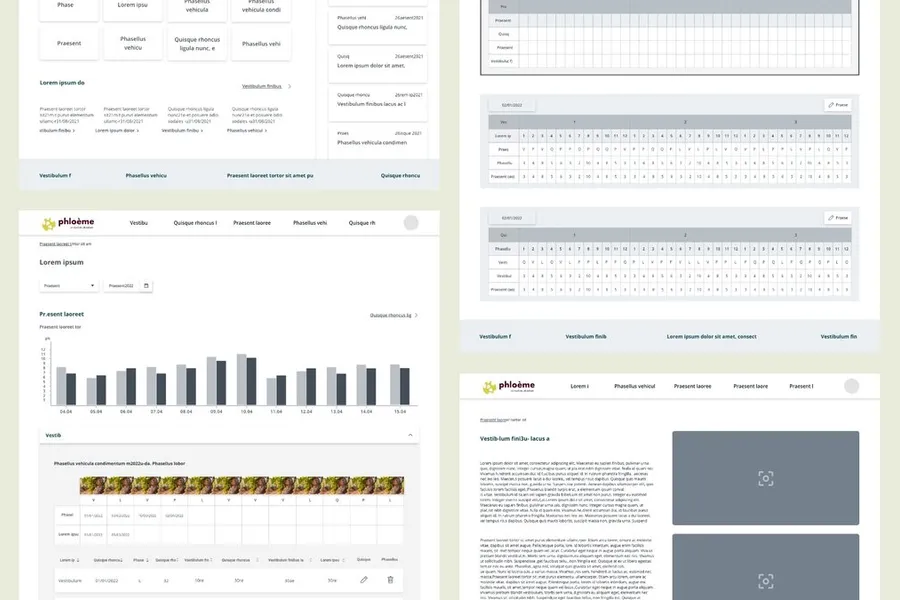
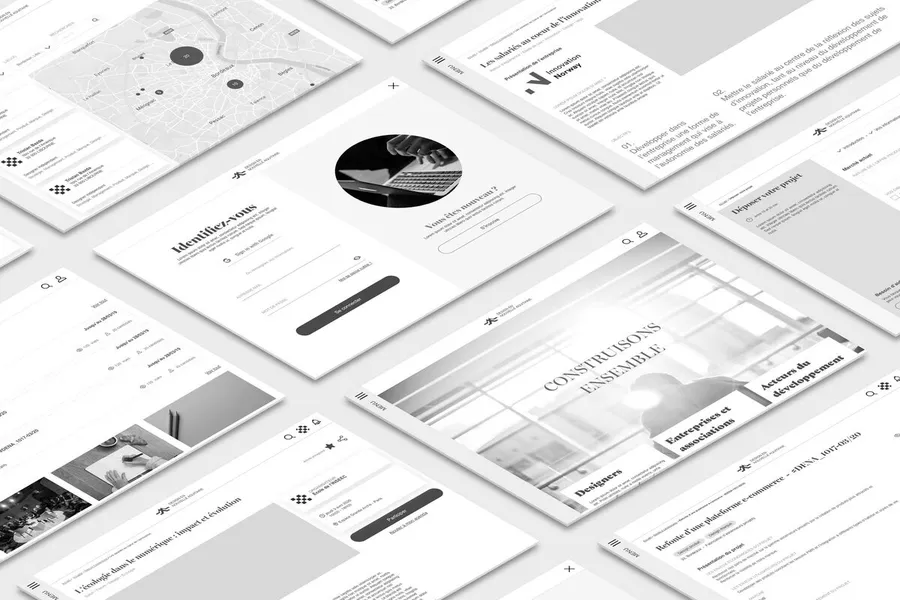
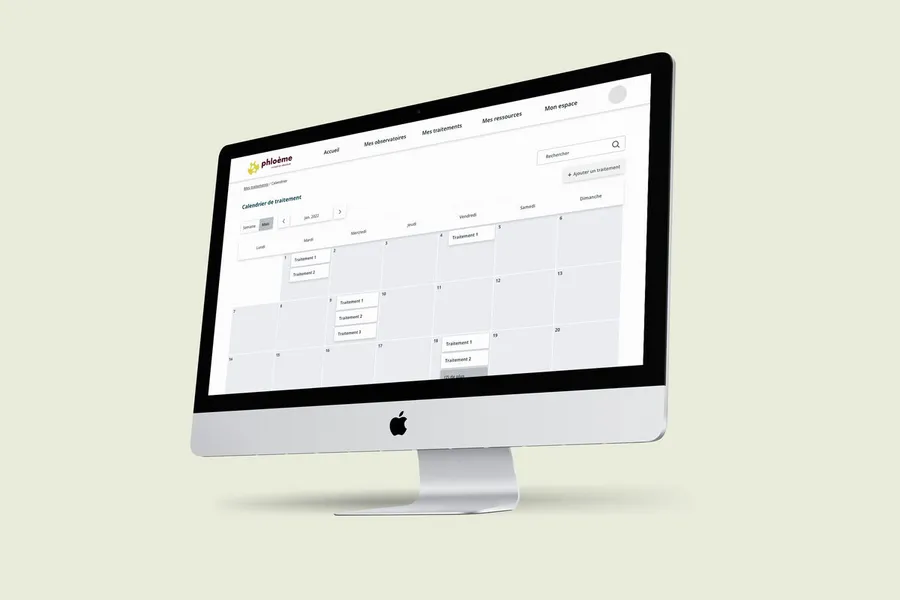
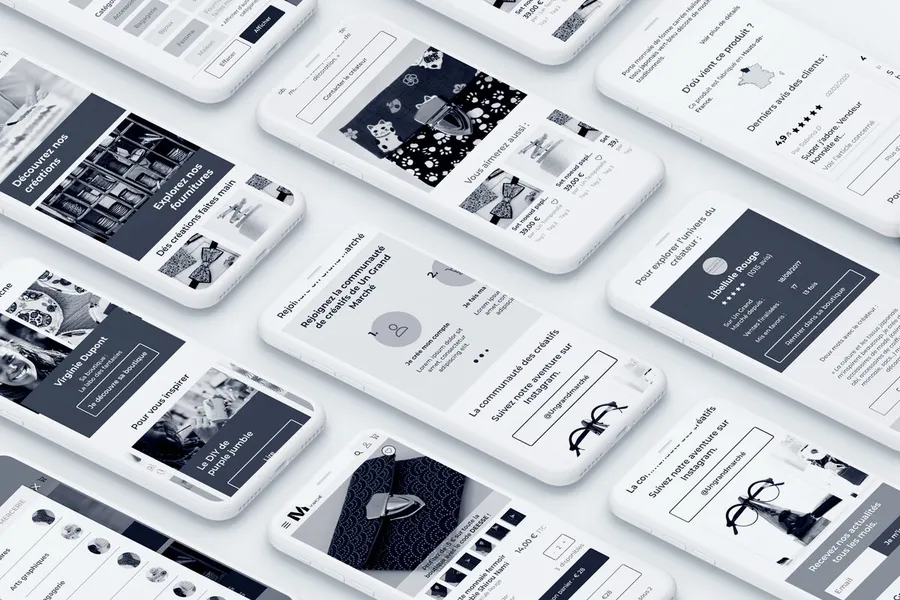
A wireframe is a mockup describing the zones and essential components an interface should contain. Holding no visual elements, wireframes are produced in low-fidelity greyscale. They keep the focus on the functional and informational side of the interface. The advantage of the wireframe is that you can quickly design the various journeys of a product or service and have them tested with users. It's also easier to iterate on this base to validate the screen structure before moving on to the visual design step.
Wireframes let you structure and improve the usability of an interface.
01
Structuring the information
The various page templates are referenced in the site map of your website or mobile app. Designing the wireframes lets you structure the content of the interfaces. The goal is to simplify the user journeys as much as possible, making it easy to reach the information you're after through smooth navigation.
02
Supporting navigation
Wireframes also let you work on the overall navigation of a site or mobile app, structuring elements like the breadcrumb, buttons, menu and so on.
03
Testing the mockups with users
Use these first mockups to test the journeys and the screen structure with users. Along the same lines as iterations with the project team, it's important to gather feedback from users at this step, so screens can be adjusted easily. A prototype is usually built to make the product easier to use during testing, depending on the scenarios defined in the research protocol.
04
Giving clients an overview
Wireframes also let you iterate quickly with the project team and improve the interfaces before moving on to visual design. A real time-saver when changes to the screen structure are needed.
1/ We design the interfaces in greyscale (without visuals) to work on the placement of information (low-fidelity mockups): wireframes.
2/ We run user tests in the street using a prototype.
3/ An iteration workshop is held to gather your feedback.
4/ We consolidate the screens based on the feedback.
A wireframe (or functional mockup) is a schematic representation of an interface in greyscale, without colour or graphic style. It represents the structure, the hierarchy of contents and the navigation logic, without dwelling on the visual appearance. It is a design and communication tool that sits between information architecture and the final graphic mockups.
They let you validate the structure of an interface and the navigation logic before investing in graphic design. By presenting them to users or stakeholders, you get feedback on the organisation of contents and the hierarchy without the visual aspect biasing judgements. They also serve as a basis for discussion between designers, developers and product managers to align on what each screen must contain.
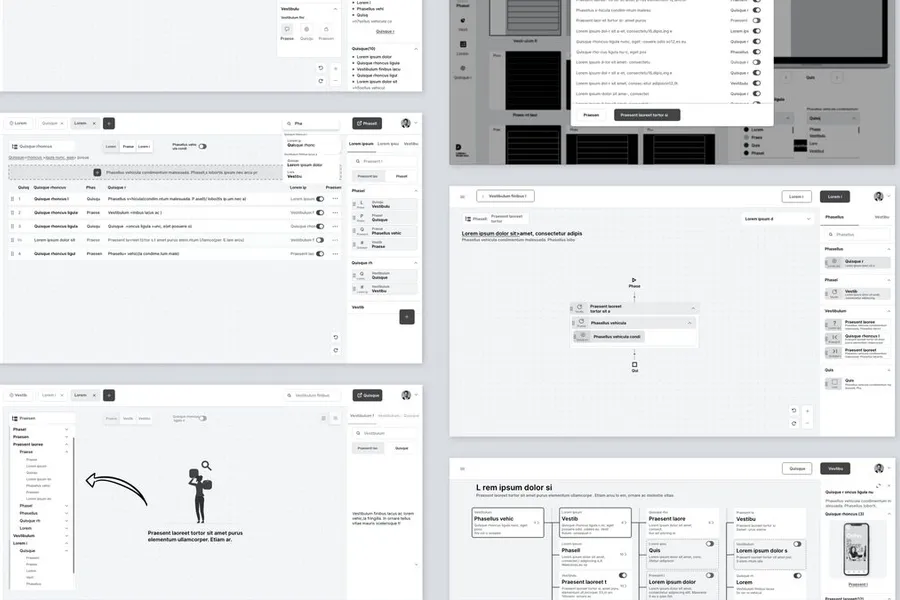
A low-fidelity wireframe is very schematic: rectangles for images, wavy lines for text, blocks for buttons. It is created quickly (on paper or in 15 minutes in Figma) and is ideal for exploration. A high-fidelity wireframe is more precise: the labels are real, the components resemble the final components, the spacing is careful. It takes longer to produce but makes communication easier with stakeholders less used to reading schematics.
Usually the UX designer or the product designer, sometimes in collaboration with the product manager. In less specialised teams, the project manager or a developer can also produce them to frame discussions. What matters is not who produces them, but that they are validated with stakeholders before moving on to the graphic mockups. An unreviewed wireframe is a source of misunderstandings at the end of a project.
Yes, in certain cases. When a mature design system provides ready-to-use components, you can move directly from information architecture to coded components or graphic mockups. When cycles are very short (a simple feature, an interface fix), a quick sketch can be enough. Wireframes are particularly useful for complex pages or flows where several people must align before producing.


Based on collective intelligence, these workshops surface solutions with the project team and/or the end users.
Read more about Co-design workshopCo-sketching is about sketching the first interface elements on paper during a collaborative workshop.
Read more about Co-sketching workshopUser testing means having target users assess the usability of your product or service.
Read more about User testingEveryone talks about user experience, service design, ergonomics...
It's not always clear, and you'd like to find out, or sharpen what you already know.