


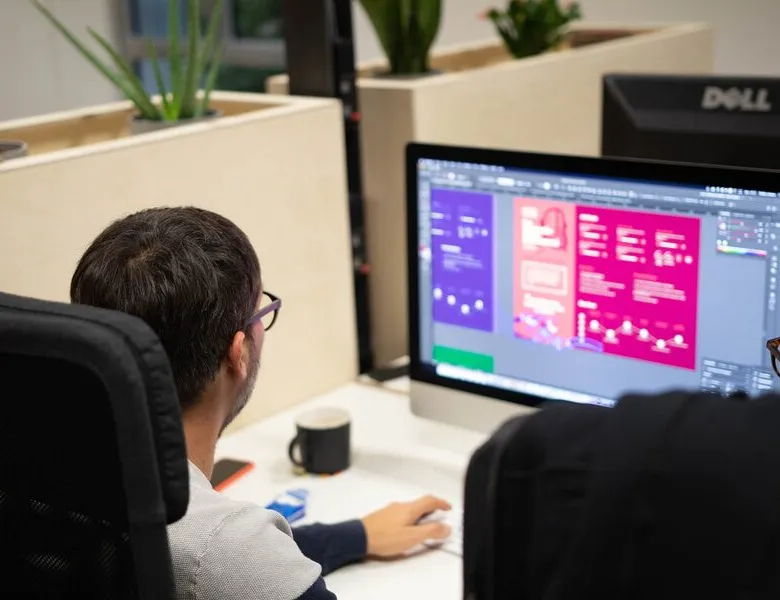


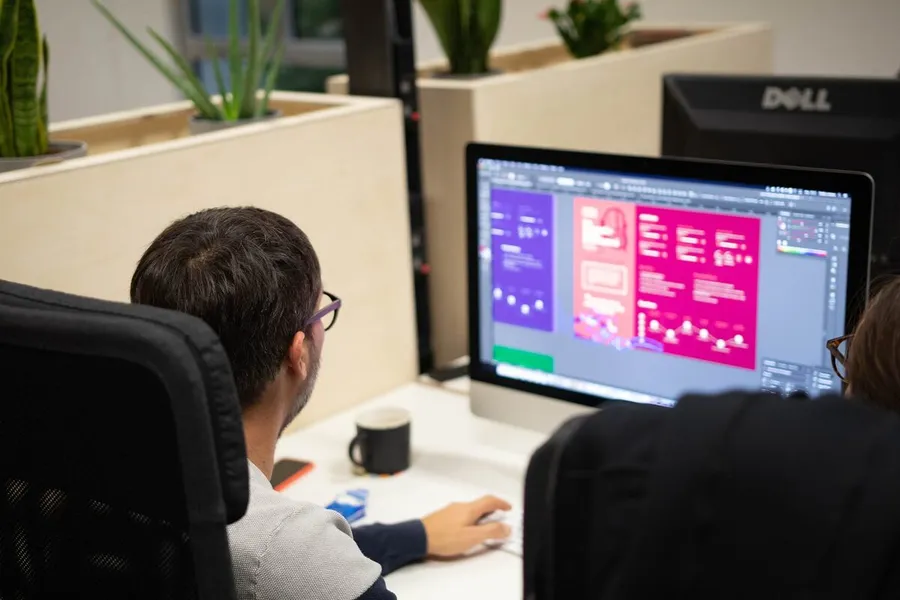
The UI sprint is the step that follows the UX sprint. Building on the UX designers' work, greyscale mockups (wireframes) are handed over to the UI designers. The UI sprint adds "that layer of paint" to the screens, applying the previously crafted visual style guide. This sprint is split into several stages to reach finalised mockups validated by the stakeholders.
01
Visual adaptation of the interfaces
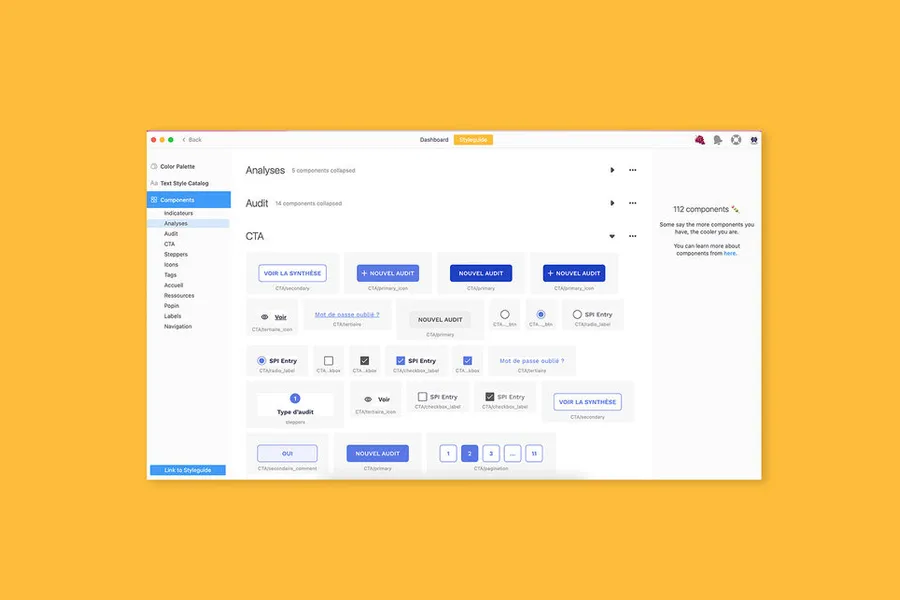
Before working on the mockup adaptation, our designers run a handover meeting to make the transition as smooth as possible, explain the choices made, walk through the wireframes, flag the points to watch, and so on. Once that handover is done, we adapt all the screens to the validated art direction. This part can take 3 to 6 days, depending on the number of screens and the project complexity. We also use this time to complete and structure the design system.
02
Iterating with the project team
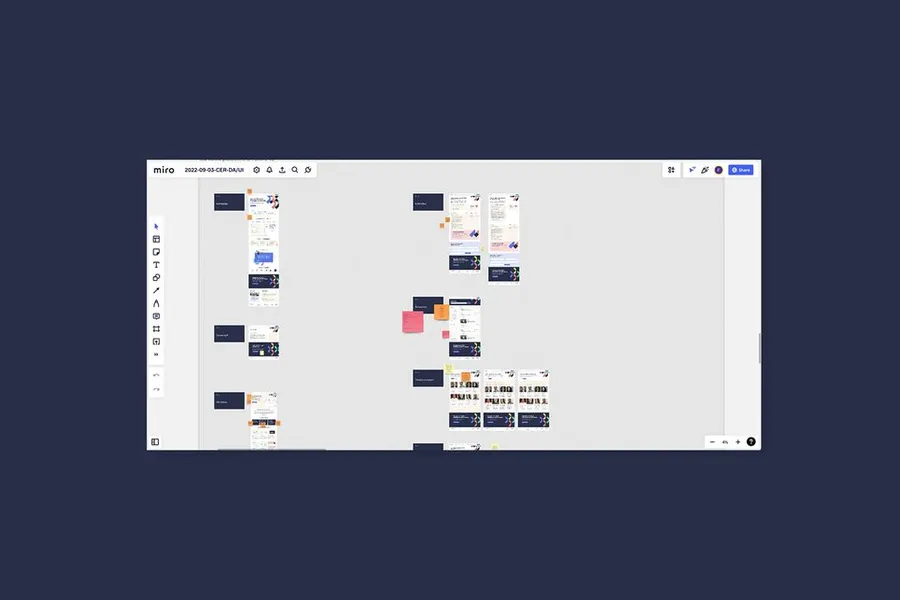
Once everything is finalised, we iterate with the project stakeholders to walk through all the screens. This step centralises any feedback and questions. That said, feedback is only on the art direction and UI side, not on UX elements like structure, and so on. Where possible, we bring developers in starting with this iteration. That lets them anticipate potential needs and also share their feedback on component feasibility. Involving developers early saves time during implementation, and also connects them with the design teams (so we can anticipate their potential questions).
03
Consolidating the visual adaptations
The second-to-last step of our sprint: consolidation. We take all the feedback raised during the iteration and adjust each screen and element that needs it. This step matters, because it's an overall check of our work. When time allows, we set up a prototype, useful both for developers and for clients running potential user tests. Where needed, we iterate a second time, to make sure all feedback has been taken into account and that everything is clear from the client side.
04
Delivering the mockups
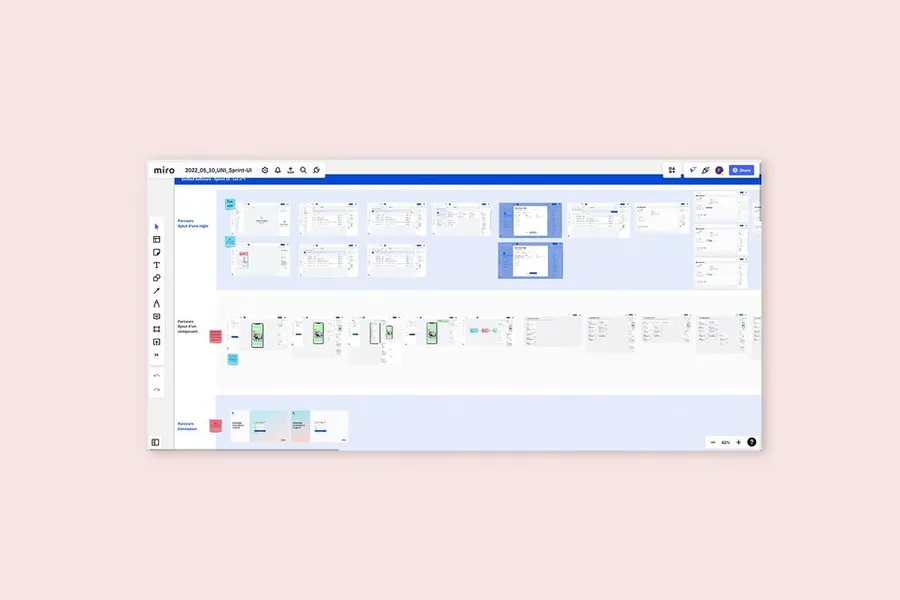
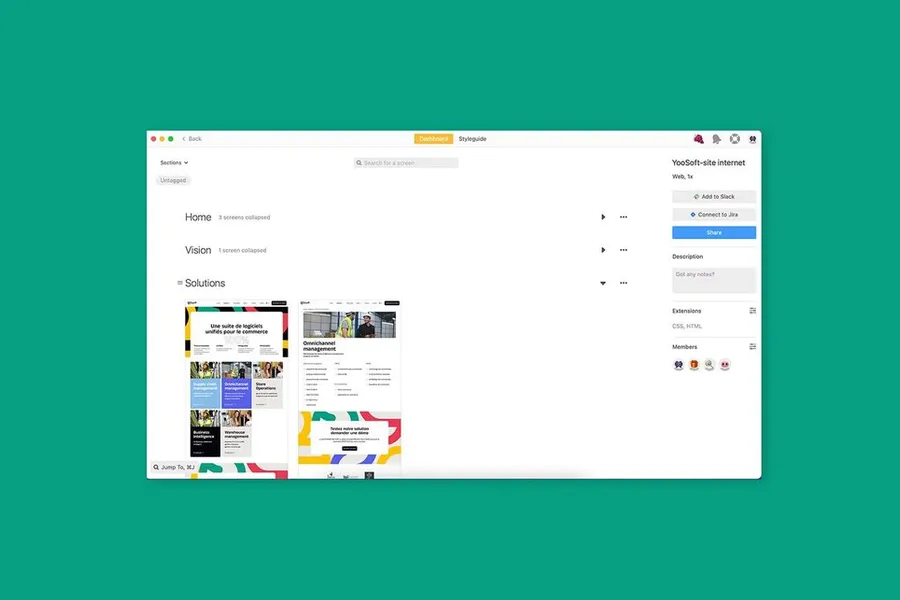
For this final phase, we get the screens ready for the developers. We clean the file of any unnecessary elements, check that screens are properly named and grouped, and so on. We prepare the components that need to be exportable (icons, images, illustrations, and so on). We usually deliver the design system and the screens on Zeplin. But we adapt to the developers' needs and sometimes hand over the project on XD.




The first element your users perceive, the visual identity is what conveys your industry and lets users or future customers identify you easily.
Read more about Visual identityThe visual style guide is a document that brings together all the information and graphic elements of a brand. It includes the rules to follow and the uses to avoid. It keeps the brand image coherent and consistent across all touchpoints.
Read more about Visual style guideDesigning the future screens with the visual layer added, to produce the final representation of the interface that gets handed over to the project teams for integration.
Read more about High-fidelity mockupsEveryone talks about user experience, service design, ergonomics...
It's not always clear, and you'd like to find out, or sharpen what you already know.