


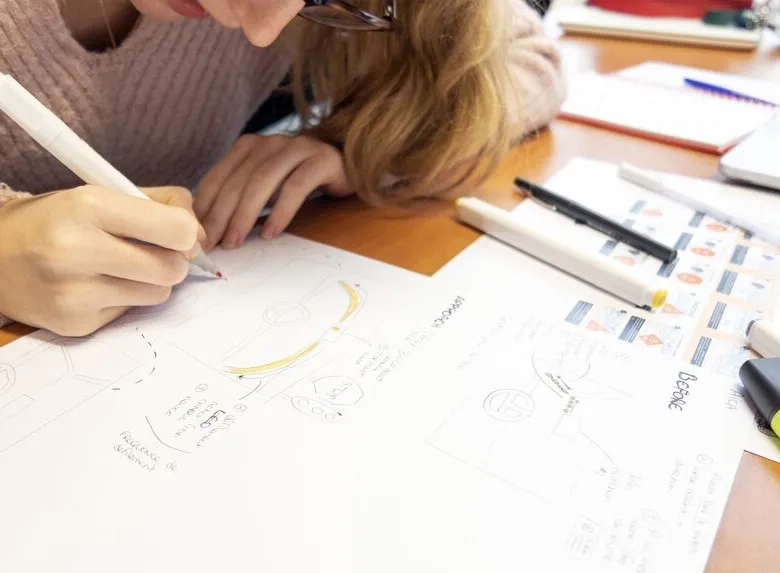


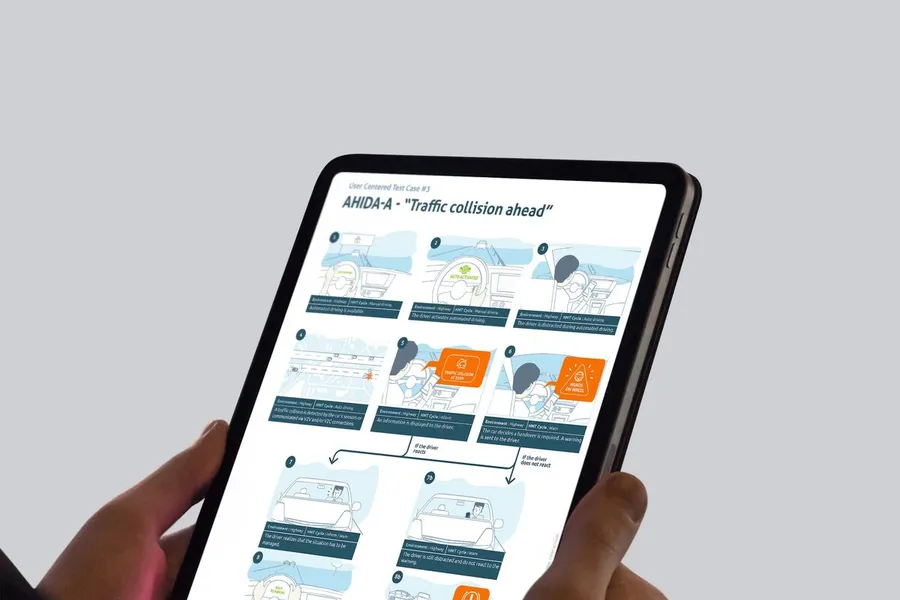
The storyboard, much like in film or animation, is a tool that UX designers use to help map the user experience of a product or service. It gives designers an overview and surfaces potential problems or areas for improvement. The storyboard can also be used to communicate the design to stakeholders and gather their feedback. Creating a storyboard is a crucial step in the UX design process, because it lets designers think through the user experience from start to finish and surface any potential issue. It also helps designers communicate their ideas to stakeholders and get feedback on the design. If you're working on a UX project, creating a storyboard is an essential piece of the UX design process.
01
The scenario
To start, you need to define the main scenario of the storyboard. That lets you focus on the narrative and the ideas you want to illustrate. Thinking about the text before starting to draw nudges you to focus on the important concepts rather than the visual rendering.
02
Journey steps and interactions
Next, you bring in the interactions and how they're sequenced, while accounting for how the user feels. The storyboard highlights the situation the user is in, what they feel at each step, the problem they face, and the response the product or service provides.
03
The frames (or the speech bubbles for comic-book fans)
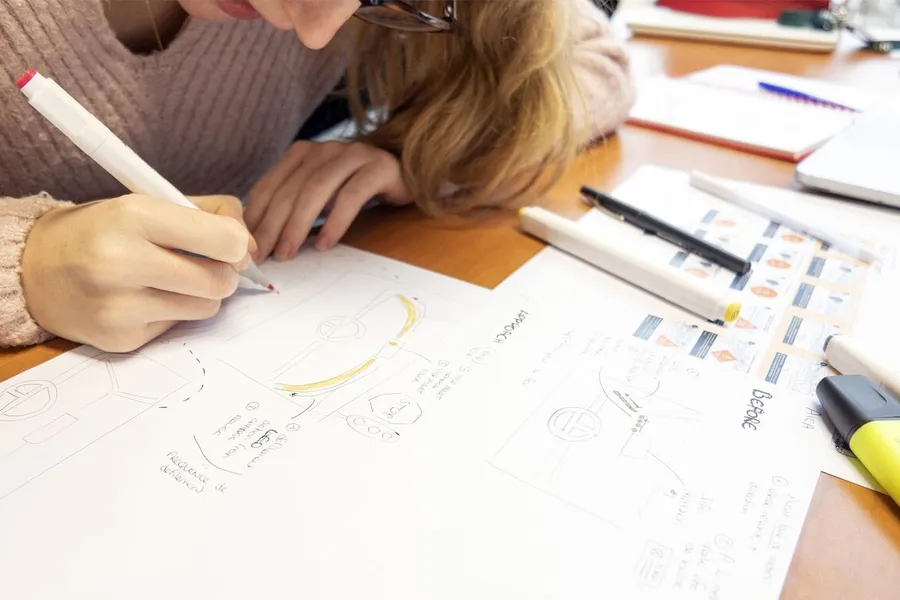
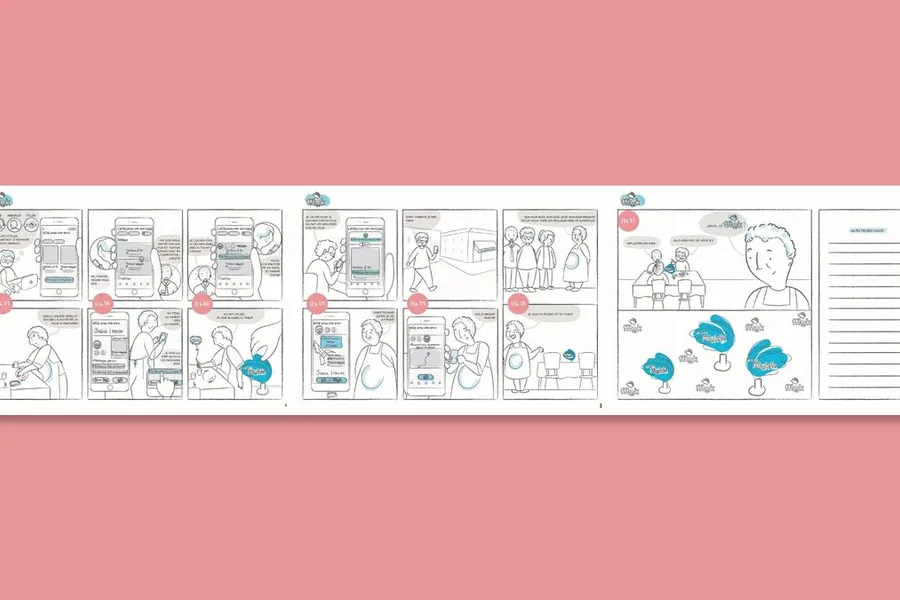
It's only after this preparation that each step turns into an illustrated frame. You can leave a comment below each frame to give more context, or show the character's thinking with speech bubbles. From there, it's about moving on to the more "design" side by adding details, colours, textures and so on, to make the storyboard as immersive as possible.
A storyboard in UX design is a series of illustrations or screenshots that represent the steps of a usage scenario. Borrowed from cinema and animation, it visually tells how a user interacts with a product in a real context: what they do, what they feel, the obstacles they meet and how the product responds to them. It is as much a communication and empathy tool as a design tool.
It serves to communicate a usage scenario in a concrete and memorable way, where a text document would stay abstract. It helps teams project themselves into the user's real usage context (not just in front of the interface) and to identify friction or opportunities that interface design alone does not reveal. It is particularly useful in the ideation phase to explore service concepts, or in a concept presentation to convince stakeholders.
No. UX storyboards do not need to be artistically accomplished: stick figures, speech bubbles and sketched settings are enough to tell a usage scenario in a readable way. Tools like Storyboarder, Boords or simply Figma templates also let you create digital storyboards without any particular graphic skill. What matters is the clarity of the narrative, not the quality of the drawing.
The storyboard tells a particular story with a precise context, characters and a linear narrative. It is more emotional and more grounded in a concrete situation. The user journey map is more analytical: it represents the phases of a journey, the touchpoints, the emotions and the friction in the form of a table or a graph. The two can complement each other: the storyboard brings to life a scenario identified in the journey map.
At the start of a project, to explore and communicate usage scenarios before designing anything. In the ideation phase, to illustrate solution concepts and get reactions from the team or users. In a concept presentation to stakeholders, to make a service or feature idea tangible. After user tests, some teams also use the storyboard to document the validated scenarios.
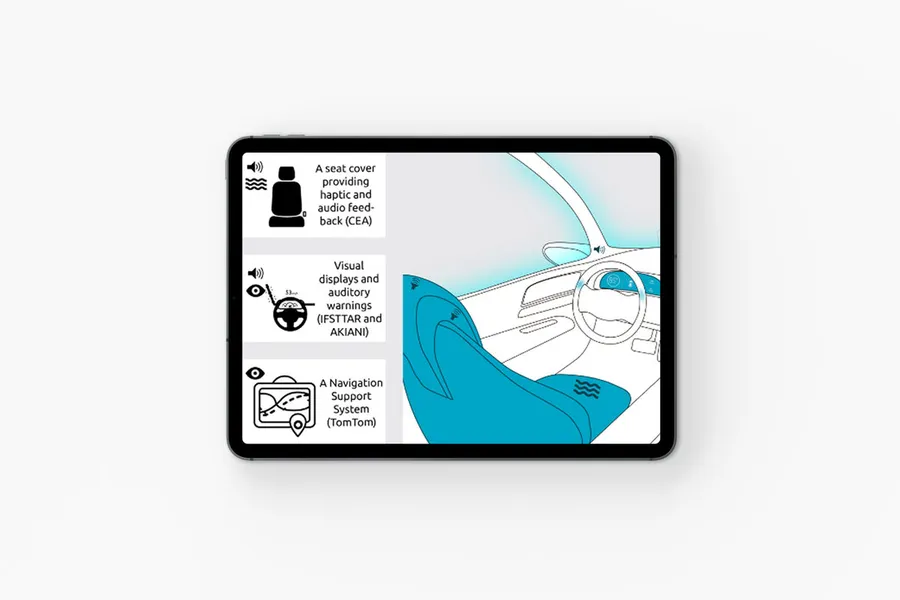


A co-design workshop draws on collective intelligence. These sessions help surface solutions with the project team and/or the end users.
Read more about Co-design workshopA site map of a website or app reflects the hierarchical, logical way its pages and features are organised. Proposing a sound site map means choosing a categorisation that fits the mental model users already have.
Read more about Site mapThe user flow is a visual representation that models the paths a user can take when going through a site or an app.
Read more about User flowEveryone talks about user experience, service design, ergonomics...
It's not always clear, and you'd like to find out, or sharpen what you already know.