





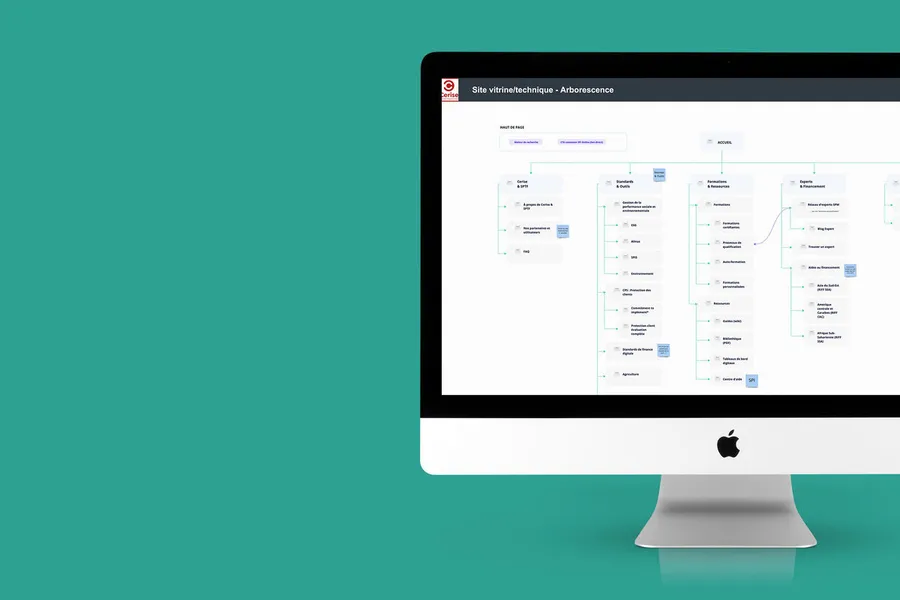
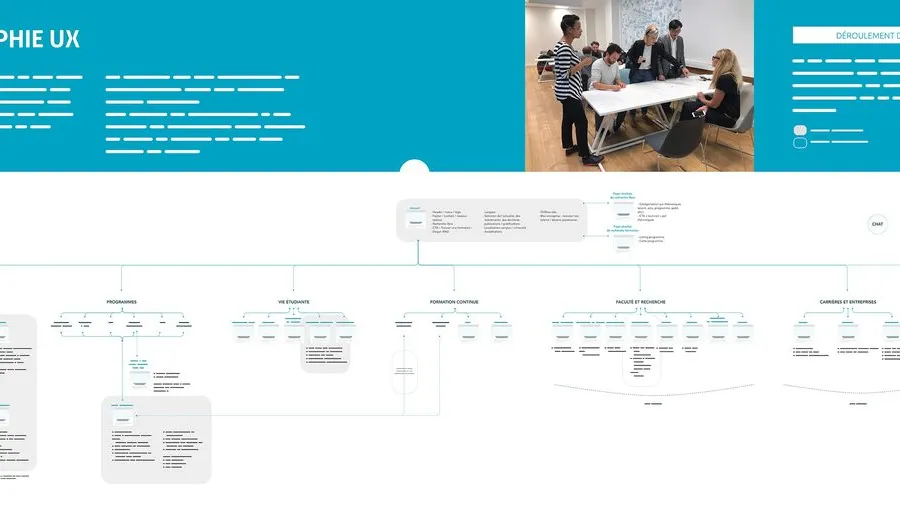
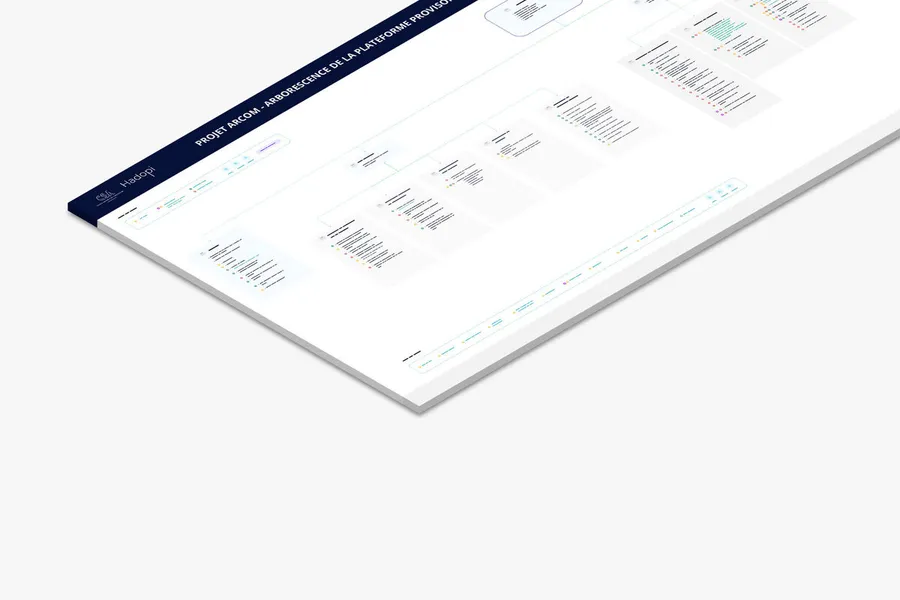
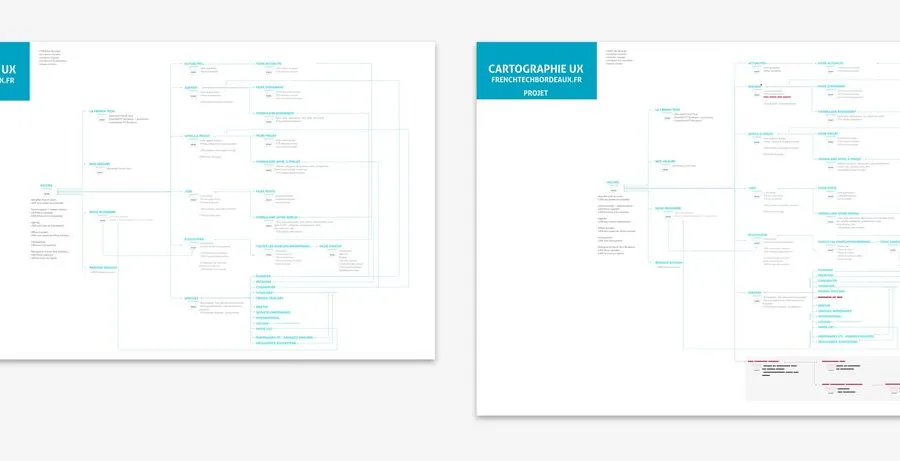
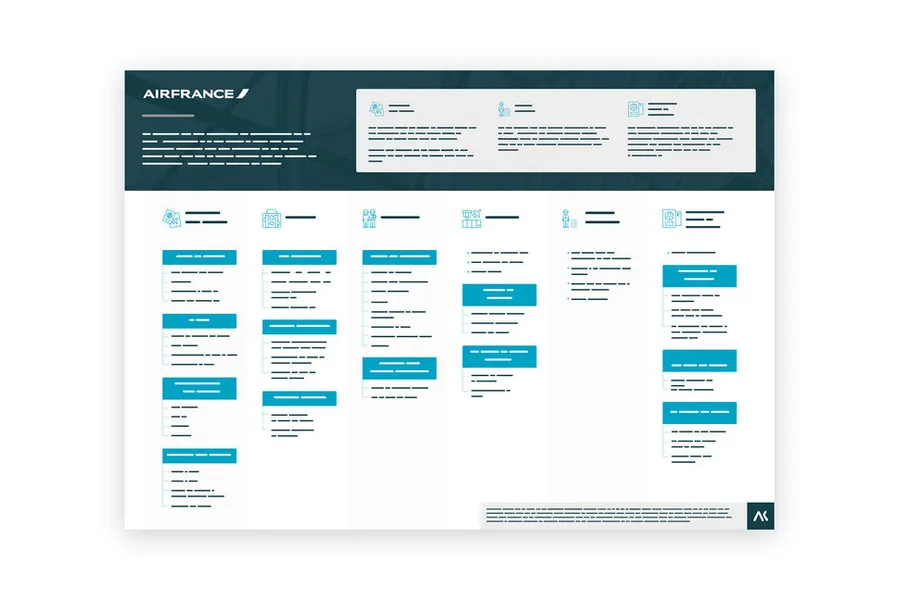
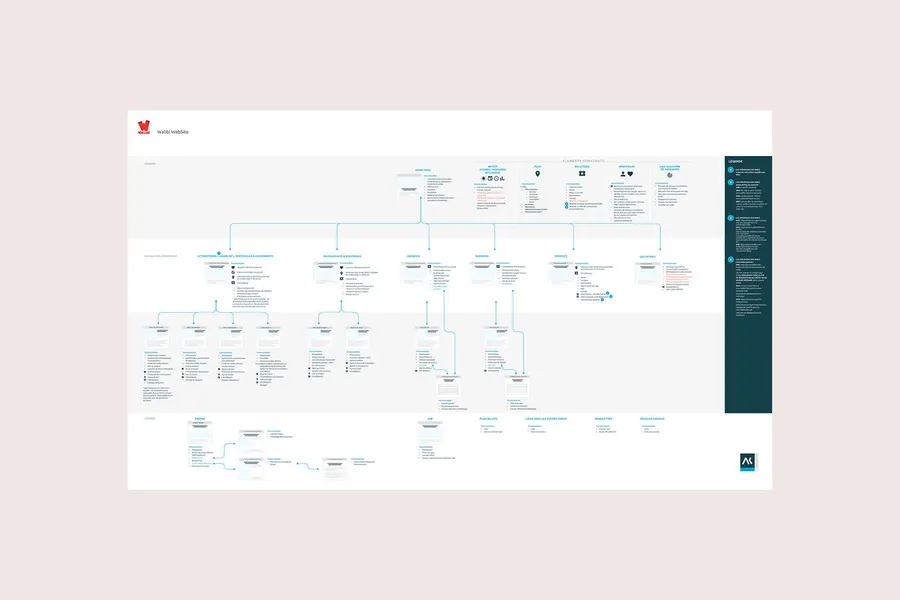
A site map of a website or app reflects the hierarchical, logical way its pages and features are organised. Proposing a sound site map means choosing a categorisation that fits the mental model users already have. Defining the site map is a turning point in designing navigation that works for the user. Co-building it with the various business stakeholders provides an overall view of the content to organise.
01
List the content and organise it
The site map is the structure. Before organising the content, the first step is to draw up an exhaustive list of all the content and features your interface will hold.
02
Visualise the various user journeys
The site map formalises the paths users can take to reach the content they're after. It's a hierarchical, logical way of arranging pages and features.
03
Check that the information sits in the right place
A good site map categorises information in a way that fits the mental model users already have. It's worth testing it with users through methods like card sorting, to confirm the structure makes sense from their side.
04
Identify how many page templates you'll need
The site map shape will drive the type of pages the future platform will hold: news item, contact form, offer page, and so on. Doing this work upfront helps identify the various templates and where they sit in the platform. It also helps prioritise templates by site map level. For instance, the team may decide to design only the top-level pages first.
The tree structure is the hierarchical structure that organises the contents and features of a digital product. It defines which sections exist, how they are grouped and how they nest within one another. It is the foundation of navigation: if the tree structure is inconsistent, no interface can make up for it. It is one of the first decisions to make in information architecture.
You start with a card sorting session with representative users to understand how they naturally categorise contents. You build a candidate tree structure from this data, then validate it with a tree test. You iterate until users find contents without hesitation. The final tree structure must reflect users' mental models, not the internal organisation of the company.
There is no universal rule, but beyond 3 levels of depth, users begin to struggle to keep track of their position in the hierarchy. The classic tension is between breadth (many categories at the first level) and depth (few categories, more levels). Studies show that broad (but shallow) tree structures are generally easier to navigate than deep tree structures.
The tree structure is the underlying structure; navigation is the way it is made visible and accessible in the interface. The same tree structure can be presented through a hamburger menu, a horizontal navigation bar, a mega-menu or a side panel. The choice of navigation pattern depends on the volume of contents, the uses (mobile vs. desktop) and the conventions of the target platform. But it is always the tree structure that determines what navigation exposes.
By integrating new contents into the existing structure rather than adding ad hoc sections. A tree structure that grows without logic quickly becomes a maze. You need to audit rarely visited sections regularly (via analytics), record internal searches that indicate users are not finding what they are looking for, and question the structure if usage patterns drift away from the logic of the original tree structure.


A co-design workshop draws on collective intelligence. These sessions help surface solutions with the project team and/or the end users.
Read more about Co-design workshopUser testing means having target users assess the usability of your product or service. Depending on the goals, several approaches are possible.
Read more about User testingEveryone talks about user experience, service design, ergonomics...
It's not always clear, and you'd like to find out, or sharpen what you already know.