





Responsive design is the practice of building a single interface that adapts to the screen size of the device being used (mobile, computer, tablet, and so on). The interface structure the user sees adapts to the screen, and the content positions itself in a way that supports the smoothest possible user experience. It's essential to factor in responsive design upfront, before designing the mockups, so that developers can build components fit for different screens while keeping things as usable as possible.
01
Thinking about responsive design
It's important to consider the screens in different formats (where it actually matters, of course) to design interfaces that match user needs and anticipate possible friction points.
02
Preparing and framing the design
Components should be designed with screen size in mind. Buttons, navigation menu, images, text, and so on will automatically resize and reorganise based on the space available on the device.
03
Defining the breakpoints
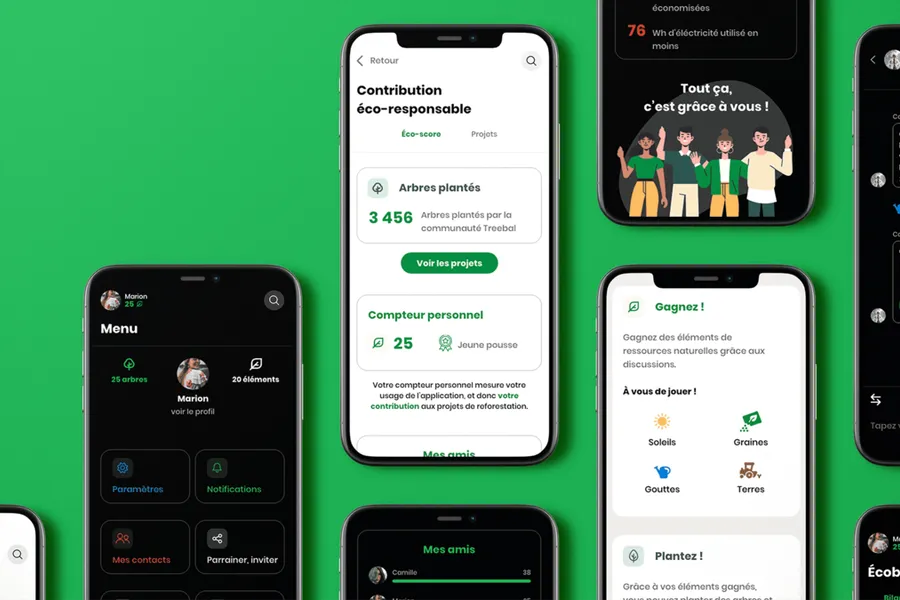
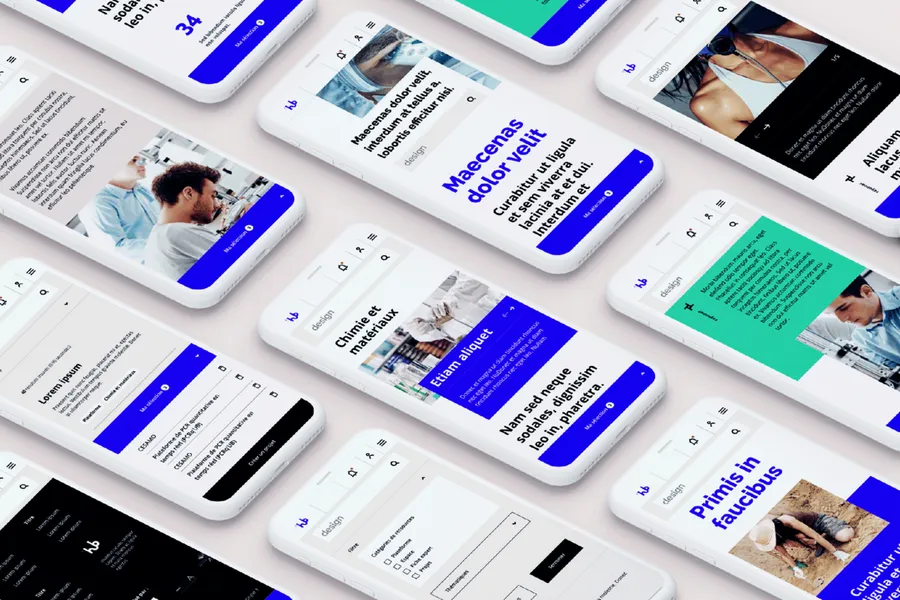
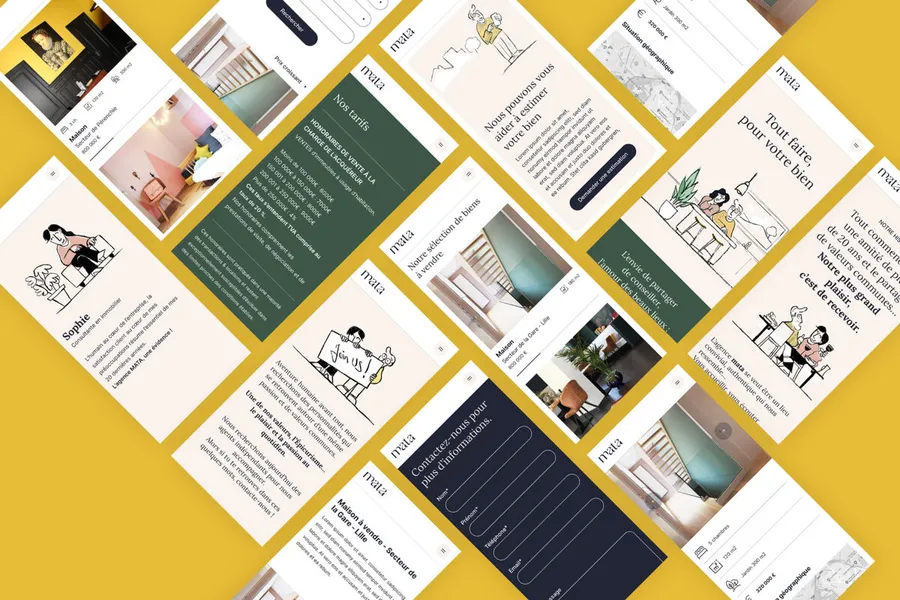
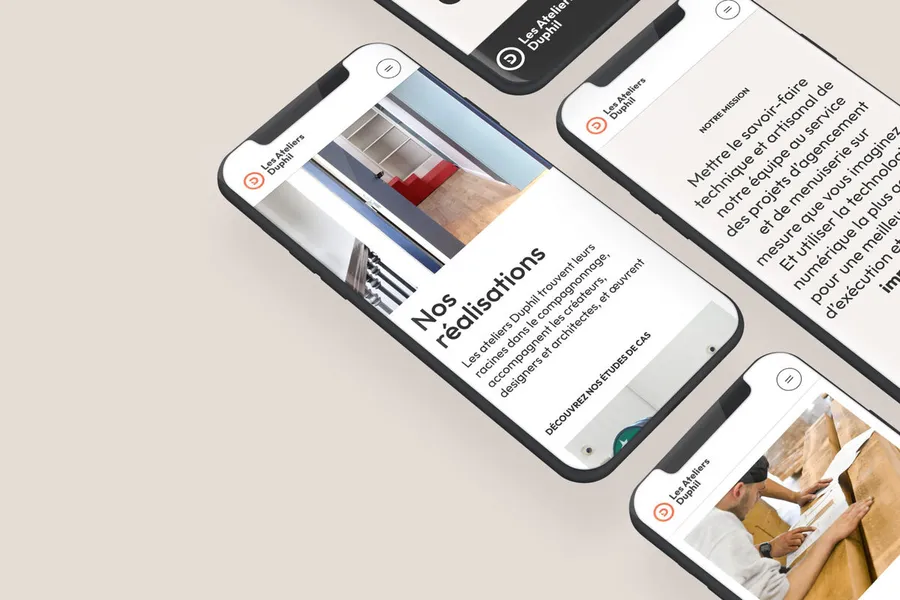
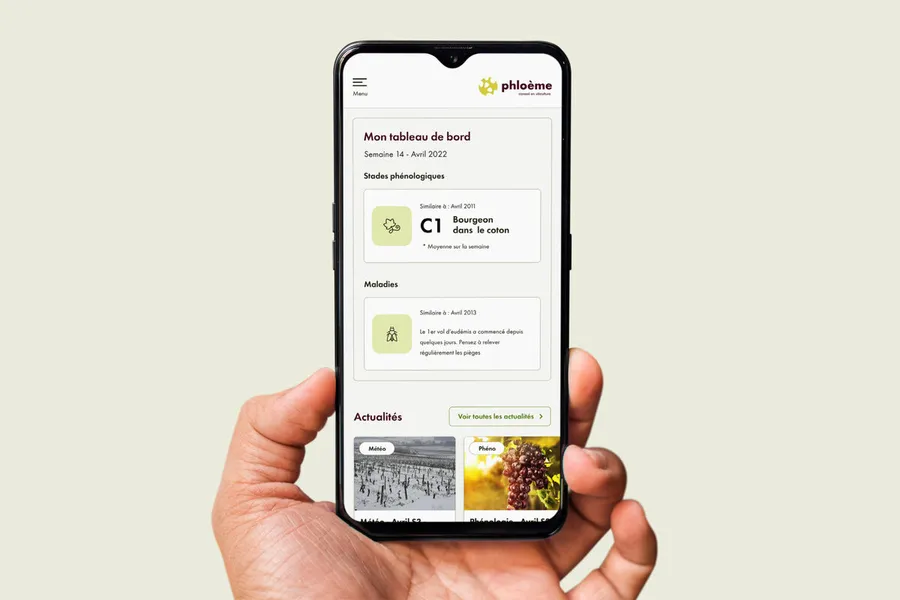
Mockups are usually presented in desktop format for a standard computer screen and in mobile format (sometimes the tablet format is asked for specifically), with the various breakpoints called out for minimum and maximum screen sizes. That lets you observe how components behave depending on the screen. For instance, an image alongside text will appear horizontally on a computer (image on the left, text on the right) and vertically on mobile (image on top, text below). The component stays the same, but its structure adapts to the screen dimensions to make reading and navigation easier.





A co-design workshop draws on collective intelligence. These sessions help surface solutions with the project team and/or the end users.
Read more about Co-design workshopUser testing means having target users assess the usability of your product or service. Depending on the goals, several approaches are possible.
Read more about User testingEveryone talks about user experience, service design, ergonomics...
It's not always clear, and you'd like to find out, or sharpen what you already know.