


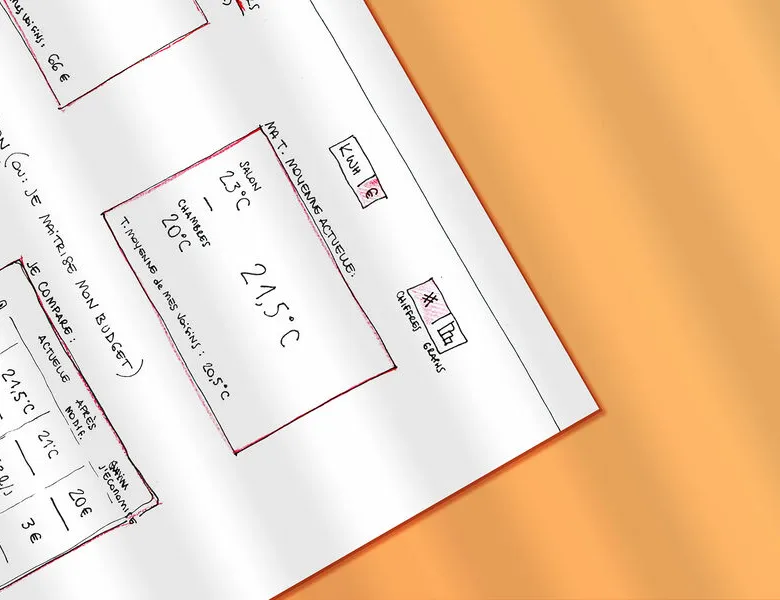


Sketching is the practice of creating user interfaces as drawings, most often freehand. The designer draws the structure of the screens and shapes their design ideas while accounting for user needs and project goals. These sketches then act as a collaborative working base with the project team, and let you validate the content before moving on to wireframes. A real time-saver in an iterative workflow, which lets you share the first directions quickly.
You don't need to be an artist to convey your ideas through drawing. But for better understanding, it's important to make the content explicit.
01
Structuring the sketches
Think about breaking down your sketches to highlight the most important elements. Define the overall interface structure with a black marker. For details, switch to a thinner pen, and underline the important elements (buttons, features and so on) with a coloured marker or a highlighter.
02
Spelling out ideas with words
Use the areas outside the screen to describe certain components, pointing to them with arrows. Explain the possible interactions by drawing the step before and/or after (for example, a popup opening when you click a button).
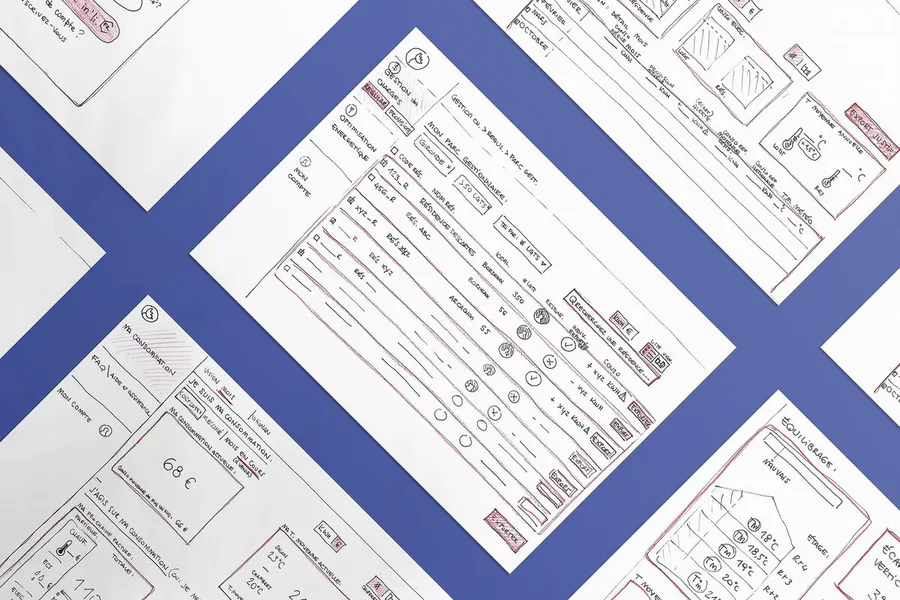
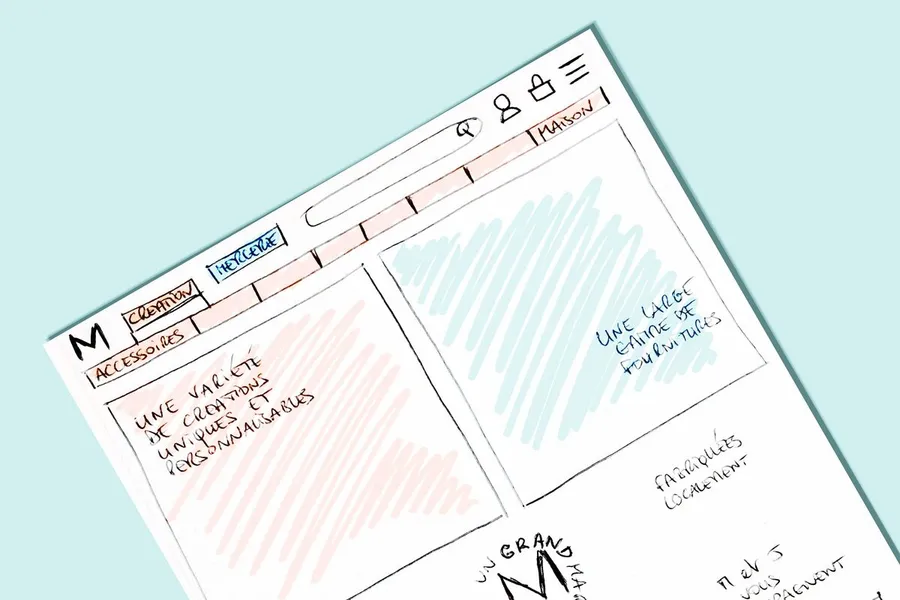
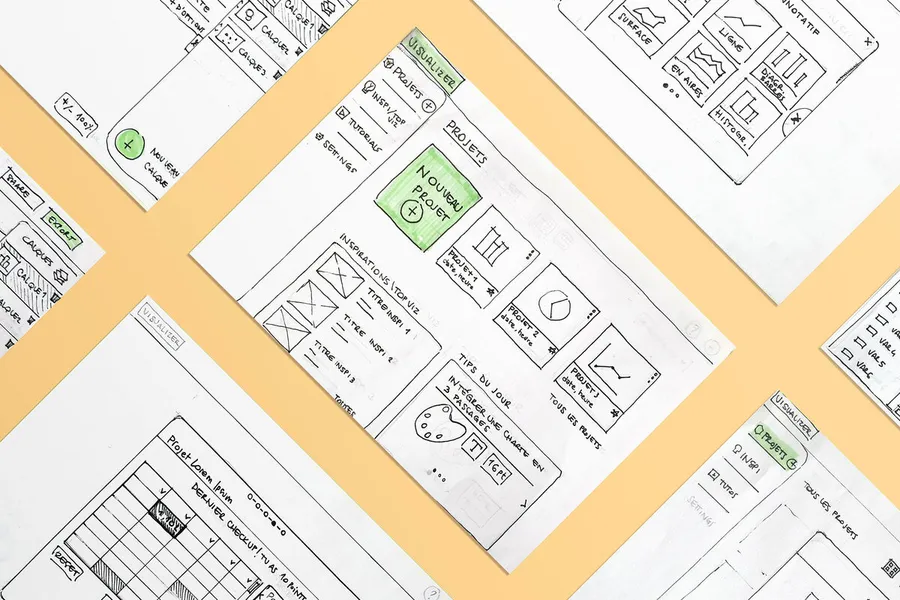
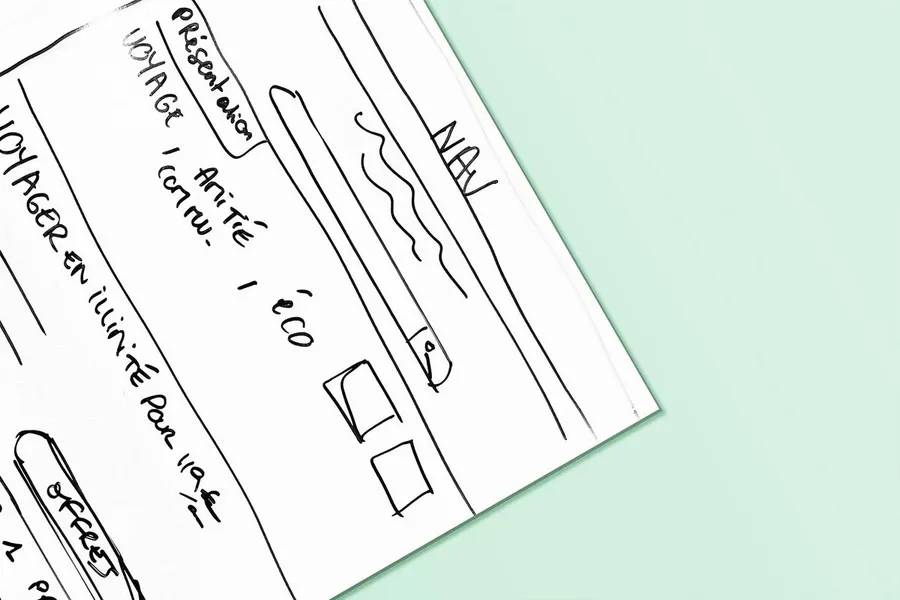
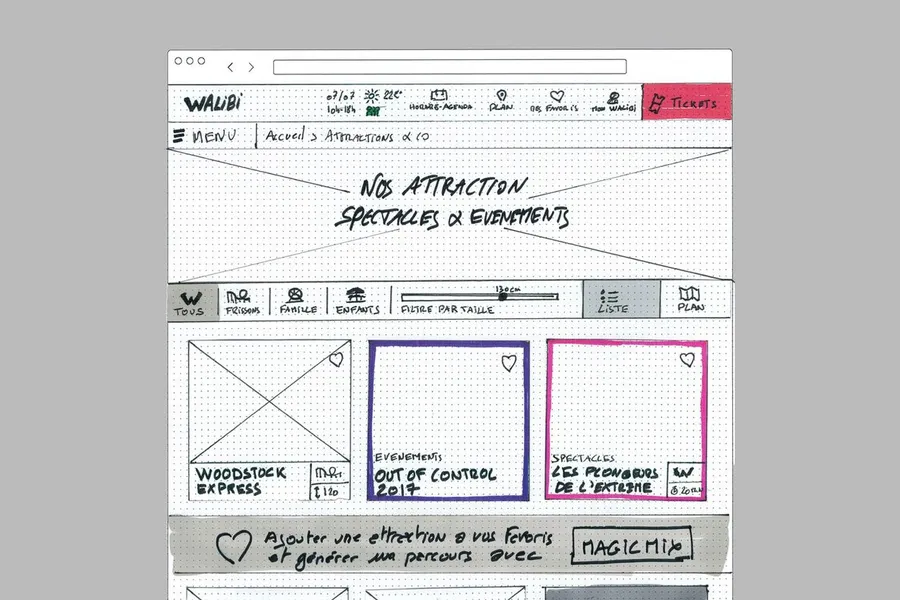
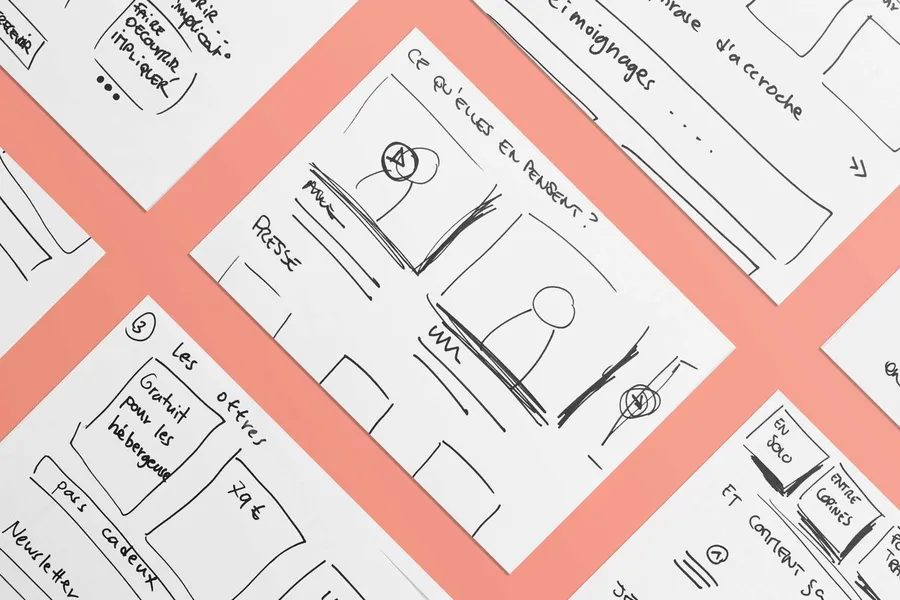


To start designing, you don't need a professional design tool. The aim is to sketch out ideas and iterate while change is still cheap.
Read more about Co-sketching workshopBased on collective intelligence, these workshops surface solutions with the project team and/or the end users.
Read more about Co-design workshopThe site map describes how your interface content is organised into a limited number of categories.
Read more about Site mapEveryone talks about user experience, service design, ergonomics...
It's not always clear, and you'd like to find out, or sharpen what you already know.