


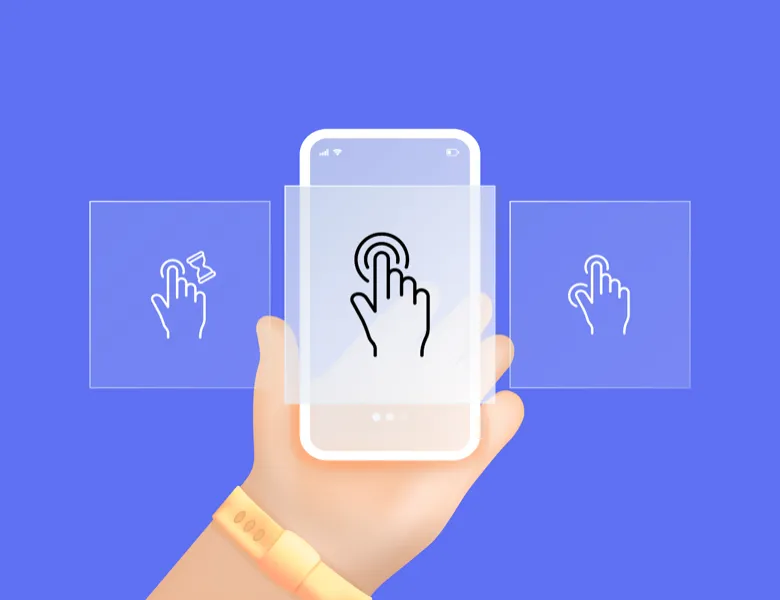


Animating a button, validating a form field in real time, indicating a loading time, changing state when hovering over an element... all these micro-interactions, which we no longer even notice, are the ones that bring dynamism to your product. They turn a simple, functional product into a product that's enjoyable to use.
And beyond making the journey more appealing through these small actions, micro-interactions serve above all to guide the user. They show which elements you can or can't interact with, they indicate the state of a component, they signal a value. Ultimately, it's all these small interactions that let the user truly understand your product and interact with it.
Adding micro-interactions to your product is not a bonus, it is a necessity. Without realising it, the user is guided throughout their experience by these micro-interactions.
Is this button clickable? Has my submission been registered? Is my image actually uploading? Every small interaction must provide an answer to the user, and it is often through micro-animations that this answer appears. Discreet as they are, they play a fundamental role in the perceived quality of a product.
Beyond their informative value, micro-interactions also contribute to the emotion a user can feel when using a product: they make it smoother, more dynamic, more pleasant.
They help guide the user and reduce uncertainty: a user can immediately understand whether an action they carried out really did work. They help make the interface more pleasant and simpler to use.
The trigger (click, hover, loading), the rules (what should happen in response to the trigger), the feedback (how the interface communicates to the user what's happening) and the loops/modes (the possible repetition or duration). These structures help design intentional micro-interactions rather than merely aesthetic ones.
They have to be short and have a purpose. They should make things easier for the user and not disrupt them in their activity.
You can use several tools. Figma, ProtoPie or Framer will let you create micro-interactions. For the most part, all the current design tools you might use have a prototyping feature that will let you create micro-interactions very easily. For the more complex ones, you can use libraries such as Lottie (vector animation).


Interaction design defines what a user can do and how a product responds to actions: flows, states, transitions, feedback.
Read more about Interaction designUI design shapes the visual layer of a product: layout, colours, typography, components. It turns the experience into tangible, interactive elements.
Read more about Interface designDark patterns are interfaces designed to manipulate. From the confusing cookie banner to the subscription trap, the European DSA has banned them since 2023.
Read more about Dark patternsAffordance is the ability of an interface element to suggest its use. Donald Norman popularised the concept: in digital design, only perceived affordance counts.
Read more about AffordanceA component library, useful for UX/UI designers and developers alike, that exhaustively lists the graphic elements of a digital product.
Read more about Design SystemEveryone talks about user experience, service design, ergonomics...
It's not always clear, and you'd like to find out, or sharpen what you already know.