Figma

Concept

The collaborative tool for design teams

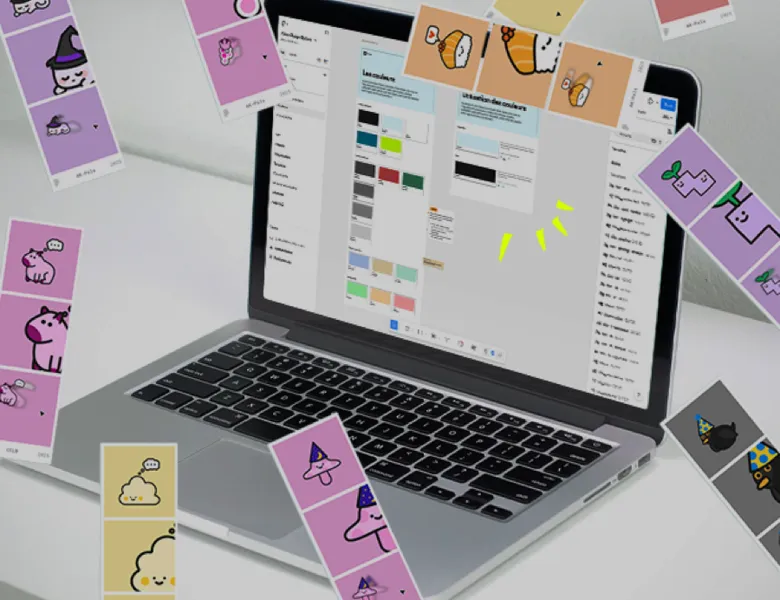
Figma is the leading collaborative design tool for UX/UI teams. It's an ecosystem of SaaS software built for collaborative work, where several members of the same team can work simultaneously on the same Figma file. Designers can mock up, prototype and document. Project managers can comment. And developers can retrieve the elements and the measurements of the design. In short, Figma lets you share interfaces in an online environment accessible to everyone.

Figma's strength also lies in its prototyping feature, which lets you create interactions and run user tests as close as possible to the final development.

What is it for?

  • Designing pixel-perfect interfaces and prototyping them to run realistic user tests
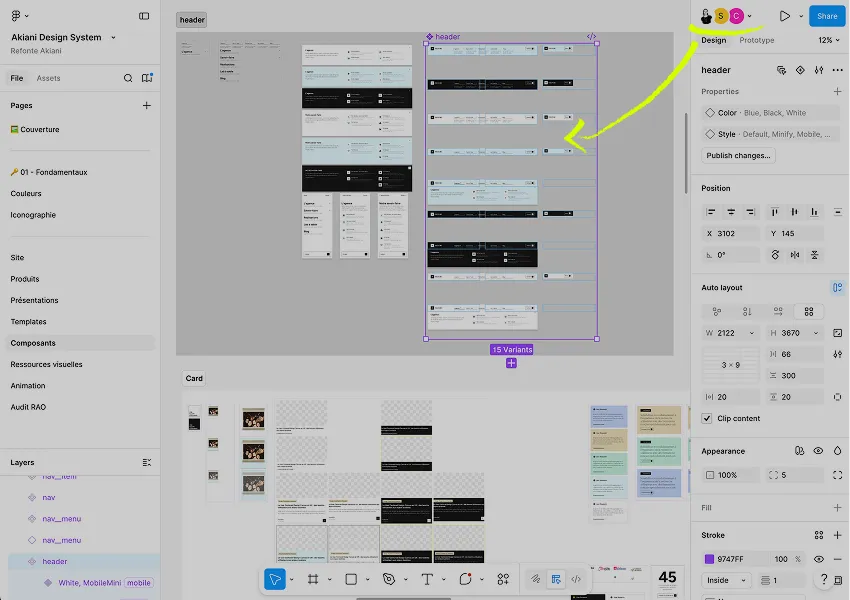
  • Maintaining and sharing a design system with reusable components
  • Easing the handoff between designers and developers thanks to the variables, similar to Design Tokens, introduced in 2023.
  • Collaborating in real time with all the stakeholders of a project

What's the need?

  • Centralising the whole design process in a single tool (wireframe, high-fidelity UI mockup, prototype, comments…)
  • Versioning and documenting the changes to a design system
  • Letting non-design teams (product, dev) access the mockups without a paid licence

An American tool whose sovereignty raises questions

Figma is a powerful tool, central to the industry. Its lead in the field is considerable and makes it an essential tool in our line of work. We are aware of the risk that this dependence on a proprietary tool imposes. We haven’t yet found a European alternative comparable to Figma, but we keep digging into the question.

Figma: much more than a simple design tool

In recent years, Figma has evolved beyond being a simple design tool. New applications have appeared alongside Figma Design to cover different parts of the Design Thinking method:

  • FigJam: a whiteboard for running remote collaborative workshops, such as journey-mapping workshops.
  • Figma Slides: a presentation tool, similar to PowerPoint and Google Slides, for preparing presentations. Its advantage is that it makes it easy to embed Figma Design prototypes in a presentation.
  • Figma Buzz: for creating quickly replicable communication templates, such as social media posts.
  • Figma Make: for building a functional prototype more quickly from our designs, with the help of AI
  • Figma Draw: AI-generated vector illustrations to illustrate our mock-ups or serve as inspiration for moodboards.
  • Figma Weave: an AI-assisted workflow for graphic creation, offering more adaptability through a “node” link system
  • Figma Motion: for creating micro-animation and more advanced interaction design directly within the Figma Design interface

Frequently asked questions

Prototype

More or less advanced animation of the screens to present a dynamic journey to users and gather feedback.

Read more about Prototype

Wireframe

A wireframe is a mockup describing the zones and essential components an interface should contain.

Read more about Wireframe

Design System

A component library, useful for UX/UI designers and developers alike, that exhaustively lists the graphic elements of a digital product.

Read more about Design System

Design Kit

The UI Design Kit is the library of visual components (buttons, forms, cards, navigation). It embodies the design system in Figma to design consistently.

Read more about Design Kit

Curious to learn more about us?

Everyone talks about user experience, service design, ergonomics...
It's not always clear, and you'd like to find out, or sharpen what you already know.

Let's talk