What is Spline?
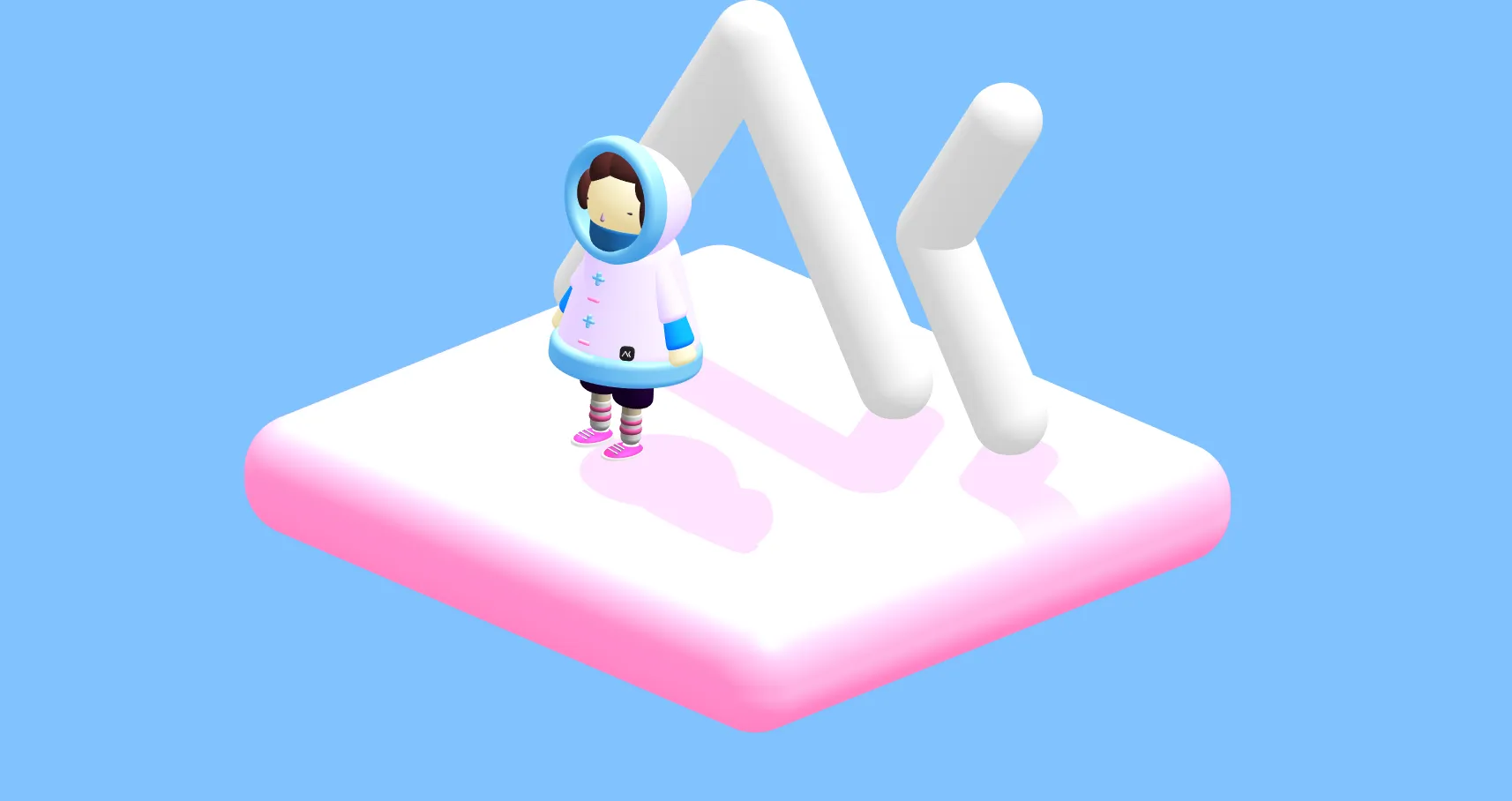
Spline (opens in new window) is a free 3D creation tool, available on Windows and Mac. The founder Alejandro León explains that, with his team, he wanted to: “make 3D creation simple, low-cost and fast”.
It lets you create 3D web experiences, even for designers who, like me, have always broken out in a cold sweat at the sight of slightly bloated 3D software.
The tool is ambitious: it lets you create, animate and export, with a very straightforward learning curve… in short, brilliant! 🦶
This tool might just reconcile me with 3D 😃. It offers the ability to create objects using a palette of shapes you can assemble and modify, add textures, manage light and the camera, and finally, animate the whole thing.
Presenting the interface
Spline has a very easy-to-use interface, similar to the software we are used to working with, such as Sketch, Adobe XD, Photoshop or Illustrator.
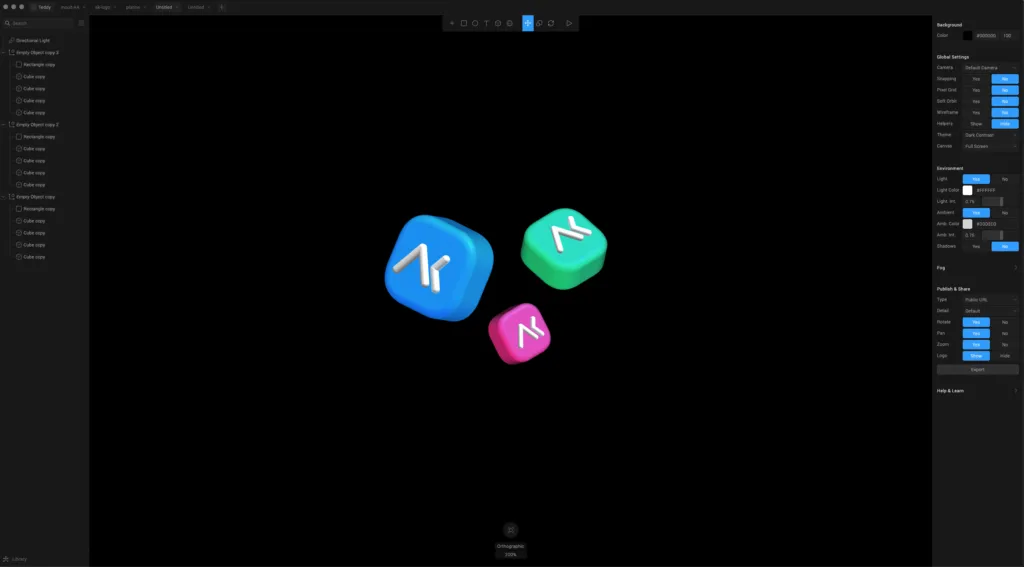
The tool’s dark mode aims to be classic, simple and clean. You’ll find the workspace in the centre. Then a panel on the left with the layers and a panel on the right with the settings for the scene or the selected objects. At the top, the toolbox, and at the bottom, direct access to the various views.
The learning curve is gentle, which lets you get familiar with the keyboard shortcuts for moving around the scene. The tool lets you rotate creations at any time to see the 3D render.
Building your illustration
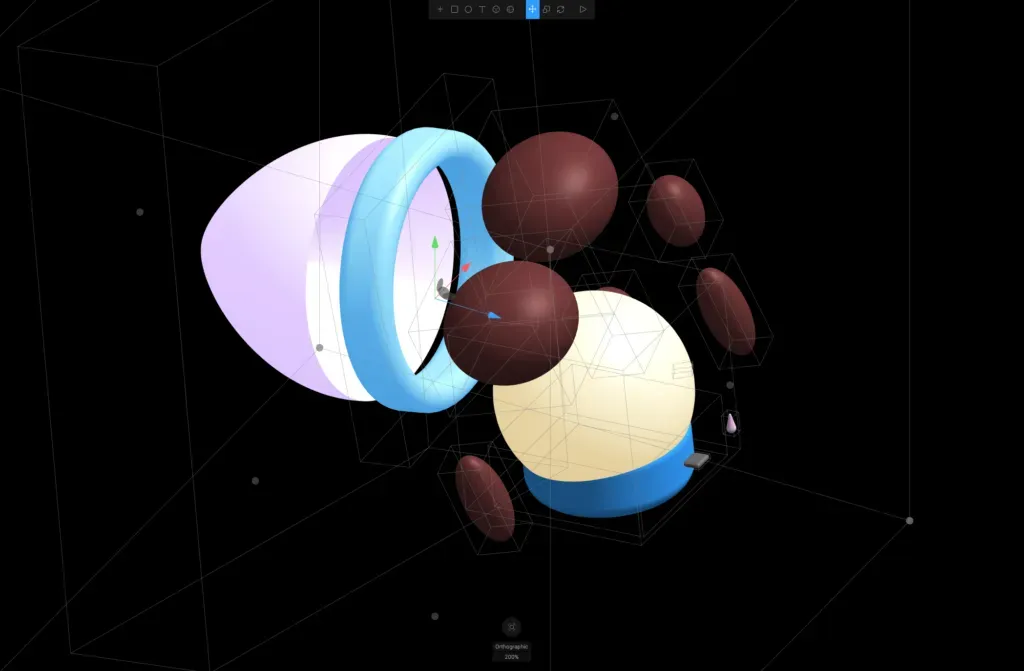
Palettes of 3D and 2D shapes are available to compose our creations. Each object is editable in the settings panel on the right of the screen: colour/light, shape, render, texture.
In the end, you quickly get into the swing of assembling and nesting shapes together. The approach is very playful.
At first, the result can look like Mr Potato Head, but with a bit of practice you can really make interesting things. It forces us to think of our creations in a more geometric and structural way, which opens up the space for creative experimentation.
Using light
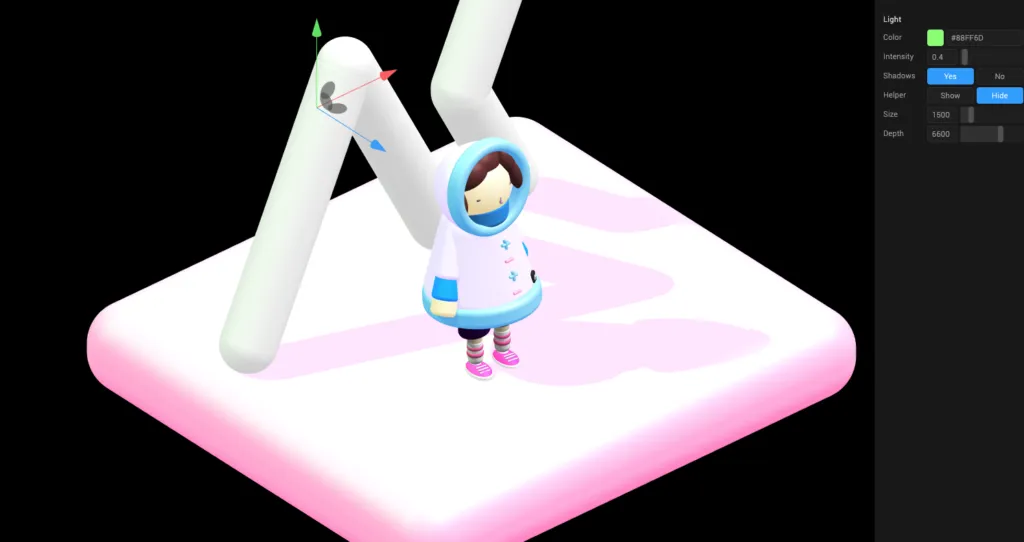
You can play with light in several ways. By changing the scene settings directly in the right-hand panel, or by adding one or more new light sources from the menu onto your scene.
Animating your creations
You can animate the objects, the camera, the zoom, and create interactive elements without having to touch any code 😊
Exporting
To export your creations, several options are available with the free version:
- a .jpg or .png image format,
- a web format, to generate a public URL and see your creations in any browser,
- the JavaScript, HTML and CSS formats for integration into a website.
When it comes to video export, you’ll have to dig into your wallet and treat yourself to the pro version.
Conclusion
What makes Spline interesting is the way it lets 2D designers create 3D illustrations to bring websites to life in a simple, quick way. Unlike more traditional 3D software, Spline doesn’t require deep expertise in 3D.
You can create engaging content for your site and let users interact with these elements that mix vector and 3D.
Note that the software is still being improved, with regular updates available on their site.
Now it’s up to you to give Spline (opens in new window) a try 🙌
And if you’d like to browse the documentation, it’s here (opens in new window).